Mano AI
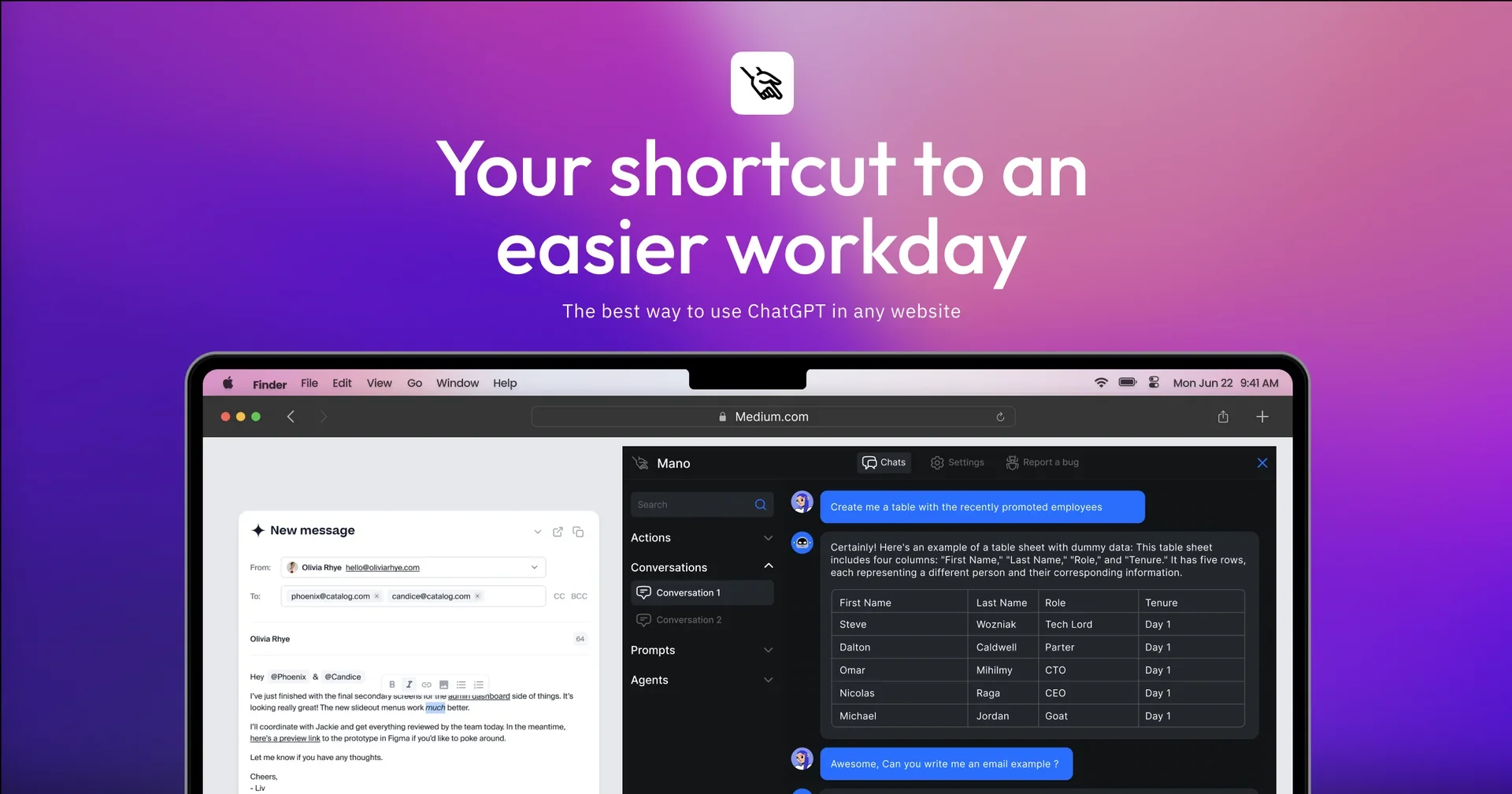
Description
🖼️ Tool Name:
Mano AI (also referred to simply as Mano)
🔖 Tool Category:
AI-powered productivity assistant; falls under Productivity & Automation, Smart Assistant, and Content Creation & Communication.
✏️ What does this tool offer?
Mano AI is a Chrome extension (also available on other Chromium browsers) that embeds AI productivity tools—powered by GPT‑4—directly into your browsing experience. Triggered by a keyboard shortcut (Option + M), it enables tasks like summarizing articles, writing emails, generating prompts, explaining complex topics, and interacting with on-screen text—all without switching tabs. It also includes pre-made "Agent" tools like a Travel Guide or Prompt Generator to assist with specialized tasks.
⭐ What does the tool actually deliver based on user experience?
Instant, context-aware assistance: Summarizes text, explains complex ideas, drafts emails—directly from within pages you’re browsing.
Expertly curated Agents: Predefined workflows (e.g., Travel Guide, Prompt Generator) that streamline frequent tasks.
Seamless web integration: Mano can access your screen content, fetch new information, and support real-time summarization without disrupting workflow.
"Chain of Thought" multi-step reasoning: Enables Mano to search the web, plan tasks, execute queries, and summarize results—all autonomously.
🤖 Does it include automation?
Yes — Mano automates:
Summarization, content explanation, and prompt generation in one click.
Multi-step task execution via reasoning and web actions.
Context retention: Mano reads on-screen content to provide relevant AI outputs without losing your place.
💰 Pricing Model:
Freemium model with a free trial and tiered plans—ranging from Solo usage to Team/Enterprise options with extra features like shared Agents and admin controls.
🆓 Free Plan Details:
Free trial available, allowing users to test functionality before subscribing.
💳 Paid Plan Details:
Starter Plan (~$19/month, billed annually)
Ultimate Plan (~$29/month, billed annually)
Team Plan (~$29/month per user, billed annually)
🧭 Access Method:
Chrome or Chromium extension lets you trigger Mano via the ⌥ + M shortcut.
API access also offered for integration into custom workflows within your own apps or platforms.
🔗 Experience Links:
https://manus.im