TimeHero
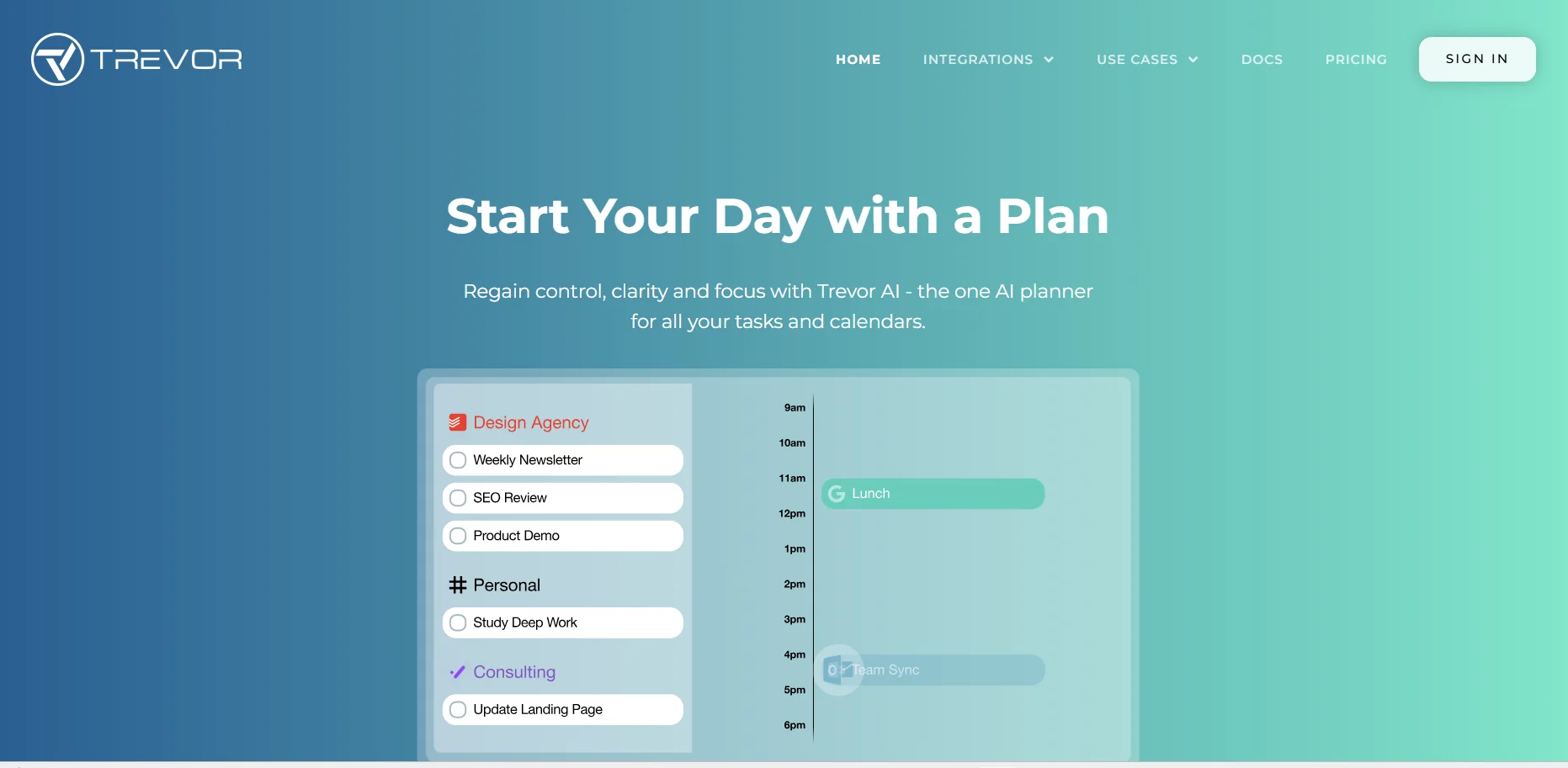
Description
️ 🖼Tool name:
TimeHero
🔖 Tool Category:
AI Task & Project Management
️ ✏What does this tool offer?
Automatic planning of daily tasks and recurring tasks based on artificial intelligence.
Direct integration with Google Calendars and Outlook 365.
Project management and list creation.
Integration support with tools like Asana.
Automate workflows and build templates for repetitive tasks.
Create advanced reports, Forecasts, Gantt Charts, and Workload Analysis.
Automate time tracking (Timesheets) to manage effort.
⭐ What does the tool actually do based on user experience?
Helps minimize the chaos of too many daily tasks thanks to smart scheduling.
Suitable for SMEs that need a tool that combines task and project management.
Praised for its intuitive interface and integration with everyday work tools.
Some users point out that the strongest feature is the ability to automate and create smart workflows that minimize manual labor.
🤖 Does it include automation?
Yes -
Automatic scheduling of tasks according to availability and priorities.
Automatically create recurring tasks.
Automate workflows via ready-made or customized templates.
Automated generation of reports and work schedules.
💰 Pricing model:
Monthly or annual subscription (with up to 18% discount when paying annually).
🆓 F ree plan details:
7-day free trial.
No credit card needed.
💳 Paid plan details:
Basic - $4.60/month per user:
Simple daily task planning.
Sync with Google and Outlook 365.
Set tasks and notifications (@mention).
Integration with Asana.
Professional - $10/month per user:
All Basic features.
Create projects and lists.
Support for recurring tasks.
Premium Integrations.
Premium - $22/month per user:
All Professional features.
Workflow Template Builder.
Automated Timesheets.
Advanced reports, forecasts, Gantt charts, and load analysis.
🧭 How to access:
Via the official website timehero.com.
Available as an integrated web application with other productivity tools.
🔗 Trial link:
https://www.timehero.com/