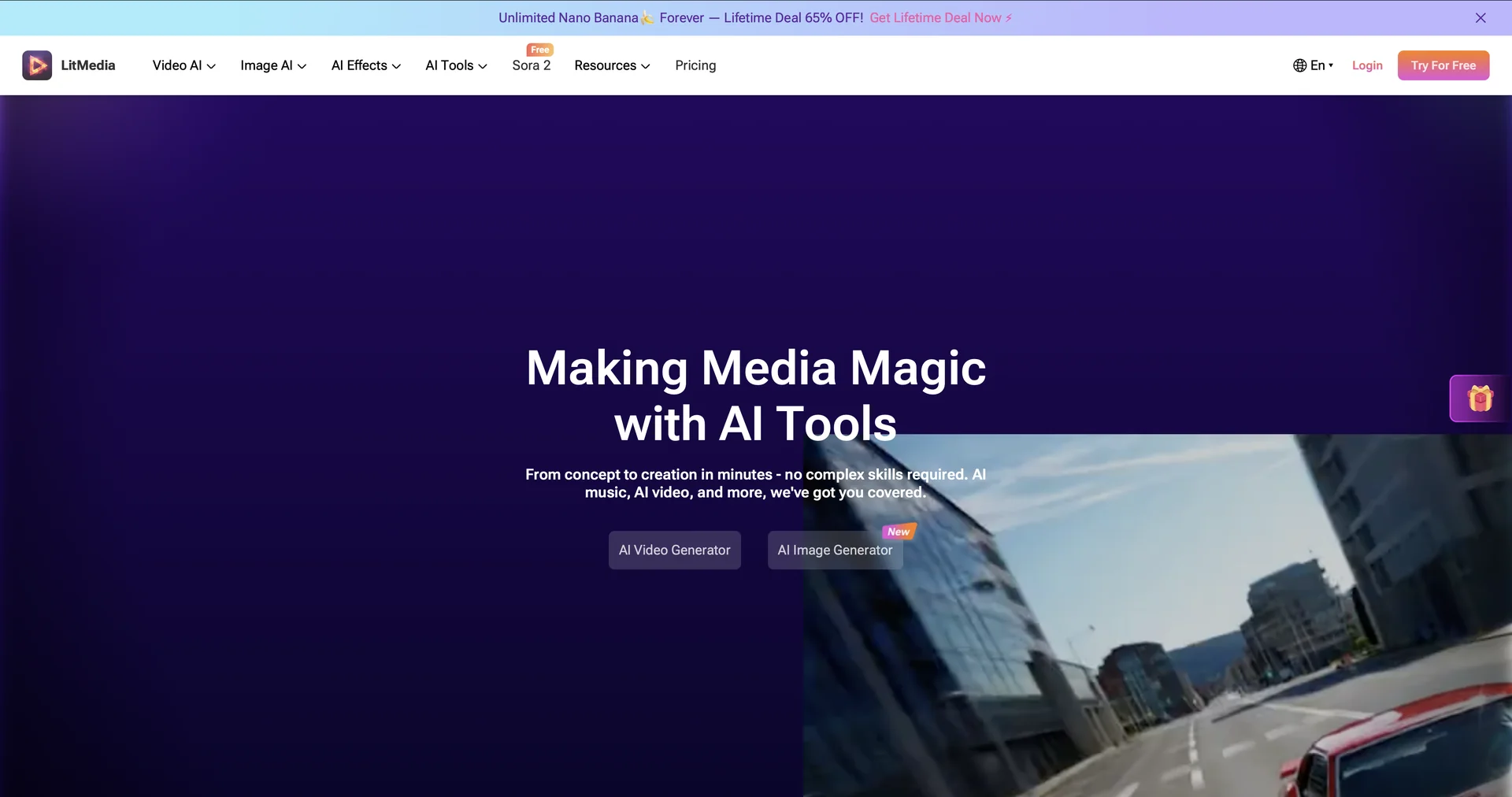
Features
- Generates video clips from text prompts, up to 60 seconds
- Animates still images with specific movements
- Creates lip-synced talking-head videos from an image and audio
- Applies AI filters to real footage to change the environment
- Switches between engines like Sora, Luma and Kling
- Camera controls such as pan, tilt, zoom and drone-style shots
- Template library for TikTok, Instagram Reels and YouTube Shorts
- Output up to 48 or 60 FPS
Pricing Details
💵 Pricing (January 2026 Status) LitVideo operates on a credit-based system or fixed monthly subscriptions: Plan Price (Approx.) Key Features Free Plan $0 Daily free credits; Access to basic models; Includes watermarks. Creator Monthly ~$15.00 / mo No watermarks; HD exports; Access to advanced models like Kling and Luma. Pro / Agency ~$39.00 / mo 4K resolution; Priority generation queue; Early access to Sora 2 engine. Annual Plan ~$99.00 / yr Best Value. All Pro features at a significant discount for long-term creators. 🎁 Free Version: LitVideo is very generous with its mobile app (LitVid), offering free daily credits to users. This allows you to generate several clips per day for free, making it one of the most accessible "High-End" AI video tools.