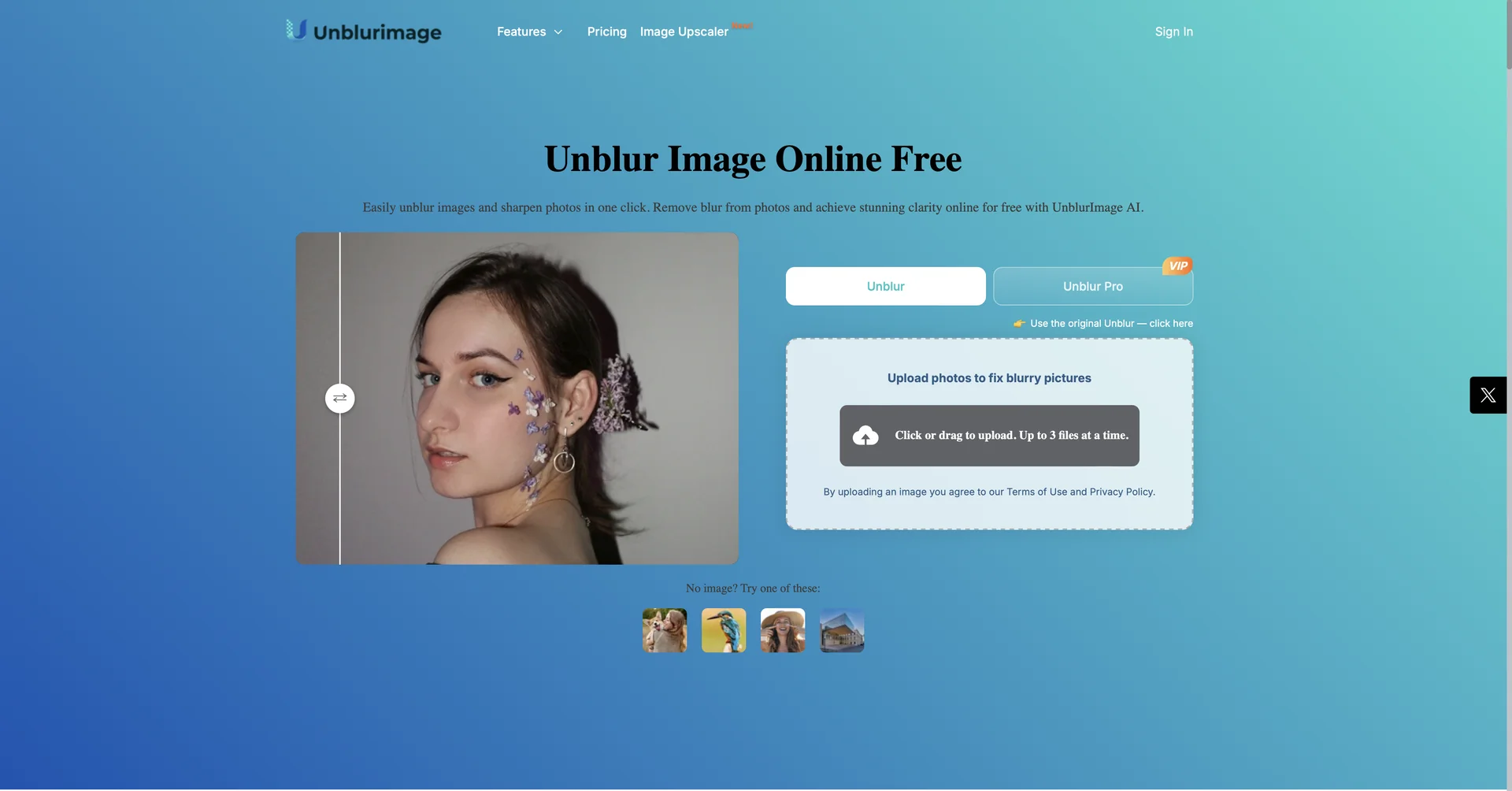
Description

🖼️Tool Name:  

UnblurImage AI

✏️ What makes UnblurImage AI unique in 2026?

  • Intelligent Noise Elimination: Unlike basic filters that blur noise (making the photo soft), this AI identifies ISO noise, scan grain, and compression artifacts to remove them while increasing sharpness.

  • 4x Ultra-HD Upscaling: It can take a tiny, blurry thumbnail and upscale it to 4x its original size at 4K resolution, making it suitable for professional printing or large-scale presentations.

  • Face-First Restoration: The 2026 "Portrait Mode" uses a dedicated facial landmark model to ensure that eyes, lips, and hair are restored with realistic detail without creating the "plastic" look common in older AI tools.

  • Batch Processing for Guests: Unregistered users can process up to 3 images at once, while registered users can handle batches of 5+, making it faster for small projects.

  • Format Versatility: Native support for JPG, PNG, WEBP, and HEIC, ensuring compatibility with everything from professional DSLRs to modern iPhones.

  • Context-Aware Sharpening: The AI distinguishes between "intentional blur" (like bokeh/depth of field) and "accidental blur" (camera shake), leaving your artistic backgrounds soft while snapping the subject into focus.

⭐️ User Experience (2026):

  • "The Memory Rescuer": Rated 4.7/5. It is the go-to tool for restoring old family photos and rescuing "once-in-a-lifetime" shots that were ruined by a shaky hand.

💵 Pricing & Plans (February 2026 Status)

UnblurImage AI maintains a high-value free tier alongside professional subscriptions:

PlanPrice (Approx.)Key Features
Free Tier$0No cost for basic unblurring; Web-based; Up to 3 batch images.
Pro / Weekly~$9.99 / wkUnlimited high-speed processing; 4K upscaling; No ads; Commercial rights.
One-Time CreditsStarts ~$4.00Pay only for what you use; Best for one-off high-resolution restorations.

🎁 How to Get Started:

Visit unblurimage.ai. Click on "Unblur," upload your shaky or out-of-focus photo, and let the AI process it. Within 60 seconds, you can preview the "Before & After" and download the sharpened version.

⚙️ Access or Source:

  • Official Website

  • Category: AI Image Editing, Photo Restoration, E-commerce Tools.

  • Primary Use Case: Fixing shaky photos, sharpening blurry text in documents, and upscaling low-quality images for professional use.

🔗 Experience Link: 

https://unblurimage.ai/

Pricing Details

💵 Pricing & Plans (February 2026 Status) UnblurImage AI maintains a high-value free tier alongside professional subscriptions: Plan Price (Approx.) Key Features Free Tier $0 No cost for basic unblurring; Web-based; Up to 3 batch images. Pro / Weekly ~$9.99 / wk Unlimited high-speed processing; 4K upscaling; No ads; Commercial rights. One-Time Credits Starts ~$4.00 Pay only for what you use; Best for one-off high-resolution restorations. 🎁 How to Get Started: Visit unblurimage.ai. Click on "Unblur," upload your shaky or out-of-focus photo, and let the AI process it. Within 60 seconds, you can preview the "Before & After" and download the sharpened version.