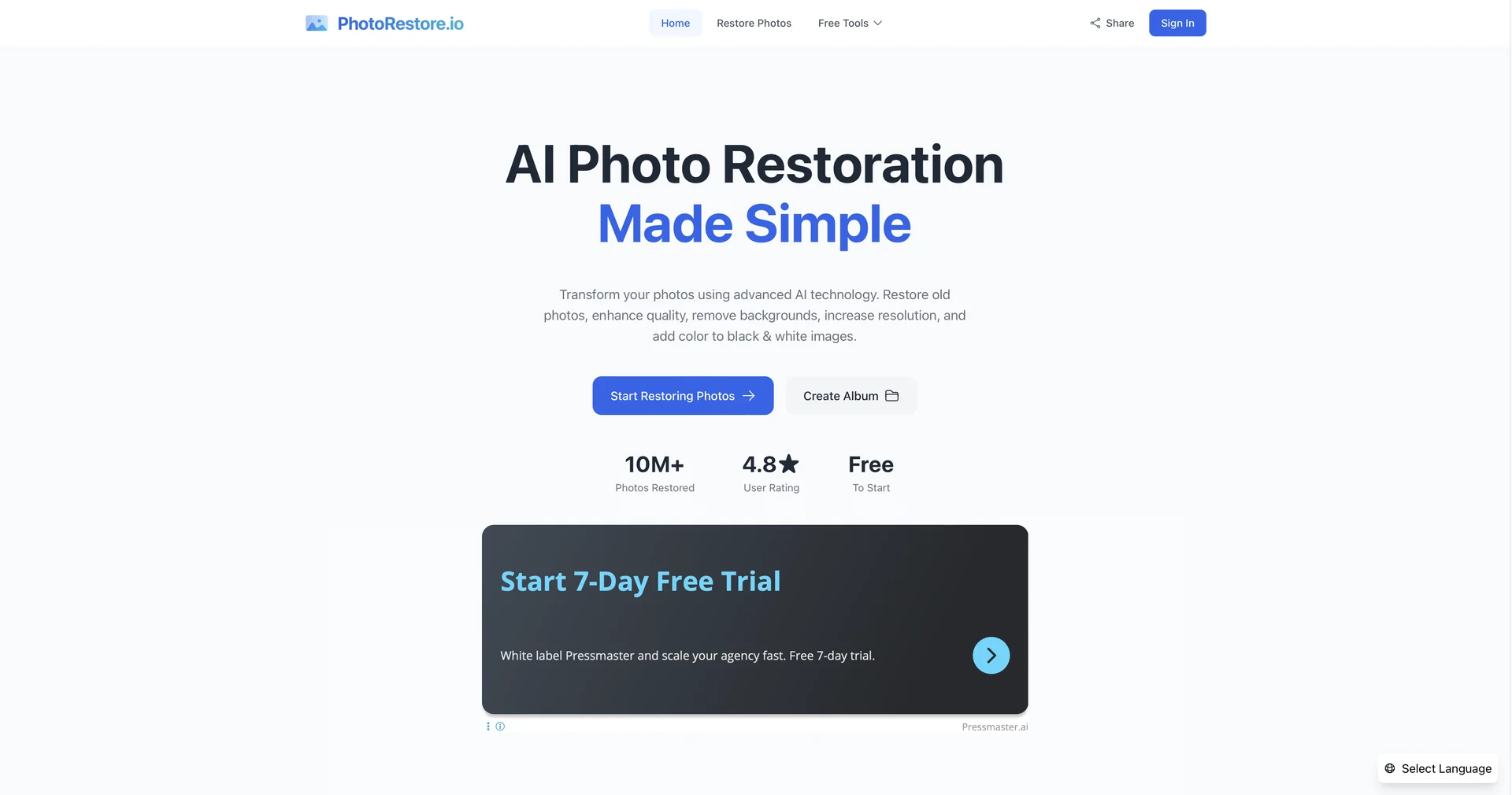
Description

🖼️Tool Name:

 PhotoRestore.ai

✏️ Overview & AI Features (2026 Edition):

  • Damage-Specific Neural Networks: Unlike standard sharpeners, this tool uses models trained specifically on "emulsion cracks" and "corner creases," allowing it to fill in missing parts of a photo by analyzing the surrounding grain and texture.

  • Face Enhancement (Portrait Pro): If a person’s eyes or mouth are blurred due to age-related fading, the AI reconstructs them to look sharp while maintaining the original person's unique likeness (avoiding the "generic AI face" look).

  • Natural Colorization: The AI doesn't just guess colors; it analyzes the gray-scale density and historical context to apply realistic skin tones, sky blues, and fabric colors that look authentic to the 20th century.

  • Batch Archive Mode: (New in 2026) Allows users to upload an entire digitized album (up to 50 photos) and process them with a unified "Historical Preset" to ensure the whole collection looks consistent.

  • Resolution Upscaling (8K Ready): Can upscale small, low-res scans into high-definition 8K images, making them suitable for large-format printing and framing.

  • Privacy-First Processing: Securely processes sensitive family photos; in 2026, it offers an "Encrypted Session" mode where images are auto-deleted immediately after download.

⭐️ User Experience (2026):

  • "Digital Time Travel": Rated 4.8/5. It is highly praised for its "One-Click" simplicity—you don't need to be a Photoshop expert to get professional-grade results.

💵 Pricing & Plans (February 2026 Status)

PhotoRestore.ai offers a mix of free trials and premium passes:

PlanPrice (Estimated)Key Features
Free Tier$0Up to 5 free restorations; Standard resolution; Watermarked.
Pro Monthly~$6.99Unlimited restorations; 4K upscaling; Colorization included; No ads.
Heritage Pack~$29.00One-time payment for 500 high-res credits; Best for digitizing large family archives.
Business / APICustomFor professional archivists and museums; Batch processing; Custom API access.

🎁 How to Get Started:

Visit photorestore.io or photorestore.ai. Drag and drop an old scan of a family portrait. Select "Full Restoration" + "Colorize," and within 10 seconds, you’ll see the transformed image.

⚙️ Access or Source:

  • Official Website

  • Category: AI Photo Restoration, Image Enhancement, Digital Archiving.

  • Primary Use Case: Reviving torn or faded family heirlooms, colorizing historical monochrome photos, and upscaling low-quality scans for printing.

🔗 Experience Link:

https://www.photorestore.io/

Pricing Details

💵 Pricing & Plans (February 2026 Status) PhotoRestore.ai offers a mix of free trials and premium passes: Plan Price (Estimated) Key Features Free Tier $0 Up to 5 free restorations; Standard resolution; Watermarked. Pro Monthly ~$6.99 Unlimited restorations; 4K upscaling; Colorization included; No ads. Heritage Pack ~$29.00 One-time payment for 500 high-res credits; Best for digitizing large family archives. Business / API Custom For professional archivists and museums; Batch processing; Custom API access. 🎁 How to Get Started: Visit photorestore.io or photorestore.ai. Drag and drop an old scan of a family portrait. Select "Full Restoration" + "Colorize," and within 10 seconds, you’ll see the transformed image.