Description

🖼️ Tool Name:

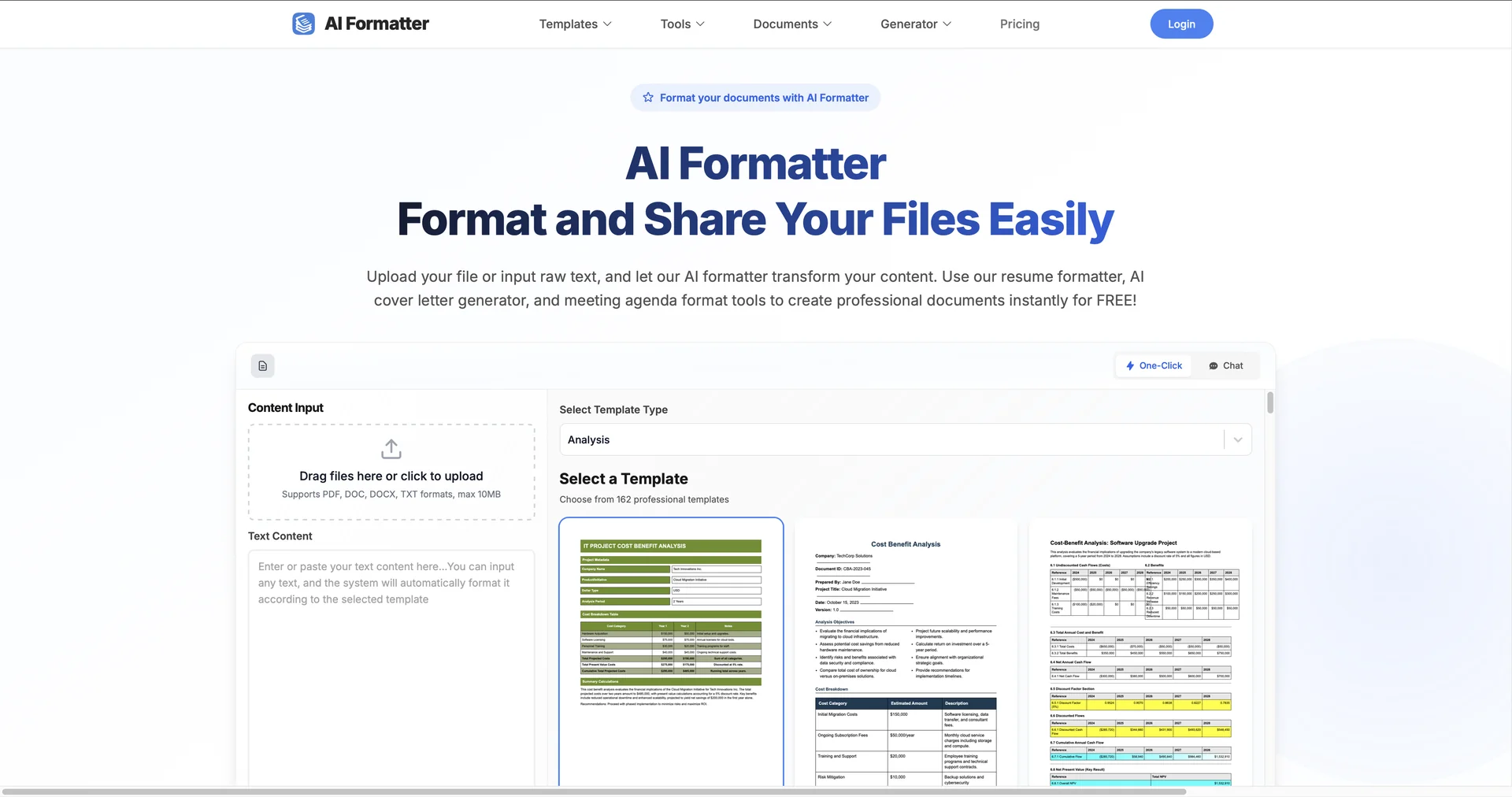
AI Formatter

✏️ Overview & Key AI Features (2026 Edition):

  • Universal Syntax Recognition: The AI instantly identifies the language of pasted content (JSON, SQL, XML, HTML, Python, etc.) and applies the correct global indentation and spacing standards.

  • Smart Converter (Cross-Format): Beyond formatting, it can intelligently transform data between types—such as converting a complex JSON object into an Excel-ready CSV or a clean Markdown table.

  • Minify & Unminify Pro: Essential for web developers; it can compress code to its smallest possible footprint for production or expand "minified" production code into an editable, readable format.

  • Large File Handling (Up to 50MB): While standard browser tools often crash with large datasets, AI Formatter’s 2026 engine uses "Stream-Processing" to format massive files in the browser without freezing.

  • Structural Validation: It doesn't just make things look good; it acts as a "Linter," highlighting syntax errors (like missing commas or unclosed brackets) that prevent code or data from working.

  • SQL Query Optimizer: A specialized module that reformats complex, "spaghetti" SQL queries into a clean, logical hierarchy for better database management.

⭐️ User Experience (2026):

  • "The Developer’s Safety Net": Rated 4.6/5 by the engineering community. It is praised for its "Zero-Knowledge" security approach—processing all formatting locally in the browser so sensitive data never hits a server.

  • Speed of Execution: Users value the "Instant-Clean" feature, which allows for rapid-fire cleaning of API responses during the debugging process.

💵 Pricing & Plans (March 2026 Status):

AI Formatter remains one of the most accessible technical tools with a robust "Free-Forever" utility.

PlanPrice (Approx.)Key Features
Community / Free$0Unlimited standard formatting; Recognition for 50+ languages; Max file 1MB.
Pro / Power User~$5 / moLarge file support (up to 50MB); Advanced converters; Ad-free experience; Offline mode.
Developer APICustomProgrammatic access to the formatting engine; Webhook support; Batch processing.

🎁 How to Get Started:

Visit You don't need an account to start. Simply paste a messy block of JSON or an unreadable SQL query into the main window and click "Format" to see the 2026 structural engine in action.

⚙️ Access or Source:

  • Official Website

  • Category: Data Cleaning, Developer Utilities, Technical Automation.

  • Primary Use Case: Streamlining technical workflows by instantly organizing, converting, and validating unstructured data and code.

🔗 Experience Link:

https://aiformatter.net

Pricing Details

💵 Pricing & Plans (March 2026 Status): AI Formatter remains one of the most accessible technical tools with a robust "Free-Forever" utility. Plan Price (Approx.) Key Features Community / Free $0 Unlimited standard formatting; Recognition for 50+ languages; Max file 1MB. Pro / Power User ~$5 / mo Large file support (up to 50MB); Advanced converters; Ad-free experience; Offline mode. Developer API Custom Programmatic access to the formatting engine; Webhook support; Batch processing. 🎁 How to Get Started: Visit You don't need an account to start. Simply paste a messy block of JSON or an unreadable SQL query into the main window and click "Format" to see the 2026 structural engine in action.