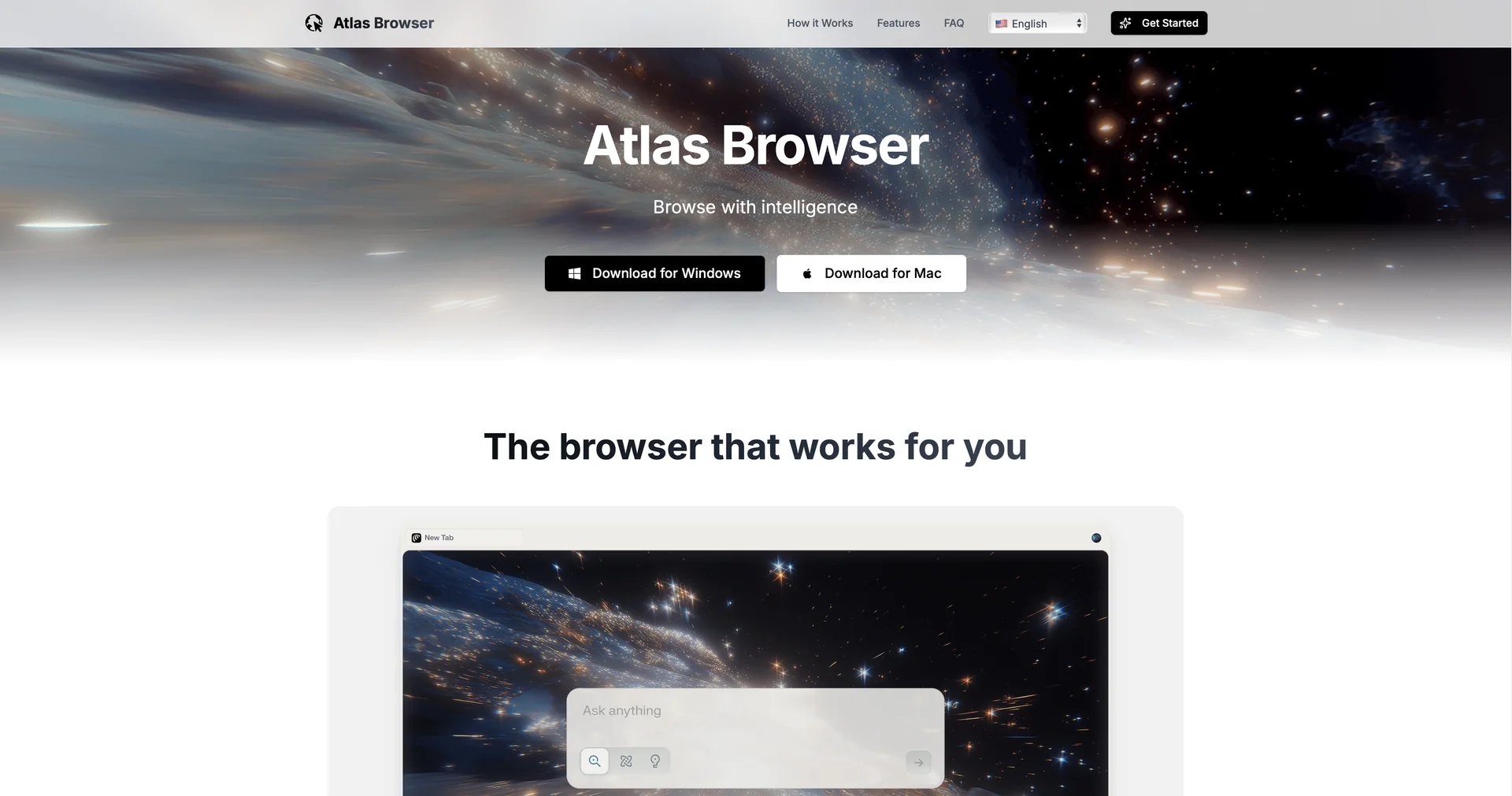
Atlas Browser

Description
🖼️ Tool Name:
Atlas Browser
✏️ Overview & Key AI Features (2026 Edition):
Agent Mode (The 2026 Breakthrough): This is Atlas's standout feature. When activated, the browser UI glows blue, and the AI takes control of the cursor. You can say, "Find me a flight to Tokyo under $800 and add it to my cart," and the AI will navigate, compare, and perform the task autonomously.
Contextual Memory: The browser remembers what you’ve looked at across different sessions. If you spent Monday researching "electric bikes," you can ask on Tuesday, "What were the top three bikes I found yesterday?"and it will recall and compare them.
Inline Reasoning (Cursor Chat): You can highlight text on any page and use a shortcut (e.g.,
Command + K) to have the AI explain code, rewrite an email, or translate a paragraph directly within the webpage's layout.Chromium Foundation: Because it is built on Chromium, Atlas supports all your existing Chrome Extensions, making the transition from Chrome or Edge seamless for developers and power users.
Unified Workspace Interface: Atlas includes a revamped "Tab Search" and "Command Palette" (Ctrl+Space) that lets you execute tasks like "Deploy to Vercel" or "Draft a Slack reply to this email" without leaving the tab.
Privacy-First Agentic Guardrails: To prevent "prompt injection" or unauthorized actions, Atlas 2026 includes sandboxed actions and auditable logs, ensuring the AI only acts within boundaries you approve.
⭐️ User Experience (2026):
"The Browser That Does the Work": Rated 4.8/5 by tech professionals. It is praised for turning the browser into a "lightweight IDE" and a research hub rather than just a viewer.
Efficiency Gains: Research analysts report saving up to 10 hours a week by delegating multi-tab source comparison to the built-in agent.
💵 Pricing & Plans (March 2026 Status):
Atlas Browser follows a freemium model tied to the existing ChatGPT subscription ecosystem.
🎁 How to Get Started:
Visit to download the latest build (currently available for macOS, with Windows/Mobile rollout completing in early 2026). We recommend starting with Agent Mode to automate a tedious task, like "summarizing the last 10 emails" or "comparing prices on three different shopping sites."
⚙️ Access or Source:
Official Website
Support & Release Notes
Category: AI Web Browsers, Autonomous Agents, Productivity Software.
Primary Use Case: Transforming web navigation into a conversational workspace where the AI can understand context and perform multi-step actions on the user's behalf.
🔗 Experience Link:
https://atlasbrowser.net/