Imagine AI Art Generator
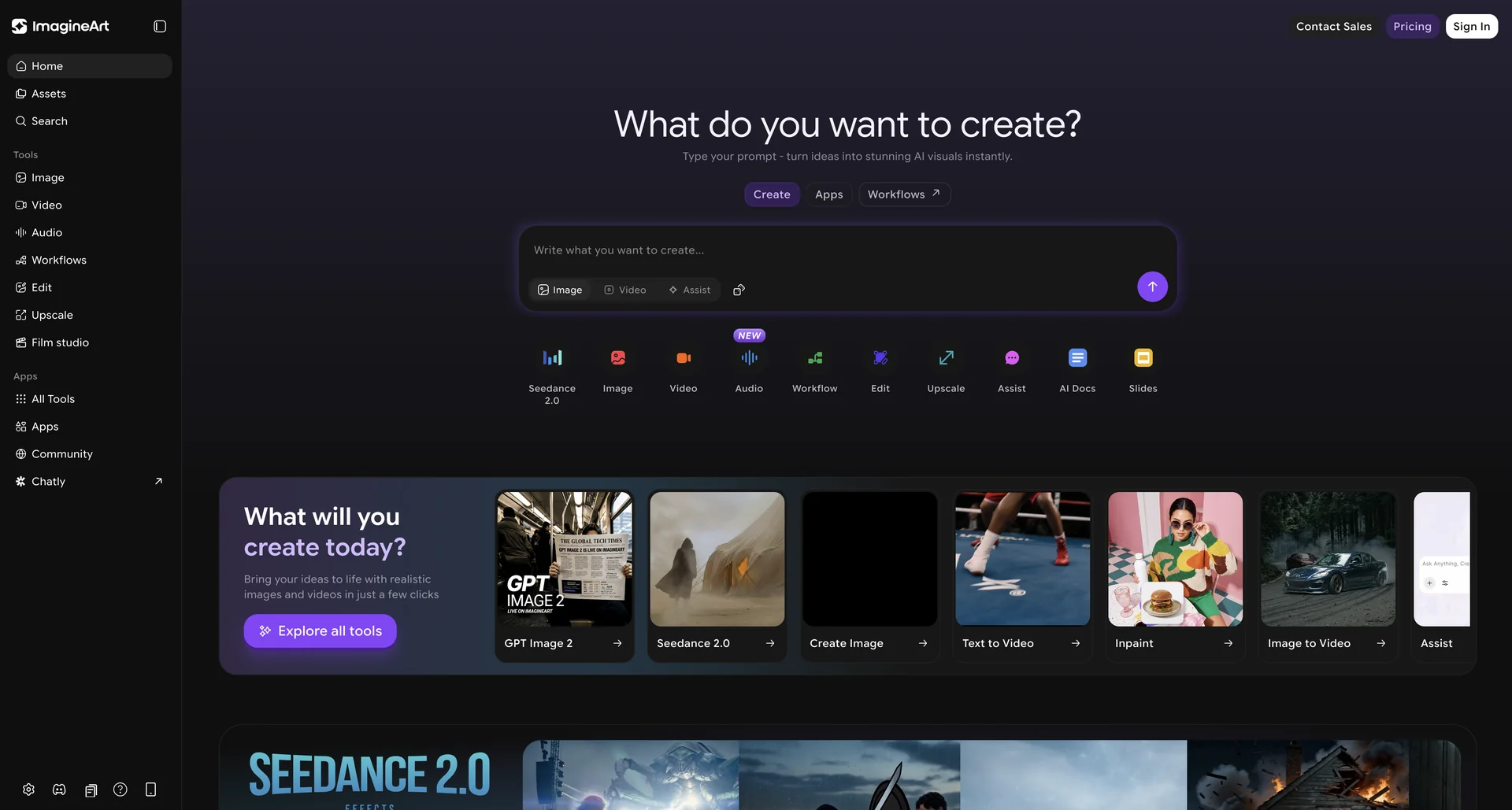
Description
🖼 Tool Name:
Imagine AI Art Generator
🔖 Categories:
Social Templates & Auto-Editing (Viral Effects & Face Swaps)
Video Ideas & Scripting (Text-to-Video)
Summaries, Headlines & Ideas (AI Writing Assistant for prompts)
Integrations & APIs (Imagine API for developers)
✏ What does this tool offer?
ImagineArt is a multimodal AI creative suite developed by Vyro AI. It has evolved from a simple text-to-image tool into a comprehensive studio for images, videos, and professional headshots.
It features Multi-Model Access: Unlike many competitors tied to one engine, Imagine allows users to toggle between proprietary models (like Imagine V4.1) and industry leaders like Flux, DALL-E 3, Grok, and Nano Banana (Google).
The platform offers AI Video Generation: A native "Text-to-Video" and "Image-to-Video" engine capable of creating high-fidelity clips for TikTok, Reels, and YouTube Shorts.
It includes Professional Tools: Dedicated modules for AI Headshots (LinkedIn/resumes), AI Product Photography (instant studio backgrounds), and Photo Restoration (colorizing old memories).
Creative Control: Offers advanced settings like aspect ratio selection, negative prompts, "Image-to-Image" (using a reference photo), and an AI Prompt Expander that turns simple words into descriptive masterpieces.
⭐ What does it actually offer based on user experience?
One-Stop Shop: Users praise it for being a "Swiss Army Knife." Instead of subscribing to Midjourney for art and Remini for enhancement, they do it all in one app.
Speed & Reliability: In 2026, it is ranked as one of the fastest rendering engines on the mobile market, often generating high-res images in under 5 seconds.
Trend Awareness: Reviewers love the "Viral Effects" section, which is updated weekly with trending AI filters (e.g., the "Bear Hug" or "Muscle" effects) popular on social media.
Beginner Friendly: While it has "Pro" settings, the interface is designed for thumb-scrolling, making it accessible for casual creators who don't want to learn complex "prompt engineering."
Consistent Characters: The Character Personalization feature is a standout for writers and designers who need the same character to appear across different scenes or styles.
🤖 Does it include automation?
Yes, ImagineArt automates the technical heavy lifting of digital art:
Automated Prompt Enhancement: The "Imagine Bot" automatically adds artistic keywords to your basic ideas to ensure a high-quality result.
Automated Upscaling: Silently enhances the resolution and sharpness of generated images during the download process.
Automated Background Removal: Instantly isolates subjects for product photography or meme creation.
Automated Video Syncing: Matches motion effects to the rhythm of the prompt description or reference image.
💰 Pricing Model
Item Details: Freemium / Credit-based / Subscription.
General Concept: One of the most generous free tiers in 2026, with 100 tokens refreshed daily for casual users.
🆓 Free Plan Details
Feature: Free Daily Credits / Details: 100 daily tokens for text-to-image and basic effects. Access to in-house models only.
Cost: Free ($0).
💳 Paid Plans (2026 Estimates)
🔹 Basic / Personal
Item: Price / Details: Approx. $15/month.
Item: Features / Details: 1,500 monthly credits, no watermarks, access to premium models (Flux/Grok), and commercial rights.
🔹 Pro / Creator
Item: Price / Details: Approx. $35/month.
Item: Inclusions / Details: 5,000 credits, batch generation (4 images at once), priority "Fast Mode" processing, and AI Video tools.
🔹 API / Enterprise
Item: Price / Details: Usage-based (Approx. $0.01 per image).
Item: Benefits / Details: Dedicated server access for developers building third-party apps.
🧭 How to access the tool:
Available as a mobile app on iOS and Android, or via the web at.
🔗 Experience link or official website: