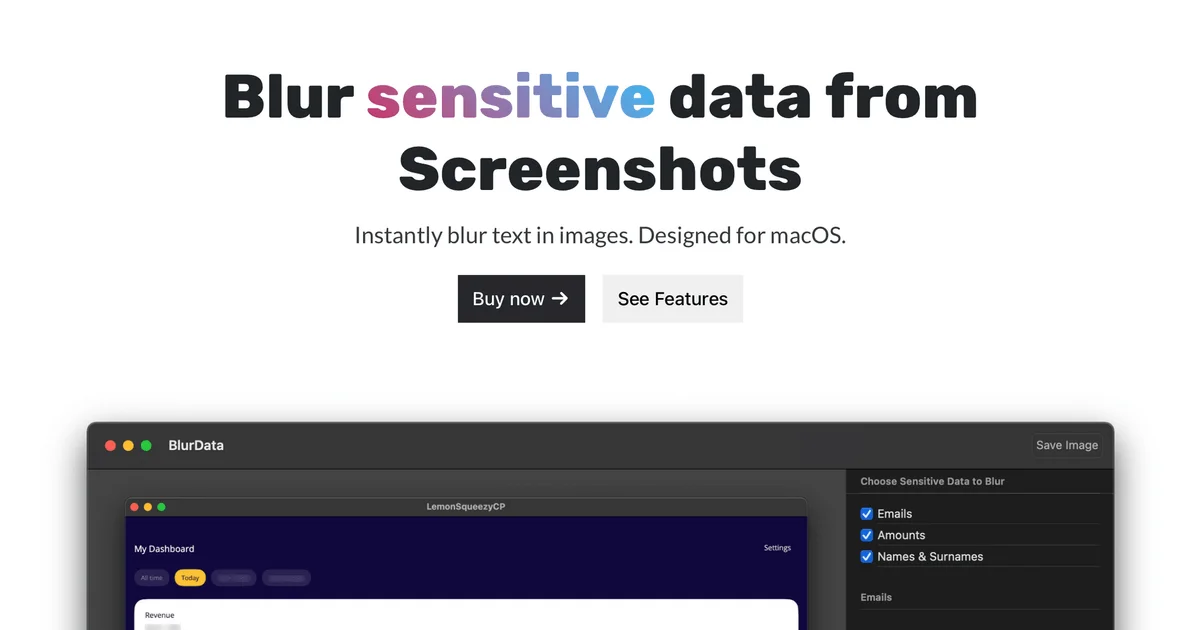
Description
️ Tool name: 🖼
BlurData
Tool category: 🔖
• Editing/Enhancement/Resolution
• Automation and smart agents
• Documents and software development toolkit
️ What does this tool offer? ✏
BlurData helps users protect sensitive information in screenshots and PDF documents by automatically detecting and hiding personal data such as email addresses, names, amounts, account numbers, addresses, license plates, IP addresses, and internet links.
What does the tool actually offer based on user experience? ⭐
Automatic masking of sensitive data in images and PDF files
Support for detecting multiple types of personal data
Easy-to-use interface on Mac
Data protection without the need to manually edit each file
Free trial before subscription to ensure the tool is suitable
Does it include automation? 🤖
Yes, automation is included:
Automatic detection of sensitive data
Automatic masking or redaction of information without user intervention
Easy batch processing of multiple files
Pricing model: 💰
Annual subscription or lifetime license purchase with a discount
🆓 Free plan details:
7-day free trial
All basic features available
Support for one Mac
Paid plan details: 💳
Annual subscription: $39 per year for unlimited access to all features
Lifetime license: 50% off the full price when you buy
Access method: 🧭
Available as a Mac app
Screenshots and PDF documents can be processed directly through the app
Trial link or official website: 🔗
https://blurdata.app/#pricing