Tool name:
Msty Studio
Tool category: 🔖
• Automation and smart agents
• Chat/voice agents
• No-code workflows
• Notes and analytics
️ What does this tool offer? ✏
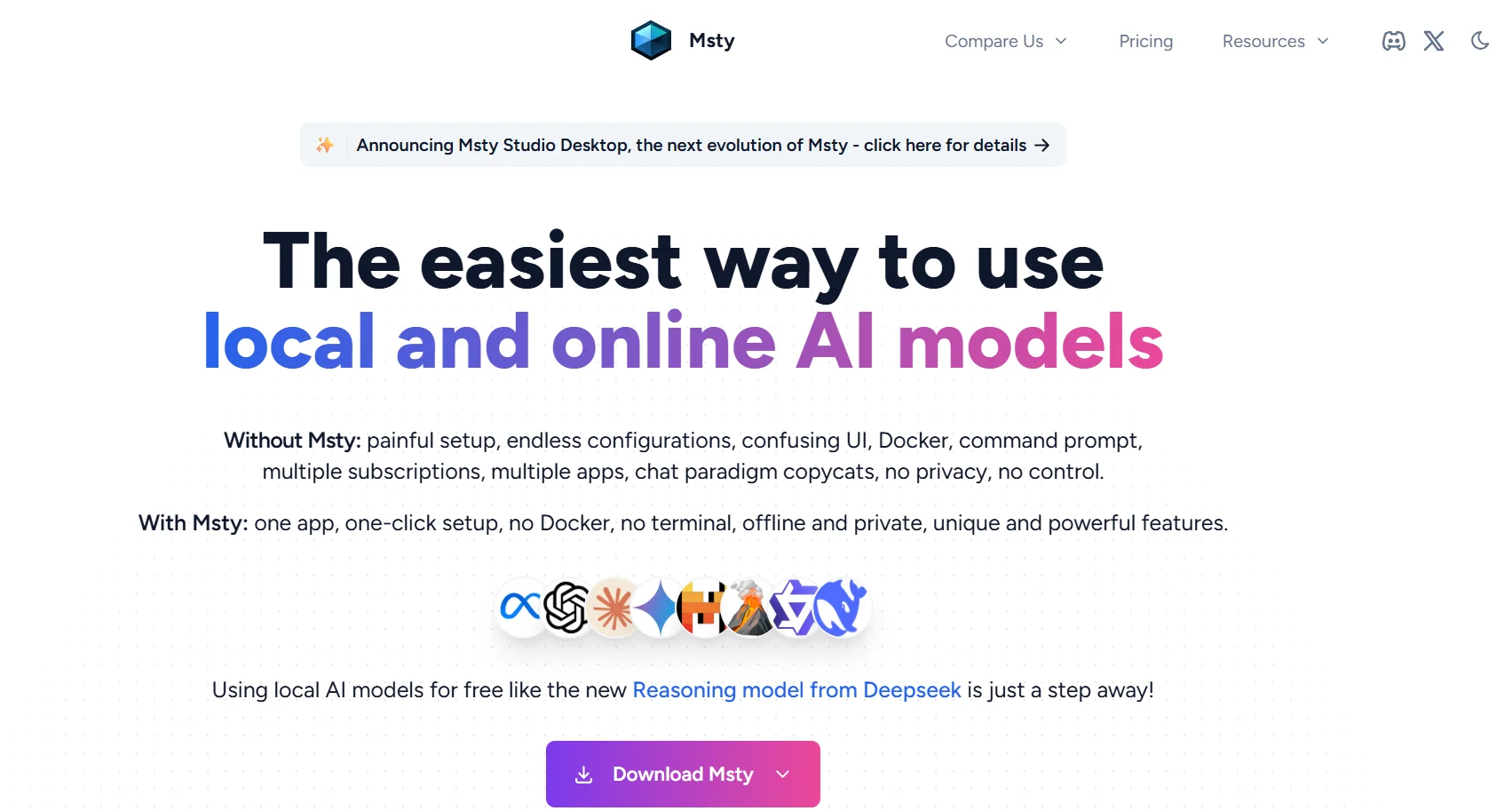
Msty Studio enables users to work with the best AI models locally and online, with the ability to switch between models during a conversation without restrictions, and support for AI providers such as OpenAI, Google, Anthropic, Metacal, and Cohier. The platform offers conversation management, creation of personal assistants (Personas) equipped with tools and knowledge, building specialized group conversations, and creating repeatable workflows to automate tasks. It also focuses on privacy through local data storage, offline model operation, and no tracking or logging of user activity, ensuring complete control over sensitive information.
What does it actually offer based on user experience? ⭐
The platform provides an integrated experience for beginners and professionals, with the ability to manage conversations and create custom personas to repeat tasks, use Knowledge Stacks for smart search, automate workflows, and leverage MCP and Prompts Studio tools. You can have multiple group conversations, create split chats, and manage crew conversations to enhance collaboration, while maintaining complete data privacy and security.
Does it include automation? 🤖
Yes, Msty Studio enables workflow automation through Shadow Personas, Turnstiles, Toolbox - Live Contexts, and Knowledge Stacks - RAG features, as well as team management and role-based control, reducing the need for manual intervention and increasing productivity.
Pricing model: 💰
The platform offers a clear and flexible subscription model that includes a free plan and paid plans suitable for individuals and teams, with the option of a one-time payment for lifetime access.
🆓 Free plan details:
The Free plan is available for free forever and includes basic features such as chat with local and online models, Knowledge Stacks, MCP tools, Personas, and web search.
Paid plan details: 💳
The Aurum plan costs $149 per year per user and includes all Msty Studio Desktop and Web features, Azure and Bedrock provider support, Prompts Studio, Shadow Personas, Turnstiles, Toolbox - Live Contexts, Insights, Forge Mode, and advanced user features.
The Aurum Lifetime plan provides lifetime access to all features and updates for a one-time payment of $349 per user.
The Teams plan starts at $300 per year per user, with a minimum of five seats, and includes all Aurum features, plus support for SSO integration, user and team management, role-based control, Knowledge Stacks, Prompts, and Personas sharing, and audit trail.
How to access the tool: 🧭
Msty Studio can be accessed via desktop or web, with support for both on-premises and online models to meet the needs of individuals and teams.
Trial link or official website: 🔗
https://msty.ai/