Tool name:
Sparkle
Tool category: 🔖
• Digital asset management
• Automation and smart agents
• Productivity and scheduling
️ What does this tool offer? ✏
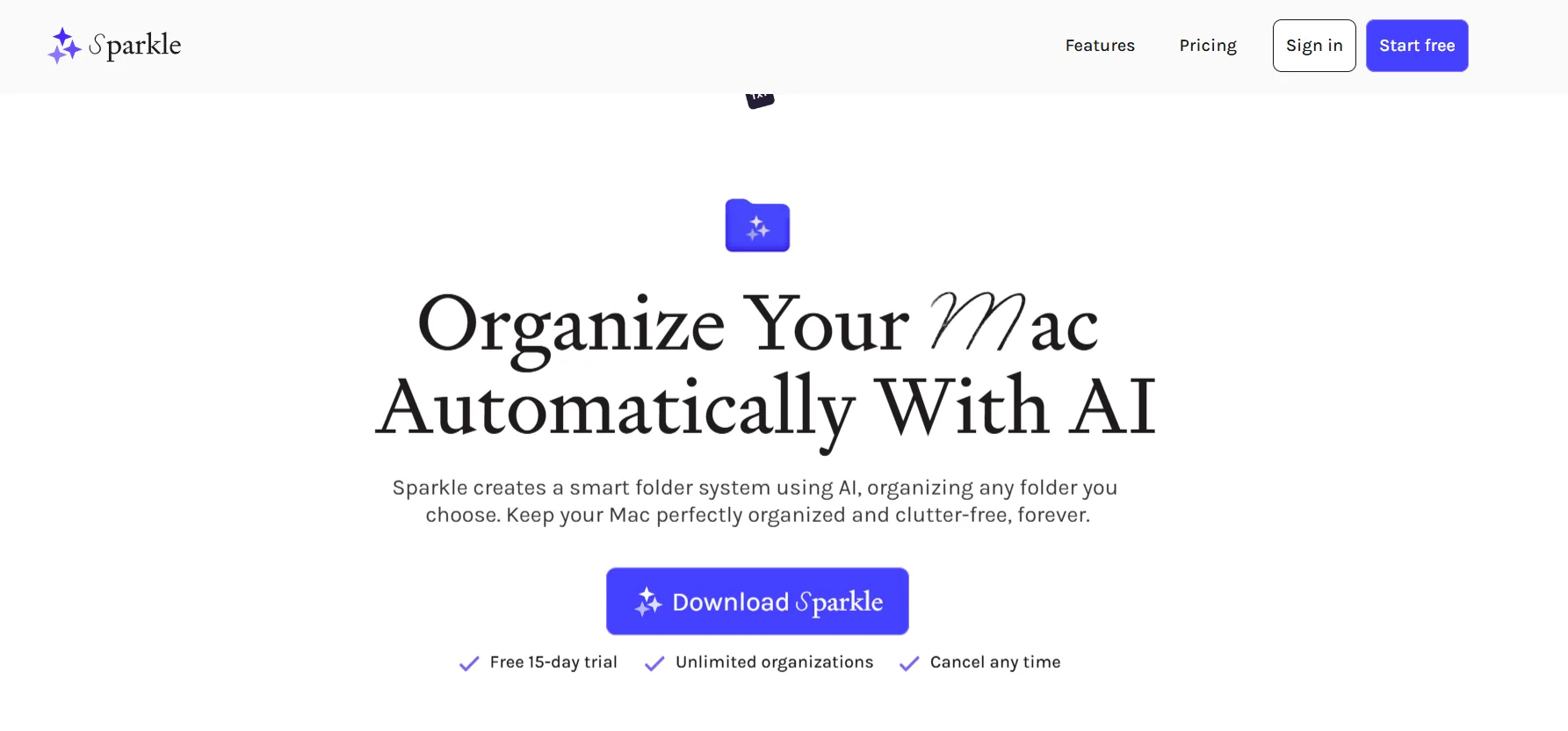
Sparkle provides an innovative solution for organizing files on Mac devices, using artificial intelligence to create a smart folder system that adapts to the user's work style and personal needs. The tool analyzes the contents of user folders such as the desktop, documents, and downloads folder, then creates smart subfolders and automatically categorizes files by type or associated project, ensuring clear organization and easy access to files. Users can choose the folders they want to organize, while the tool takes care of the rest, including managing files on cloud storage services such as iCloud and Google Drive, so that files are always organized automatically.
What does it actually offer based on user experience? ⭐
User experiences reflect Sparkle's ease of use and effectiveness in saving time, allowing them to focus on creative tasks instead of being preoccupied with digital clutter. The tool also allows users to customize the folder system according to their needs, while ensuring that no files are lost. The tool provides a comprehensive experience for managing and organizing files efficiently and seamlessly, with an easy-to-use interface.
Does it include automation? 🤖
Yes, the tool includes full automation for file organization, including creating smart subfolders and automatically categorizing files by type or user project, and managing files stored on cloud services without manual intervention.
Pricing model: 💰
Sparkle offers a clear and flexible pricing model that includes several plans to meet the different needs of users, from individual use to comprehensive subscriptions for all Every platform applications.
🆓 Free plan details:
The tool offers a 15-day free trial that allows users to explore all the features of file organization and smart folder creation before deciding to subscribe.
Paid plan details: 💳
Monthly plan: $10 per month, includes access to an unlimited number of organizations, can be canceled at any time, and includes a 15-day free trial.
Annual plan: $99 per year, offers the same features as the monthly plan while saving $21 per year compared to monthly payments, with a similar free trial period.
Lifetime Plan: $179 one-time payment, gives the user permanent access to the app on their device, with full access to all institutions and priority access to new features.
Comprehensive Plan: $30 per month, provides full access to all Every platform content, including the Cora, Spiral, Monologue, and Sparkle apps, as well as the complete content library, enabling a comprehensive experience for professional and secure file and digital content management.
How to access the tool: 🧭
Sparkle can be used on Mac devices after installing it from the official website, with the ability to connect the tool to cloud storage services such as iCloud and Google Drive.
Trial link or official website: 🔗
https://makeitsparkle.co/#pricing