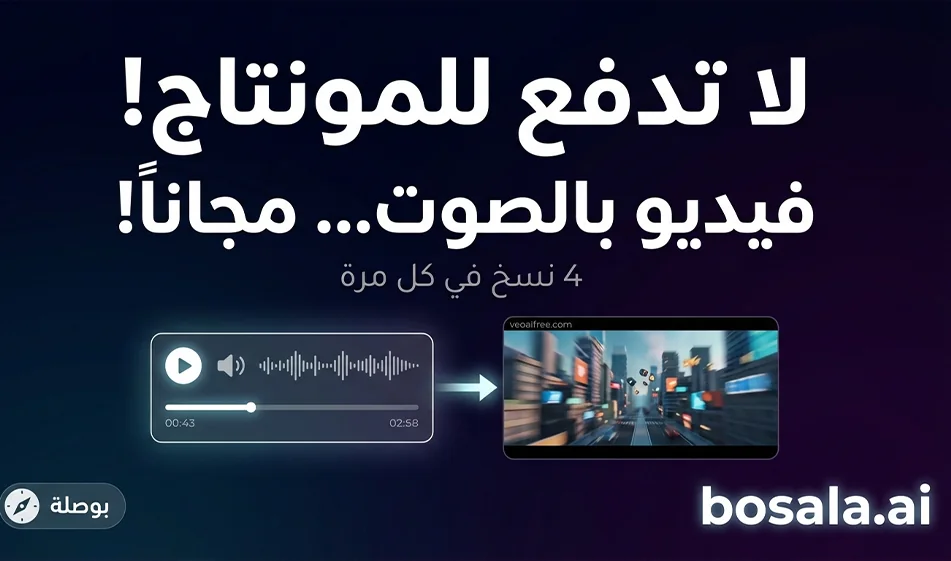
Veo AI Free: Create AI-powered videos for free with audio support
Tool link: https://veoaifree.com/veo-video-generator/
What is the tool, in short?
It is a video generation tool that allows you to convert text to video or convert an image to video, with the option to export the video in a format suitable for Reels and Shorts. The idea is that you write a clear description of the scene and specify the dimensions and duration, then get several versions to choose the best one. In some cases, audio is enabled during generation, so the video comes out with ambient sounds or sound effects according to your request.
Why it might be suitable for content creators
It’s perfect for the quick, short clips you need every day
It gives you more than one version of the same idea instead of being stuck with a single result
Perfect for short ads, educational scenes, or quick cinematic clips
Supports the idea of producing a “series” in the same style while changing only the concept
Step-by-step guide
Step 1: Choose the type of generation
Text to Video if you’re building the scene from scratch
Image to Video if you want to keep a product or character static and then animate it
Step 2: Adjust the basic settings
Aspect ratio: 9:16 for shorts and reels
Duration: Start with 8 seconds, as this is best for autoplay and watching until the end
Number of takes: Start with just two to four takes so you don’t waste your time
Step 3: Write the prompt as a short shooting plan
Write these elements in order
Location and time
Character or product
Main action
Just one camera movement
Lighting and mood
Desired Sound
Then an error prevention line
Ready-made template for a strong prompt
9:16 vertical video, 8 seconds long. One clear shot. Smooth, slow camera movement.Steady cinematic lighting.
Audio:Light ambient sounds and simple effects only, no music.
No on-screen text and no subtitles.
No shaking, no flickering, and no distortion or stretching.
Step 4: Review the versions and choose the best one
Choose the version that best
clearly conveys the idea within the first two seconds
Smooth motion without jitter
Stable lighting without flickering
A final, steady half-second shot to encourage rewatching
Step 5: Edit smartly if you don’t like the result
Don’t change the entire prompt
Change just one line, such as
Slower camera movement
A simpler background
Fewer elements in the scene
Then just render it again
Important notes about audio
If the audio option is available to you, type “Ambient sound only” in the prompt to ensure a clean result
If the audio comes out unsuitable, set the prompt to “No audio” and add the audio later during editing
Don’t ask for long dialogue within 8 seconds; a short sentence is best
Examples of quick, ready-made prompts
Product Ad
An 8-second vertical 9:16 video for a single product. A clean studio shot with realistic shadows and a slight reflection. A very slow zoom-in. The shot ends with a static close-up of the product. Only light studio ambient sound without music. No text.
Educational scene for children
8-second 9:16 vertical video in a cute 3D style. An Arab child says a very short Arabic sentence about a single piece of information. Natural lip-sync. Only the child’s voice and light room ambient sound. No music and no text.
Nighttime cinematic scene
Vertical 9:16 video, 8 seconds long, of a nighttime street with reflections and neon lights. Smooth camera movement. Only soft city sounds. No music and no text.
Free Use: How Much Can I Generate for Free?
There is no fixed number I can give here because these services change their policies depending on traffic and the version. It’s best to consider it “free to try” and then check the actual limit on the page itself using two clear indicators
Whether or not mandatory login is required
The presence of a daily counter, balance, or message specifying the number of available attempts
If no counter or balance appears and the generation process works without any alerts, this means that your current generation is not limited by a clear daily limit
Pricing in a nutshell
The site may be completely free at times, and may later add a paid plan, ads, or restrictions upon clicking. Therefore, the best way to describe the process is
Start with the free version to test the quality
Save the best prompts that gave you consistent results
If an upgrade system or paid plan appears later, pay only when you’re sure the results serve the type of content you consistently publish
Summary
This tool is very suitable for producing quick short videos with audio, especially if you stick to eight seconds, a single scene, and a single camera movement. Its strength lies in speed and the ability to create multiple versions, and your success with it depends on clear prompts and keeping things simple.