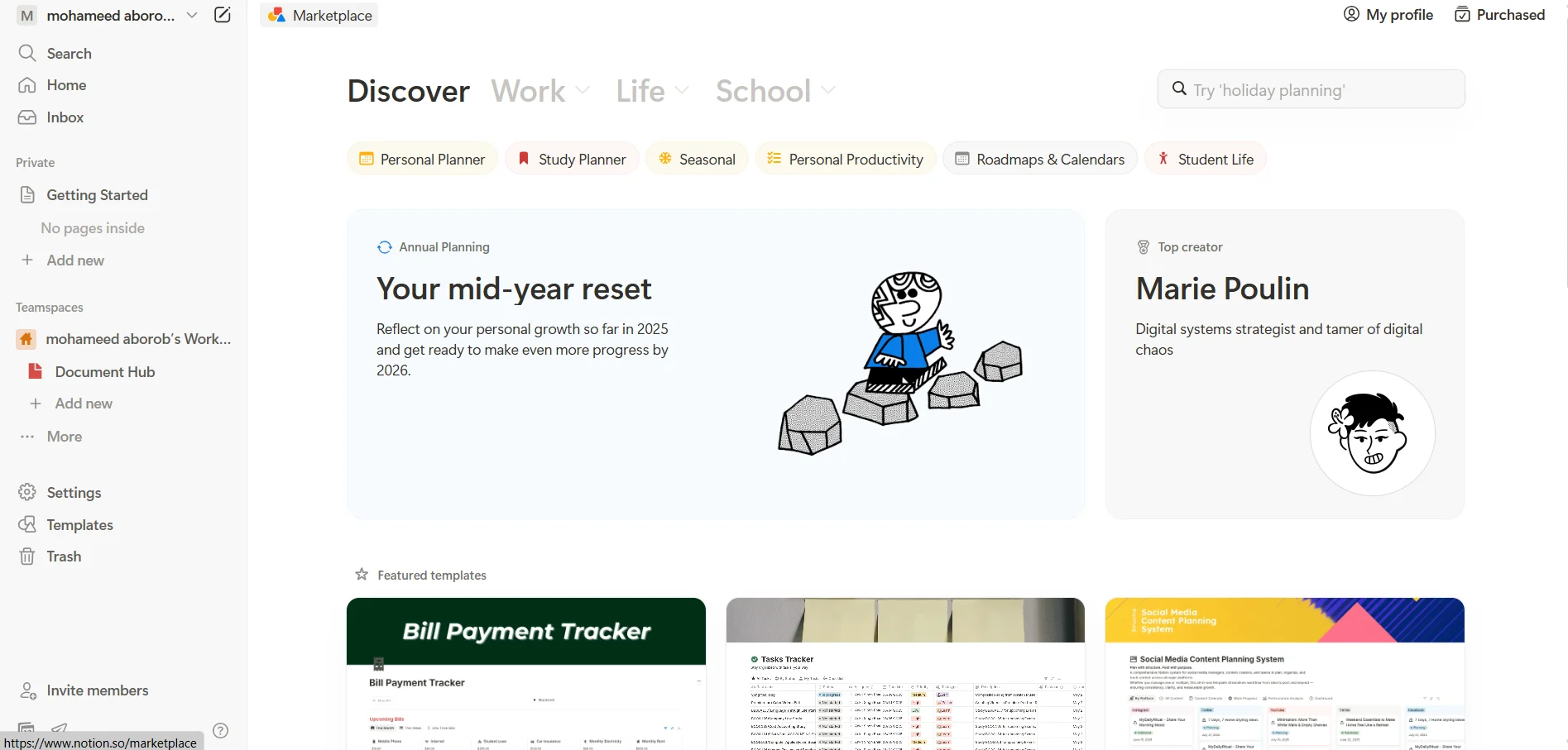
الوصف
🖼️ اسم الأداة 🖼️
نوتيون
🔖 فئة الأداة:
مساحة عمل شاملة لتنظيم كل شيء في حياتك أو عملك - الملاحظات، والمشاريع، والمهام، وقواعد البيانات، والوثائق، والكتابة... أي شيء يمكنك التفكير فيه، كل ذلك في مكان واحد.
✏️ ماذا تقدم هذه الأداة؟
تمنحك Notion دفتر ملاحظات رقمي حيث يمكنك إنشاء صفحات وقواعد بيانات وجداول وقوائم مهام ولوحات مشاريع كاملة وحتى مستندات تعاونية مع فريقك. يمكنك استخدامها بمفردك أو مع الآخرين، وكل شيء مرن للغاية وقابل للتخصيص.
⭐ ما الذي تقدمه الأداة بالفعل بناءً على تجربة المستخدم؟
يحب الناس مدى مرونتها وقابليتها للتخصيص
يمكنك إنشاء أي شيء بدءًا من جدول الحصص إلى شجرة العائلة
رائعة للطلاب والمبدعين المنفردين والفرق الصغيرة وحتى الشركات الكبيرة
تتكامل بسلاسة مع أدوات مثل Slack وZapier وGoogle Drive
يعمل على الهاتف المحمول وسطح المكتب، والتطبيق نظيف وبديهي
تفتح الخطط المدفوعة المزيد من الميزات مثل تحميل ملفات أكبر، والمزيد من الضيوف، والمزامنة الكاملة
🤖 هل يتضمن الأتمتة؟
نعم! يحتوي على ميزات شبه آلية مثل الصفحات المرتبطة وقواعد البيانات المتزامنة والتكاملات الخارجية. بالإضافة إلى ذلك، مع برنامج Notion AI الجديد، يمكنك الحصول على ملخصات تلقائية، ومساعدة في الكتابة، ودعم المساعد الذكي - كل ذلك مدعوم بالذكاء الاصطناعي.
💰 نموذج التسعير:
نموذج Freemium - خطة مجانية + مستويين رئيسيين مدفوعين حسب احتياجاتك. الذكاء الاصطناعي هو إضافة منفصلة.
🆓 تفاصيل الخطة المجانية:
مجانية للأفراد
صفحات وكتل غير محدودة
تحميل الملفات يقتصر على 5 ميغابايت لكل ملف
سجل الإصدار لمدة 7 أيام فقط
مشاركة مع ما يصل إلى 10 ضيوف
تكاملات محدودة
مثالي للتجربة أو للاستخدام الشخصي الخفيف (الطلاب، المشاريع الصغيرة، تدوين الملاحظات)
💳 تفاصيل الخطة المدفوعة:
خطة Plus:
السعر: 10$/شهرًا (أو 8$/شهرًا إذا كانت الفاتورة سنوية)
حجم تحميل غير محدود للملفات
سجل الإصدار لمدة 30 يومًا
ما يصل إلى 100 ضيف
تتضمن مزامنة قاعدة البيانات والأتمتة الأساسية
مثالي للفرق الصغيرة وسير العمل اليومي
خطة العمل:
السعر: 20 دولارًا شهريًا لكل مستخدم (أو 15 دولارًا شهريًا إذا كانت الفواتير سنوية)
كل شيء في بلس
سجل الإصدار لمدة 90 يوماً
ما يصل إلى 250 ضيفًا
المزيد من الأدوار والتحليلات المتقدمة
مساحات الفريق الخاصة
دعم الدخول الموحد (SSO)
خطة المؤسسة:
تسعير مخصص بناءً على حجم شركتك
سجل إصدارات غير محدود
أمان متقدم (SCIM، وإدارة النطاقات، وعناصر تحكم إدارية مفصلة)
دعم ذو أولوية
مدير نجاح مخصص
الأفضل للمؤسسات الكبيرة ذات احتياجات الامتثال والتحكم العالية
🧠 Notion AI (يباع بشكل منفصل، ويعمل على أي خطة):
السعر: 10 دولارات شهريًا (أو 8 دولارات شهريًا إذا كانت الفواتير سنوية)
الكتابة التلقائية والتلخيص والملء التلقائي لقواعد البيانات والإجابة عن الأسئلة داخل مستنداتك
مدعوم من GPT-4 وكلود ونماذج متقدمة أخرى
يعمل مع جميع أنواع الخطط (مجانية أو مدفوعة)
🧭 كيفية الوصول
من خلال موقع Notion الرسمي
متوفر على تطبيقات iOS وأندرويد
يعمل في أي متصفح
يتكامل مع أدوات مثل Google Drive و Slack و Trello والمزيد
🔗 رابط التجربة:
https://www.notion.so/