Piktochart AI
Welcome to a faster, smarter way to create visuals. Pikto AI Studio is your integrated design assistant. Stop juggling multiple apps and start turning marketing data, creative briefs, and simple ideas into stunning visuals—no design experience required.
- Text and Images to Video
- Motion, Titles & Subtitles
- Video Summaries & Clips
- Social Templates & Auto-Editing
- Tasks & Projects
- Product Descriptions & Copy
- Editing, Enhancement & Upscaling
Last updated
Features
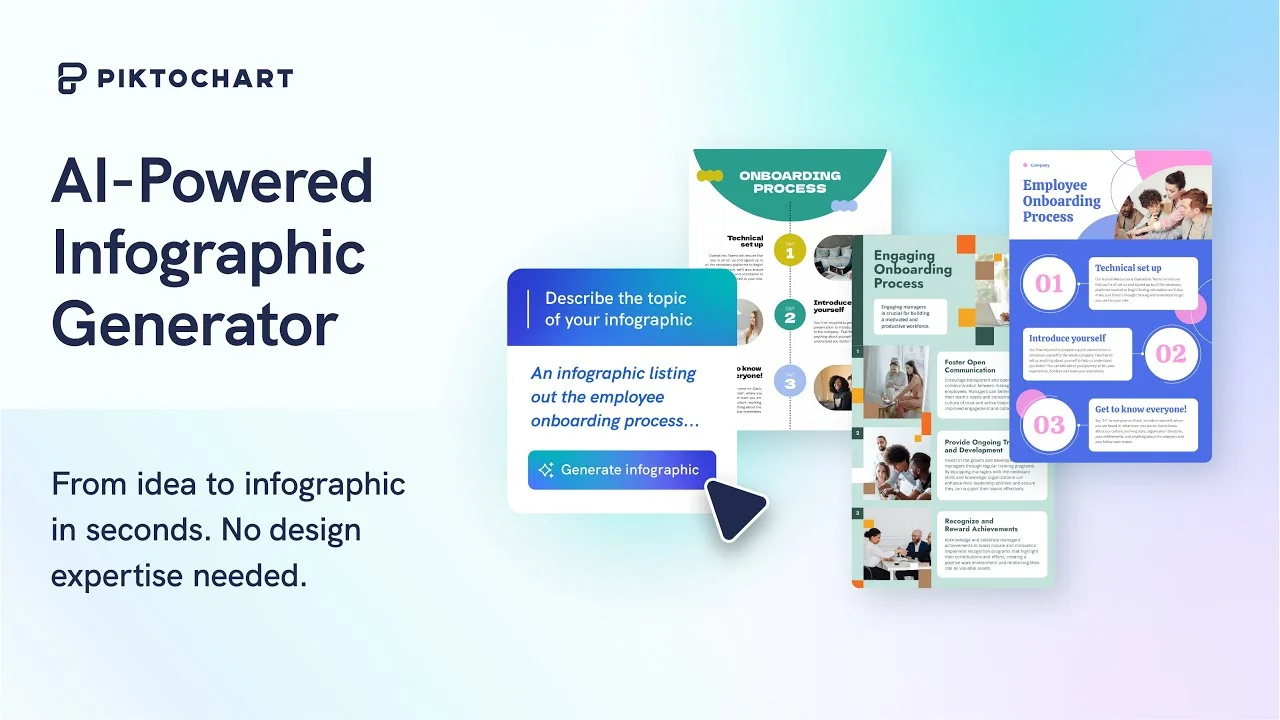
- Builds full infographics from a text prompt with text, icons and layout
- Turns PDF or Word documents into infographics or presentations
- Suggests chart types from Excel or Google Sheets data
- Removes backgrounds and objects and upscales low-res images
- Repurposes long recordings into social clips with auto-captions in 60+ languages
- Applies brand colors, fonts and logos across designs with Brand Kit
- Condenses long text into bite-sized visual blocks
- Rebalances layouts automatically when content is added
- Exports to PDF, PNG, PowerPoint and interactive HTML
Pricing Details
💵 Pricing (2026 Status)
| Plan | Price (Annual/Monthly) | Key Features |
|---|---|---|
| Free | $0 | 5 active projects, 50 AI Credits/mo, 100MB storage, standard PNG downloads. |
| Pro | $14 /mo (billed annually) | Unlimited projects, 500 AI Credits/mo, 100GB storage, Brand Kit, PDF & PPT exports. |
| Business | $24 /mo (billed annually) | Everything in Pro + 250GB storage, advanced team collaboration, and SSO security. |
| Education | $39.99 /yr | Special pricing for students/teachers with Pro features. |
🎁 Is the free version a trial or completely free?
It is a Free-forever plan. You get 50 credits every month to use the AI generator and access to the full library of icons and templates. However, to remove the Piktochart watermark and export in formats like PDF or PowerPoint, you need a Pro subscription.
Related Tips
- A video prompt that gives you the feel of GTA with an Arabic twist · Video Generation & Editing, Text and Images to Video
- 2 million free tokens to create videos! on Seedance · Video Generation & Editing, Text and Images to Video
- How to Use the Pokecut Tool to Easily Extract Images · Image Design and Creation, Editing, Enhancement & Upscaling…
- How to Create a Series of Educational Videos Using ChatGPT, PixVerse, and Nabat? · Audio & Voice, Text-to-Speech / Speech-to-Text…
- An Explanation of GeminiGen AI for Creating Videos and Images for Children · Video Generation & Editing, Text and Images to Video…