Description
🖼️ Tool Name:
Winxvideo AI
✏️ What does this tool offer in 2026?
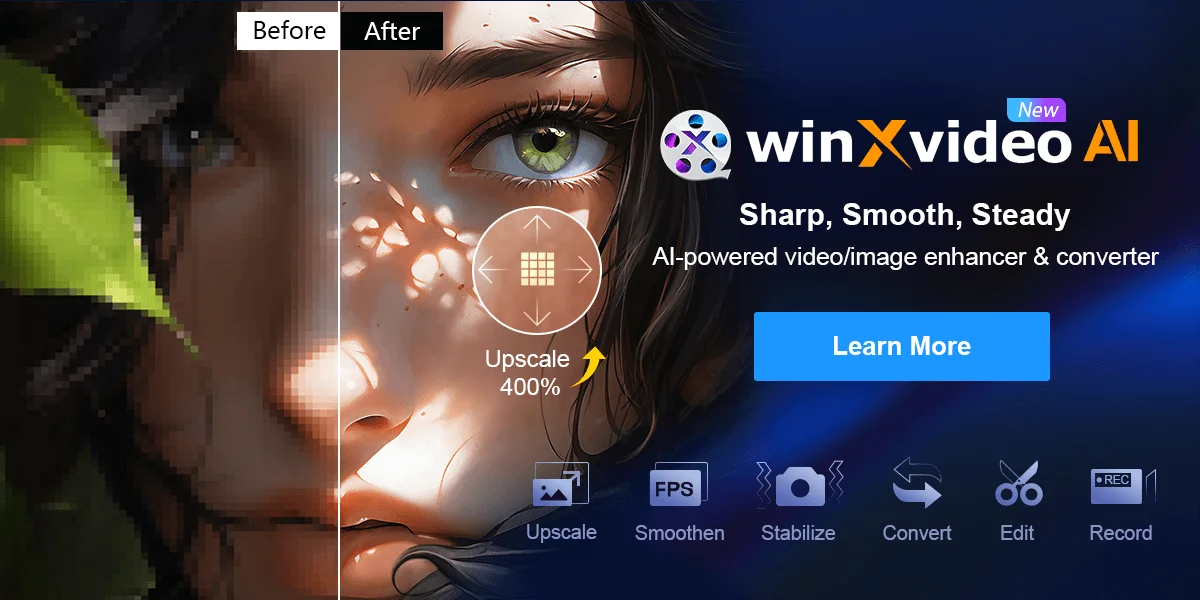
AI Super Resolution: Upscales low-resolution videos (480p/720p) to 4K/8K. It uses CineAI algorithms to sharpen blurry edges and generate realistic details.
AI Frame Interpolation: Smooths out video motion by increasing frame rates up to 480fps, ideal for creating cinematic slow-motion or making old 24fps films look ultra-smooth.
AI Stabilization: Fixes shaky footage from GoPros, drones, or smartphones without the excessive "cropping" seen in traditional stabilizers.
AI Audio Suite: (Updated 2026) Includes dedicated modules for vocal isolation (removing music from speech) and noise suppression (cleaning up wind or background hum).
Level-3 GPU Acceleration: Fully utilizes NVIDIA (RTX 50-series), AMD, and Intel hardware to process videos up to 47x faster than CPU-only methods.
Video Converter & Compressor: Supports 420+ formats (AV1, HEVC, etc.) and can shrink file sizes by up to 90% while maintaining high visual quality.
4K Screen Recorder: Records high-quality screen activity, webcam, or both simultaneously with real-time highlighting tools for presentations.
Batch Processing: Allows you to queue hundreds of videos or images for simultaneous enhancement or conversion.
⭐️ What does it offer? (User Experience)
"Performance Winner": Rated 4.7/5 for efficiency. Benchmark tests in 2026 show it is 30%–40% faster than Topaz Video AI for upscaling 720p footage on mid-range hardware.
Ease of Use: Praised for its "one-click" approach, making advanced AI restoration accessible to hobbyists without a steep learning curve.
🤖 Automation:
Intelligent Content Analysis: Automatically recommends trim points and color corrections based on scene analysis.
💵 Pricing (January 2026 Status)
🎁 Is the free version a trial or completely free?
It is Trial-Based. The free version allows you to test the AI models and convert/edit short clips (usually up to 5 minutes) so you can verify the results before purchasing a license.
⚙️ Access or Source:
Official Website
Operating Systems: Windows 10/11 (64-bit) and macOS (as Macxvideo AI).
🔗 Experience Link: