Gradio
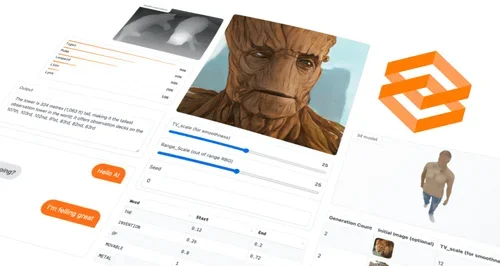
Description
🖼️ Tool Name:
Gradio
🔖 Tool Category:
Productivity & Automation — it falls under open-source tools for building interactive web UIs for AI and Python functions.
✏️ What does this tool offer?
Gradio is an open-source Python library that allows developers and researchers to quickly create customizable, shareable web interfaces for machine learning models or any Python function. It enables instant deployment of demos, interactive testing of models, and easy sharing through public links without complex web development.
⭐ What does the tool actually deliver based on user experience?
• Build and launch interactive web apps with just a few lines of Python code
• Share live demos via a unique public link without hosting setup
• Supports a wide range of input/output components (text, images, audio, video, dataframes)
• Ideal for showcasing ML models, running experiments, and collecting user feedback
• Integrates seamlessly with Hugging Face Spaces for cloud hosting
• Highly customizable UI design with minimal code overhead
• Works locally or in hosted environments (Colab, Jupyter, etc.)
🤖 Does it include automation?
Yes — Gradio automates the UI creation and hosting process:
• Automatically spins up a local or hosted server when you run your Python script
• Handles front-end and back-end communication without manual setup
• Generates shareable demo links instantly for collaborators or users
• Can be embedded in notebooks, web apps, or Hugging Face Spaces
💰 Pricing Model:
Open-source (Free)
🆓 Free Plan Details:
• 100% free under the Apache 2.0 license
• Full access to all components and features when self-hosting
• Free hosting via Hugging Face Spaces for public projects
💳 Paid Plan Details:
• No paid version for the library itself
• Hugging Face Spaces offers paid private hosting plans starting from $9/month
🧭 Access Method:
• Install via pip: pip install gradio
• Works on macOS, Windows, and Linux
• Can be used in Google Colab, Jupyter Notebooks, or standalone scripts
• Optional cloud hosting via Hugging Face Spaces
🔗 Experience Link: