LobeChat
Description
🖼️ Tool Name:
LobeChat
🔖 Tool Category:
Productivity & Automation — it falls under open-source AI chatbot frameworks for productivity and intelligent interaction automation.
✏️ What does this tool offer?
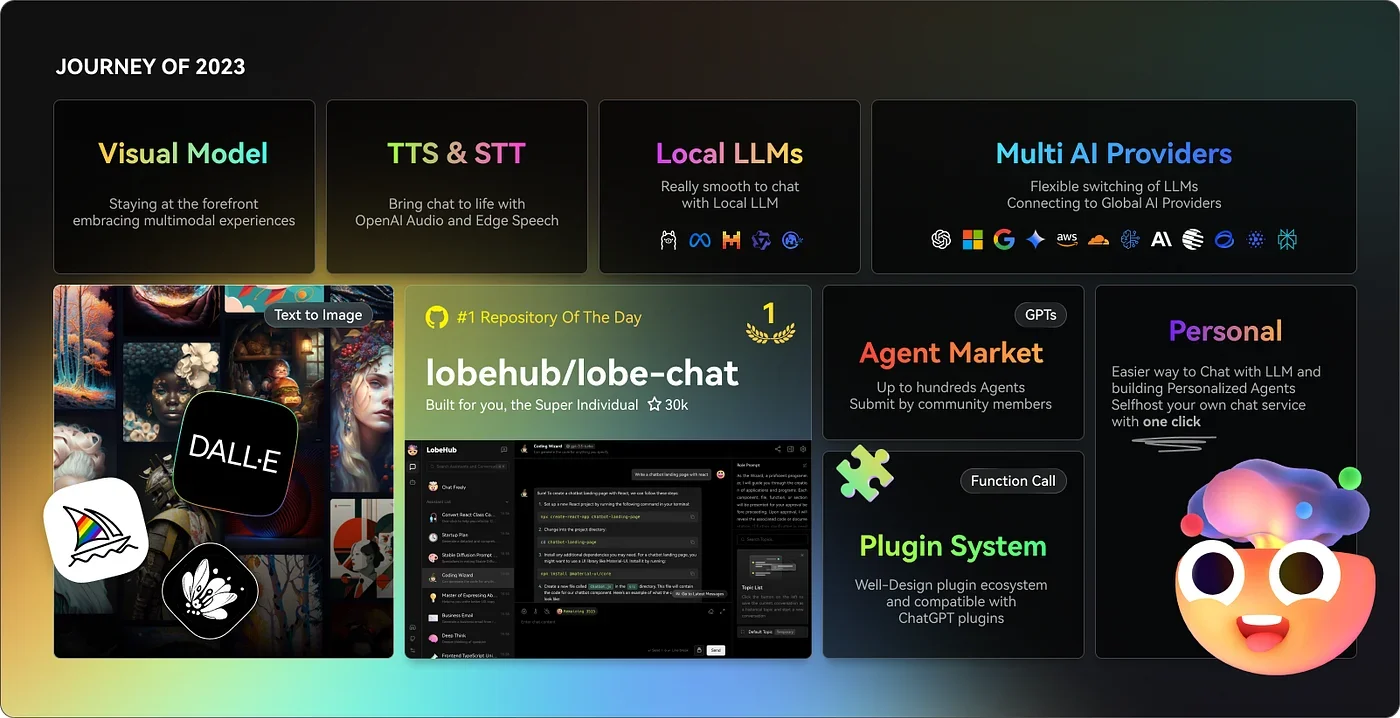
LobeChat is an open-source, extensible chatbot framework that allows you to create, customize, and deploy AI-powered conversational agents with support for multiple large language models, including OpenAI, Claude, and Gemini. It offers a highly customizable interface, supports multi-modal communication (text, speech, and hearing), and allows importing custom knowledge bases from documents or websites.
⭐ What does the tool actually deliver based on user experience?
• Multi-model support for various AI providers (OpenAI, Claude, Gemini, etc.)
• Customizable chat UI with themes and branding options
• Voice interaction support via TTS (text-to-speech) and STT (speech-to-text)
• Import and manage knowledge bases from PDFs, websites, and other sources
• Plugin system for extending chatbot capabilities
• Local or cloud deployment options for full control
• Multi-user and team collaboration features
• Fully open-source with active developer community
🤖 Does it include automation?
Yes — LobeChat automates various chatbot workflows:
• AI-powered automated responses based on integrated knowledge sources
• Continuous updates from connected content sources
• Automated voice interaction handling for real-time conversations
• Plugin-based workflow automation for specialized tasks
💰 Pricing Model:
Free — fully open-source (self-hosted)
🆓 Free Plan Details:
• Complete access to all core features via GitHub repository
• No usage limits when self-hosted
• Community support through open-source channels
💳 Paid Plan Details:
• No official paid plan — however, costs may apply for hosting or third-party AI API usage (e.g., OpenAI API costs)
🧭 Access Method:
• Available as an open-source GitHub project for self-hosting
• Deployable via Docker or other cloud services
• Local installation supported for privacy-focused setups
🔗 Experience Link: