Inline Help
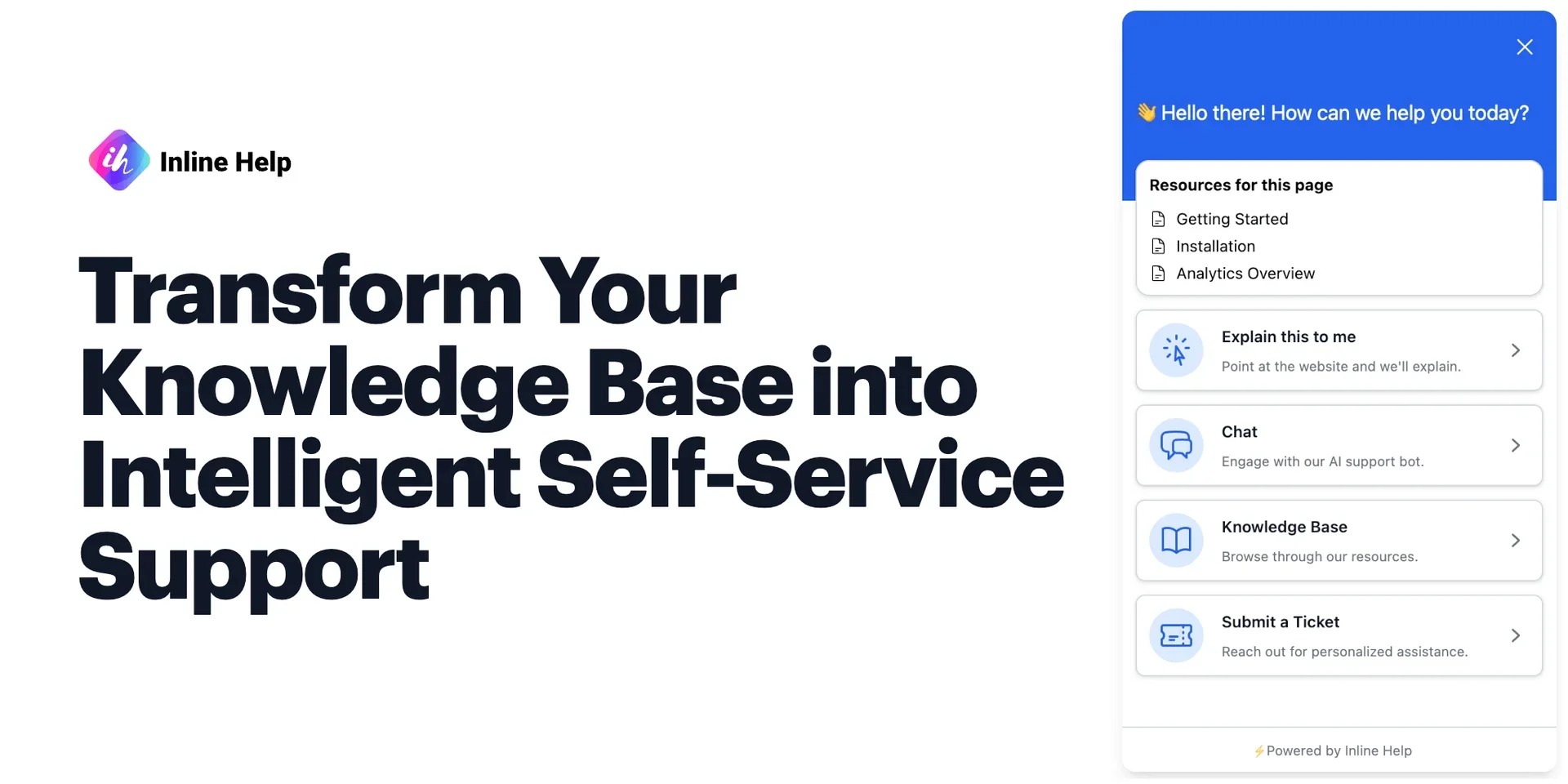
Description
🖼️ Tool Name:
Inline Help
🔖 Tool Category:
Productivity & Automation — AI-powered in-app user assistance and knowledge integration tool.
✏️ What does this tool offer?
Inline Help enables businesses to provide real-time, context-aware assistance to users directly within their applications or websites. It integrates tooltips, guided help, and AI chat to answer questions instantly based on a company’s knowledge base, reducing support tickets and improving onboarding experiences.
⭐ What does the tool actually deliver based on user experience?
• Explain This feature — users click any element on the app to get an instant explanation
• Automatic tooltips that guide users without extra coding
• Embedded AI chatbot trained on your documentation and FAQs
• Contextual help that adapts to user actions in real time
• Integration with multiple knowledge sources (web pages, help docs, PDFs)
• Reduces customer support workload while improving user retention
🤖 Does it include automation?
Yes — Inline Help automates:
• Displaying relevant help content based on where the user is in the app
• Pulling responses from a connected knowledge base without manual curation
• Triggering onboarding tours and guidance automatically for new users
• AI-assisted customer support inside the application interface
💰 Pricing Model:
Subscription-based with tiered plans depending on features and team size
🆓 Free Plan Details:
• Free trial available for limited usage (duration and limits vary)
• Access to core features like Explain This, tooltips, and basic AI chatbot
💳 Paid Plan Details:
• Higher tiers include unlimited usage, advanced integrations, and analytics
• Custom enterprise pricing for large-scale deployments with security compliance
• Dedicated onboarding and customer success support for enterprise clients
🧭 Access Method:
• Web-based dashboard for setup and analytics
• JavaScript embed code to integrate into websites or web apps
• API for advanced configuration and custom workflows
🔗 Experience Link: