GPT Engineer
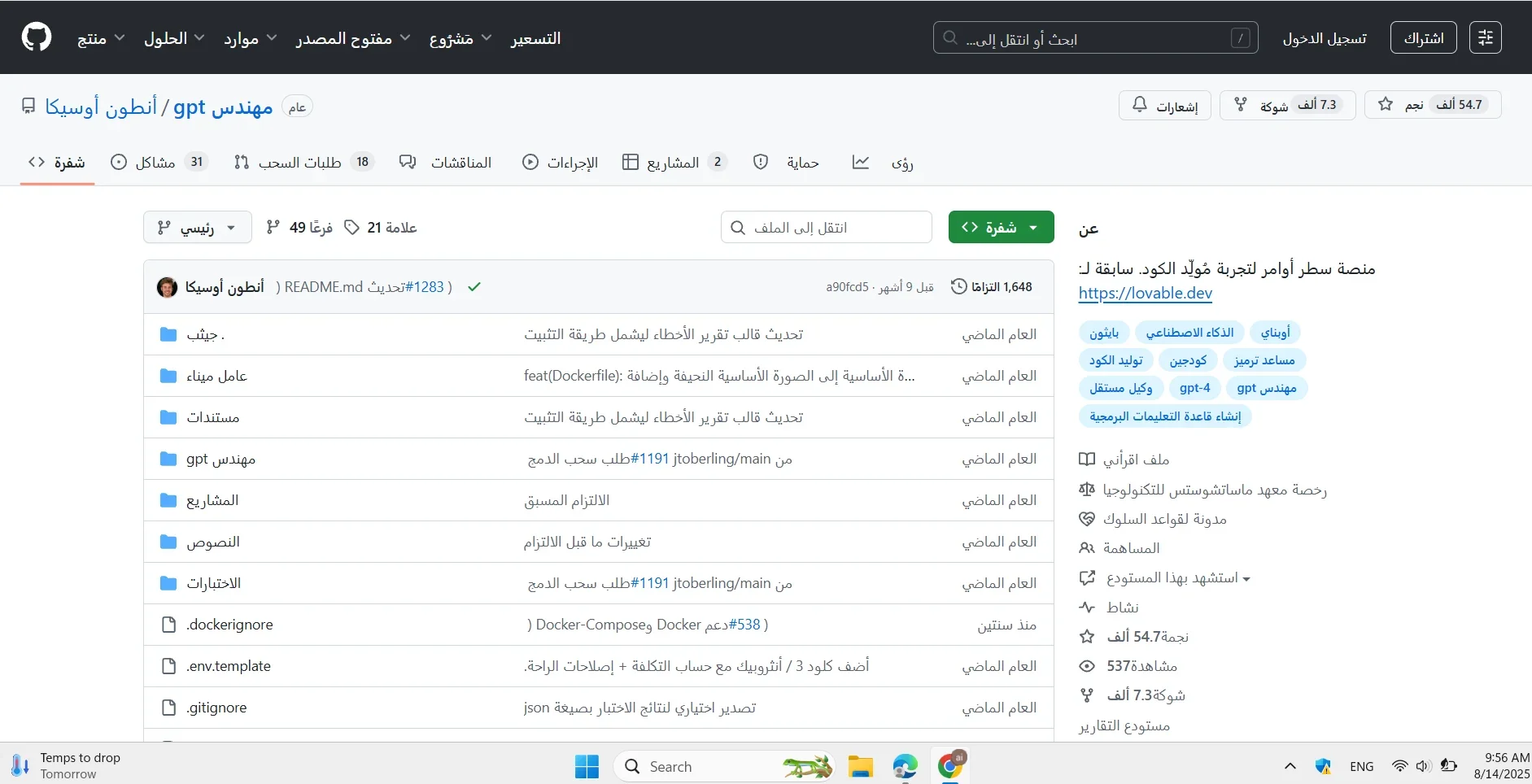
Description
️ Tool Name: 🖼
GPT-Engineer
Tool Category: 🔖
Open source AI-powered code generation & improvement tool
️ What does this tool offer? ✏
You write the project description in any language (even slang) and the tool automatically generates full code for you
Ability to optimize or improve the code after it is generated
Support custom steps and store them in a log for later replay or modification
CLI integration to work from the command line or development environments such as VS Code
Customizable AI style by modifying the preprompts folder to change its identity and remember your previous projects
What does the tool actually deliver based on user experience? ⭐
Create complete code projects from scratch in minutes instead of hours
Easy to add smart steps later and modify the code step by step
Highly rated (4.3/5 on Futurepedia) as a tool that speeds up work, understands text and turns it into ready-made code
Very suitable for creating prototypes or optimizing projects quickly and flexibly
Does it include automation? 🤖
Yes - the process is fully automated from text to code with subsequent optimizations
All execution steps are automatically recorded in the logs folder for easy replay or modification
Pricing Model: 💰
100% free and Open-Source - no subscriptions or costs
Access Method: 🧭
Download from GitHub or install via command line:
Experience Link: 🔗
https://github.com/AntonOsika/gpt-engineer