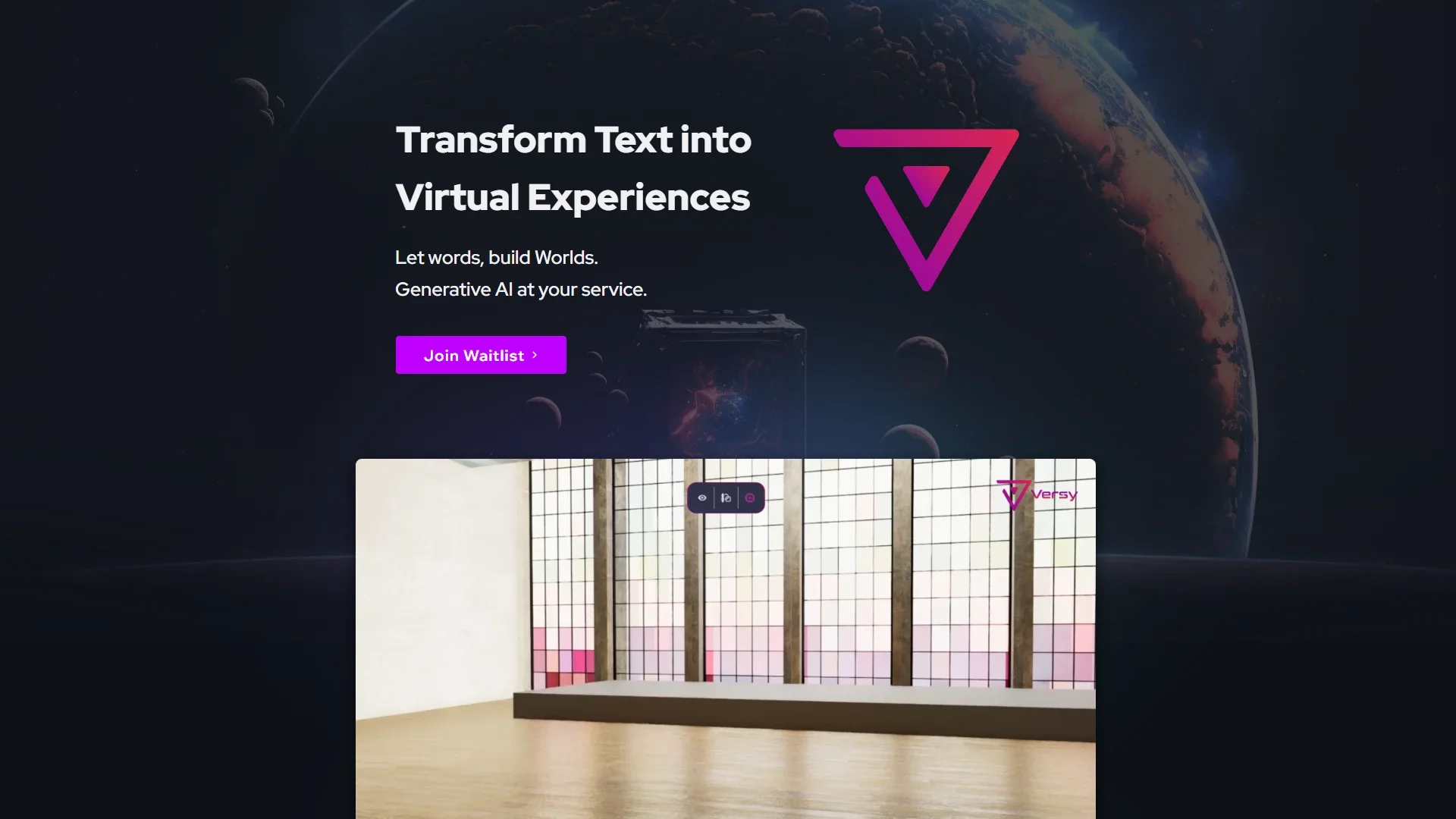
Description
️ Tool Name: 🖼
Versy.ai
Categories: 🔖
- 3D Design, Architecture, and Interior Design
- 3D Modeling and Rendering
- Smart Interior Design
- Architecture and Interior Design
- Product Presentation and AR/VR
- Automation and Smart Agents
️ What does this tool offer? ✏
Versy.ai is a platform specialized in transforming ideas, blueprints, and design concepts into explorable 3D spatial experiences using artificial intelligence.
The platform aims to transform design briefs, creative sentiments, and design intent into spatial environments that clients, teams, and stakeholders can access and understand, helping to accelerate decision-making and maintain the design vision.
Versy focuses on making projects experiential rather than relying solely on static files or mental visualizations, allowing users to understand scale, layout, materials, lighting, and atmosphere through an interactive spatial experience.
The platform offers a range of capabilities, including:
- Converting floor plans into navigable virtual experiences.
- Creating 3D interior designs.
- Creating 3D assets using artificial intelligence.
- Quickly modifying scenes, lighting, and atmospheres.
- Dragging and dropping interior elements and redesigning spaces.
- Upload and use custom assets within projects.
- Manage asset and material libraries in the cloud.
- Reuse assets across different projects.
- Share experiences with clients and stakeholders via a single link.
Versy also allows you to gather project elements in one place, such as:
- floor plans;
- Reference images.
- Mood boards.
- Products.
- Design assets.
Instead of spreading them across multiple tools and folders.
The workflow in Versy is based on four main stages:
- Start with available resources:
- Upload your designs.
- Add references.
- Enter initial products or ideas.
- Build the scene:
- Use real assets.
- Drag and drop elements.
- Upload your own assets to the cloud.
- Using Artificial Intelligence:
- Create 3D assets.
- Rework scenes.
- Modify designs based on text prompts.
- Review and share the experience:
- Adjust lighting.
- Adjust the overall mood.
- Share the experience link with relevant parties.
The platform is used in various fields, including:
- Interior design for residential, commercial, and hospitality projects.
- Architecture and studio reviews.
- Client presentations.
- Spatial marketing.
- Project launches.
- Delivering interactive experiences to decision-makers.
What do you actually offer based on user experience? ⭐
- Transforming ideas and blueprints into explorable 3D experiences.
- Reducing reliance on lengthy explanations and static files.
- Helping clients understand the project more quickly.
- Speeding up approvals and decision-making.
- Keep design, materials, and lighting all within a single experience.
- Reuse design assets across multiple projects.
- Create more impactful presentations.
- Improve communication between designers, clients, and stakeholders.
- Create and edit interior scenes using artificial intelligence.
Does it include automation? 🤖
Yes.
Versy.ai uses AI to:
- Creating 3D assets.
- Converting blueprints into spatial experiences.
- Creating and modifying scenes.
- Reworking designs based on text prompts.
- Organizing and managing cloud-based asset libraries.
- Streamline the process of setting up design experiences.
Pricing model: 💰
Beta / Custom access for teams.
There are currently no publicly available subscription plans such as Free, Pro, or Enterprise.
The platform offers trial access to selected teams as part of the Beta program.
🆓 Free Plan Details:
| Feature | Details |
|---|---|
| Price | Not disclosed |
| Access | Available through the Beta program for selected teams |
| Platform Usage | Hands-on product experience |
| Floor Plans | ✅ |
| Interior designs | ✅ |
| AI-Generated Assets | ✅ |
| Cloud Libraries | ✅ |
| Lighting and Scene Adjustments | ✅ |
Paid Plan Details: 💳
There are currently no paid plans or officially announced prices.
| Plan | Price | Details |
|---|---|---|
| Pro | Not available | Not disclosed |
| Business | Not available | Not disclosed |
| Enterprise | Not available | Not disclosed |
How to access the tool: 🧭
| Method | Status |
|---|---|
| Web | Available ✅ |
| Beta Access | Available to selected teams ✅ |
| App | Not specified |
| API | Not specified |
| Add-on | Not specified |
| Cloud Platform | Available ✅ |