Thinkbuddy
Description
️ Tool Name: 🖼
Thinkbuddy
Tool Category: 🔖
Multi-model AI Productivity Assistant for macOS.
️ What does this tool offer? ✏
Integration of more than 15 AI models (ChatGPT, Claude, Gemini and others).
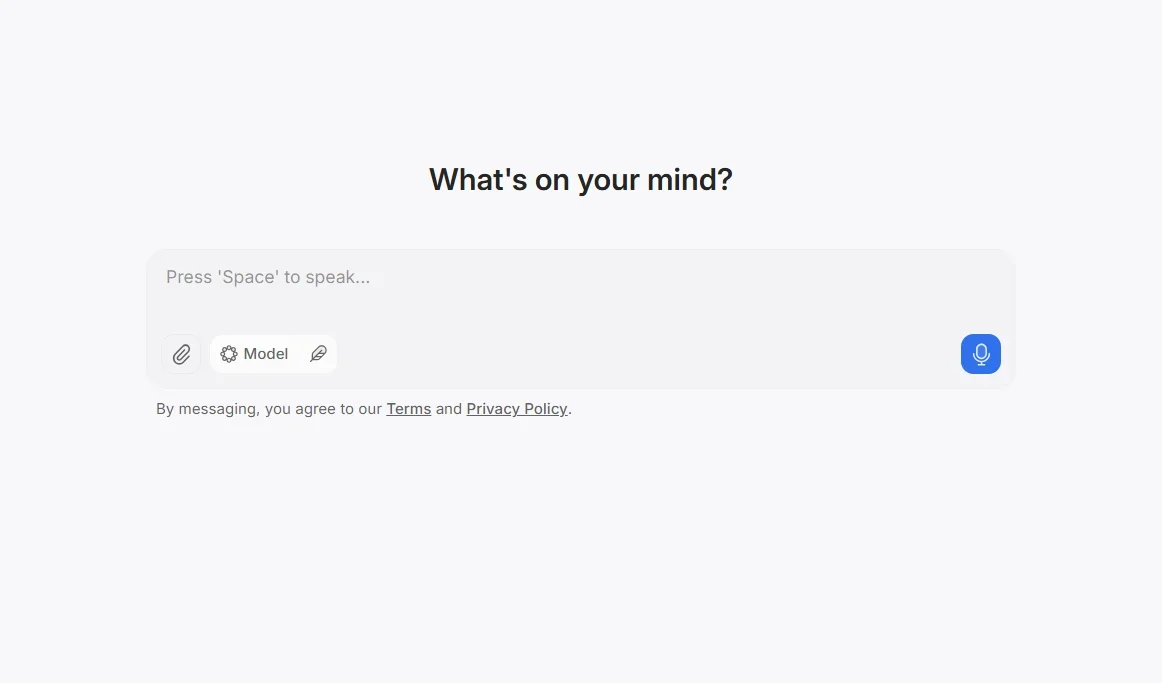
Voice interaction (Voice Mode) and speech-to-text conversion.
Use a screenshot or select text to ask for help.
Manage conversations and save instructions and chat patterns.
Prompt Library for quick help.
Compare and merge the output of different models.
What does the tool actually deliver based on user experience? ⭐
Fast and flexible integration of AI into your daily workflow on Mac.
Easily customize style, instructions, and notifications.
Reduces the need to navigate between multiple apps.
Some limitations on the number of messages in the free plan, but it's often enough for average users.
Does it include automation? 🤖
Yes - the tool is partially automated:
Execute commands from voice, text, or screenshot directly.
Summarize and convert speech to text automatically.
Automation built into the system to speed up interaction with forms.
Pricing Model: 💰
Freemium - Free plan + monthly or lifetime paid plans.
🆓 Free Plan Details:
Free plan gives access to basic forms.
Limits on the number of messages or calls.
Paid Plan Details: 💳
Pro Plan: About $10/month.
Plus Plan: About $20/month.
Lifetime Deal: One-time purchase ~$131 with long-term access.
Access Method: 🧭
Via the official website.
Customized app for macOS.
Play via shortcuts, voice commands, text selection or screenshots.
Experience Link: 🔗
https://thinkbuddy.ai/