Gorilla Terminal
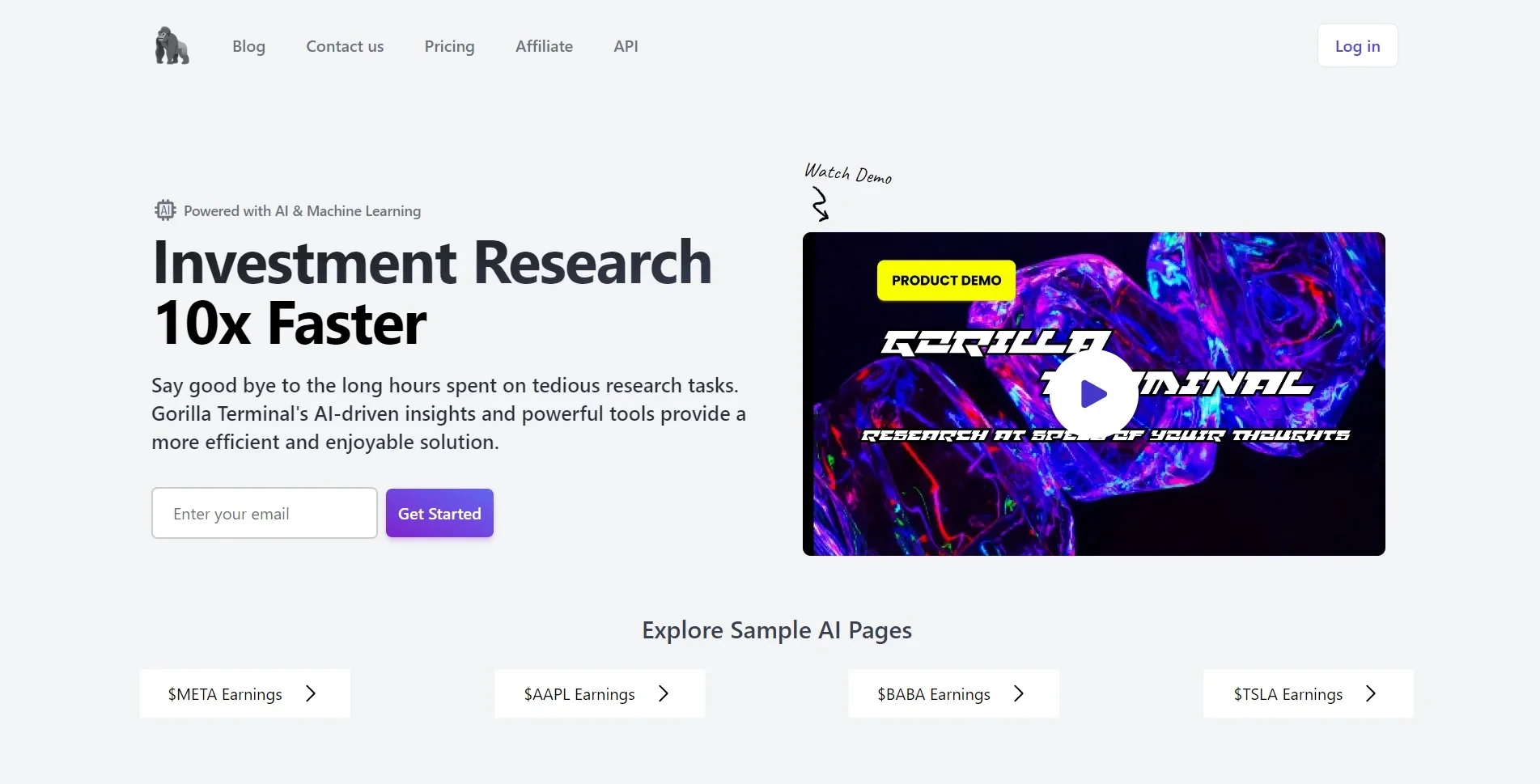
Description
️ Tool Name: 🖼
Gorilla Terminal
Categories: 🔖
- Finance, Forecasting, and Dashboards
- Data and Analytics
- Forecasting and Applied Machine Learning
- Automation and Smart Agents
️ What does this tool offer? ✏
Gorilla Terminal is an investment research platform powered by artificial intelligence and machine learning (AI & ML), designed to accelerate the analysis of financial markets and provide advanced tools for investors and traders.
The platform helps users reduce the time and effort required to conduct investment research by collecting and analyzing large amounts of financial data, news, and reports within a single, user-friendly interface.
The tool uses artificial intelligence to analyze companies’ quarterly earnings calls and extract key information from them—such as management sentiment, questions asked by analysts, revenue growth, and profit margins—helping investors gain a deeper understanding of corporate performance and make data-driven investment decisions.
Gorilla Terminal offers a wide range of financial analysis tools, including macroeconomic analysis that displays data such as inflation, unemployment rates, retail sales, and consumer confidence, as well as real-time financial news updates and analysis of their potential impact on the markets.
The platform also offers an integrated dashboard that allows users to search for stocks by name or ticker symbol and access information such as charts, SEC filings, quarterly and annual reports (10-K and 10-Q), insider buying, and investor sentiment analysis on social media platforms.
The tool also includes advanced risk management and portfolio analysis tools, such as Value at Risk (VaR) analysis and statistical analysis, to help investors understand the probability of loss and optimize the balance between risk and return.
In addition, Gorilla Terminal provides other analytical tools, including supply chain analysis, to identify financial trends and patterns, a comprehensive overview of economic sectors, corporate financial data, and a trading interface similar to professional trading platforms to facilitate access to information.
What does it actually offer based on user experience? ⭐
- It collects and analyzes financial data, news, and reports all in one place.
- Analyzing companies’ earnings calls and extracting key insights from them.
- Analyzes the sentiment of management and analysts during quarterly earnings calls.
- Monitor financial news in real time and analyze its potential impact.
- Providing macroeconomic data such as inflation, unemployment, retail sales, and consumer confidence.
- Search for stocks and access financial data and official reports.
- View SEC filings and companies’ quarterly and annual reports.
- Track insider buying.
- Analyze investor sentiment on social media platforms.
- Providing risk management tools and investment portfolio analysis.
- Conduct quantitative and statistical analyses to identify trends and patterns.
- Analyze sectors, industries, and corporate financial data.
- Providing an analysis interface similar to professional trading platforms.
Does it include automation? 🤖
Yes, Gorilla Terminal includes features based on artificial intelligence and machine learning to automate research and financial analysis.
The platform automatically collects and analyzes financial data, news, and reports, and uses AI to extract information from earnings calls, analyze text, and provide investment insights that help users make decisions.
Pricing Model: 💰
A hybrid model combining:
- One-Time Payment.
- Monthly subscription.
🆓 Free Plan Details:
| Plan | Details |
|---|---|
| No permanent free plan | Gorilla Terminal does not offer a permanent free plan, but it does offer a 7-Day Pass for temporary access to all research and analysis tools. |
Paid Plan Details: 💳
| Plan | Price | Features |
|---|---|---|
| 7-Day Pass | $9.99 one-time payment | 7-day access to all research and analysis tools, including unlimited searches, macroeconomic data, quantitative analysis tools, custom text analysis, and unlimited risk analysis. |
| Pro | $29/month instead of $49/month | Full access to platform features, unlimited searches, advanced macroeconomic data, quantitative analysis tools, sector and industry analysis, real-time market updates, and unlimited risk analysis. |
| Teams | $99 per month instead of $199 per month | Designed for teams and organizations, this plan includes a Pro license for five users and all the features of the Pro plan, such as industry analysis, macroeconomic data, real-time market updates, quantitative analysis tools, and risk management. |
How to access the tool: 🧭
| Method | Available |
|---|---|
| Web | Yes |
| App | Not specified |
| API | Not specified |
| Add | Not specified |