Voxio
الوصف
🖼 ️اسم الأداة🖼 ️
فوكسيو
🔖 فئة الأداة:
تحويل الصوت إلى نص في المقام الأول، مع تداخل في إنشاء المحتوى والتواصل والإنتاجية والأتمتة
✏ ️ماذا تقدم هذه الأداة؟
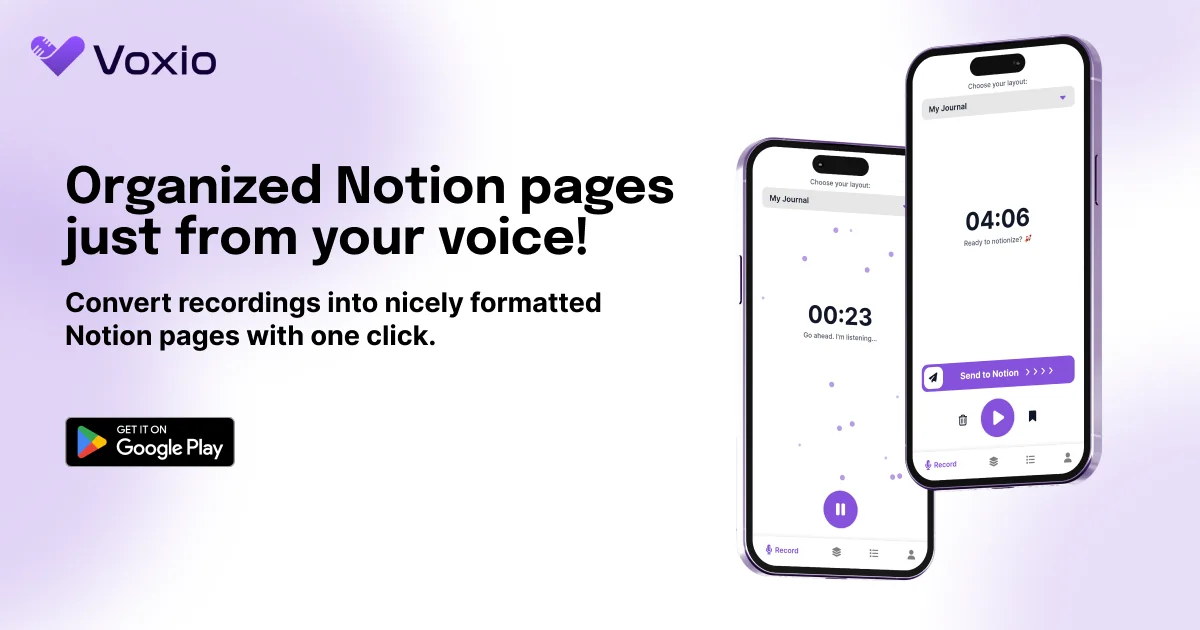
Voxio هي أداة لتحويل الصوت إلى نص تقوم بتحويل التسجيلات الصوتية إلى نص منظم، وغالبًا ما يكون ذلك مباشرةً في صفحات Notion أو ملاحظات منسقة.
وهي تدعم لغات متعددة، وتتيح لك إيقاف التسجيلات مؤقتًا واستئنافها، وتسمح بقوالب تخطيط مخصصة (مثل "النقاط الرئيسية" و"الملخص" و"المهام") عند التصدير إلى Notion.
⭐ ما الذي تقدمه الأداة بالفعل بناءً على تجربة المستخدم؟
يقوم المستخدمون بتسجيل الأفكار أو الاجتماعات أو المحاضرات أو المذكرات ويقوم Voxio بنسخها إلى نص واضح وموجز.
تتكامل الأداة مع Notion: يمكن تنظيم الملاحظات المحوّلة كصفحات Notion مع كتل مثل الملخصات والقوائم النقطية والمهام والصوت المضمّن.
يزيل التكرار ويصحح القواعد اللغوية وينسق النص حسب القوالب المختارة.
تدعم الواجهة عناصر التحكم الصوتية النموذجية: التسجيل، والإيقاف المؤقت، والاستئناف، والحفظ، والحذف إذا لزم الأمر.
🤖 هل يتضمن الأتمتة؟
نعم - يقوم Voxio بأتمتة العديد من المهام:
النسخ التلقائي للصوت المنطوق إلى نص
التصحيح النحوي وتصفية التكرار
التنسيق التلقائي في قوالب / تخطيطات موجهة
التكامل في Notion (الهيكلة التلقائية في الصفحات)
💰 نموذج التسعير:
مجاني مع مستويات مدفوعة
🆓 تفاصيل الخطة المجانية:
الاستخدام الأساسي مجاني (مع قيود)
دقائق محدودة على الأرجح أو عدد محدود من التسجيلات في المستوى المجاني
💳 تفاصيل الخطة المدفوعة:
الخطط التي تمت ترقيتها تزيل الحدود، وتدعم تسجيلات أطول، والمزيد من القوالب، والتكاملات المتميزة
المستويات السعرية المذكورة: على سبيل المثال "أساسية" بسعر 8 دولارات شهريًا، و"غير محدود" في بعض القوائم
🧭 طريقة الوصول:
تطبيق الجوال (iOS / Android) للتسجيل الصوتي والنسخ الصوتي
التصدير / التكامل مع Notion للإخراج المنظم
قوالب وتخطيطات قابلة للتحديد في التطبيق لتنسيق الإخراج
🔗 رابط التجربة:
https://voxio.tech/home