Clockwise
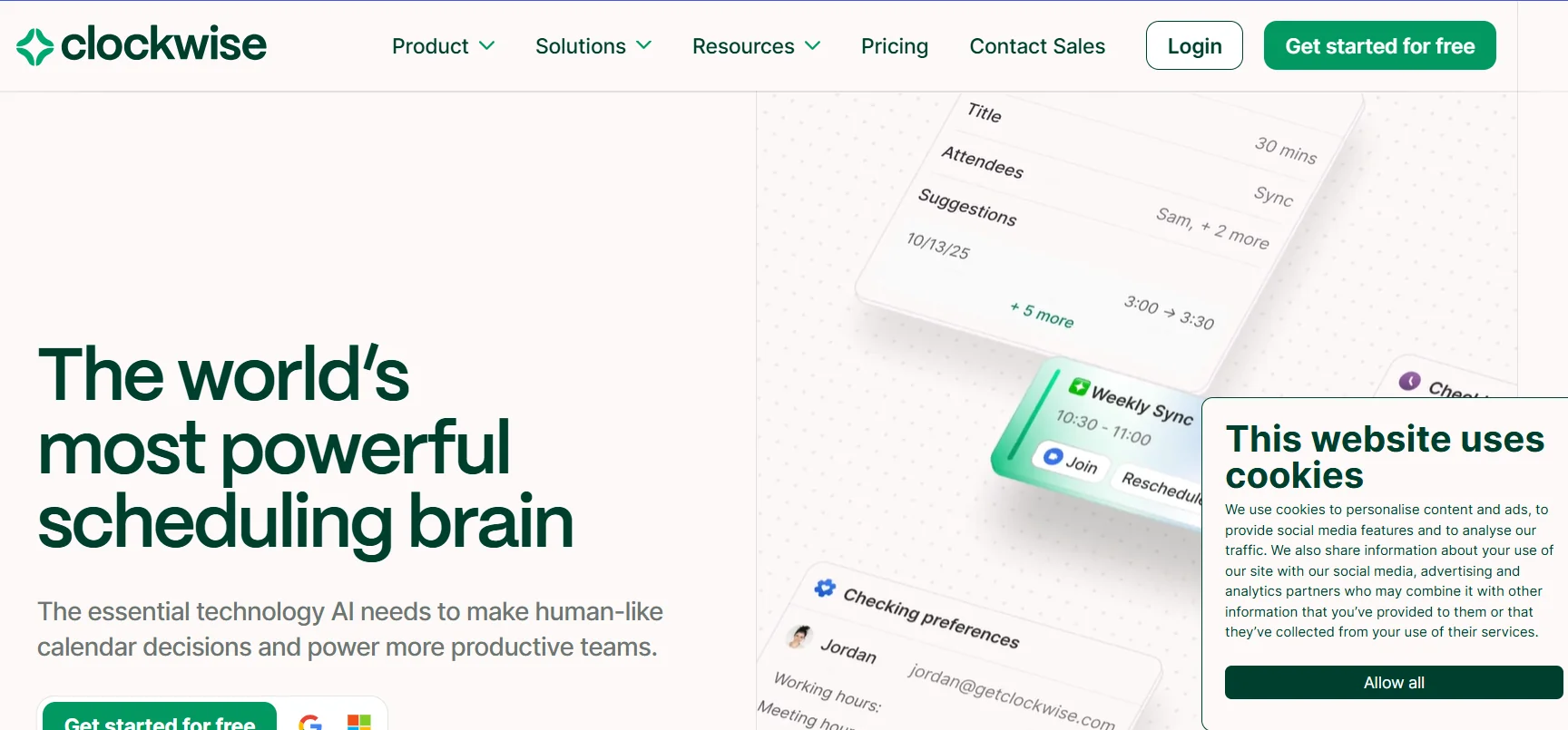
Description
️ 🖼Tool name:
Clockwise
🔖 Category:
AI Calendar Assistant for managing schedules and appointments
️ ✏What does this tool offer?
Intelligently organize appointments and meetings within Google Calendar.
Automatically rearrange meetings to protect Focus Time.
Seamlessly schedule appointments with teams and third parties.
Personalize time for meals, travel, and appointments.
Integration with Slack and Chrome extension, and support for real-time appointment editing.
⭐ What does the tool actually do based on user experience?
Makes it easy to find time for deep work amidst busy schedules.
Increases productivity by automatically redistributing meetings.
Widely used in large teams and organizations.
Well-reviewed as a tool that reduces fatigue from too many meetings.
🤖 Does it include automation?
Yes -
Automatically reschedule meetings.
Protect periods of focused work.
Schedule appointments with multiple parties using smart links.
💰 Pricing model:
Subscription (monthly/annual subscription)
🆓 F ree plan details (Free - $0/month per user):
Smart calendar management.
Automatically find the best time for tasks and routines.
Unlimited Scheduling Links for scheduling with third parties.
Protect personal time (meals, travel, appointments).
Ability to delegate calendar management to Clockwise.
💳 Paid plan details:
Teams - $6.75/user per month (yearly) or $7.75/user per month (monthly):
All the features of the free plan.
Optimize meeting times to create focused periods.
Protect deep work time with automatic Focus Time.
Schedule meetings with multiple colleagues and external parties via group links.
Business - $11.50/user/month (annual only):
All Teams features.
Measure meeting load and focus time across the entire organization.
Billing and administrative control management tools.
Automatically distribute meetings using round-robin logic.
Enterprise - Customized pricing (in communication with sales):
All Business features.
Advanced security and enterprise-specific customizations.
Support for companies with large needs or in sensitive sectors.
🧭 How to access:
Via the official website: getclockwise.com
Through the Chrome extension.
Via Slack for intra-channel meeting integration.
🔗 Trial link:
https://www.getclockwise.com/