Embra
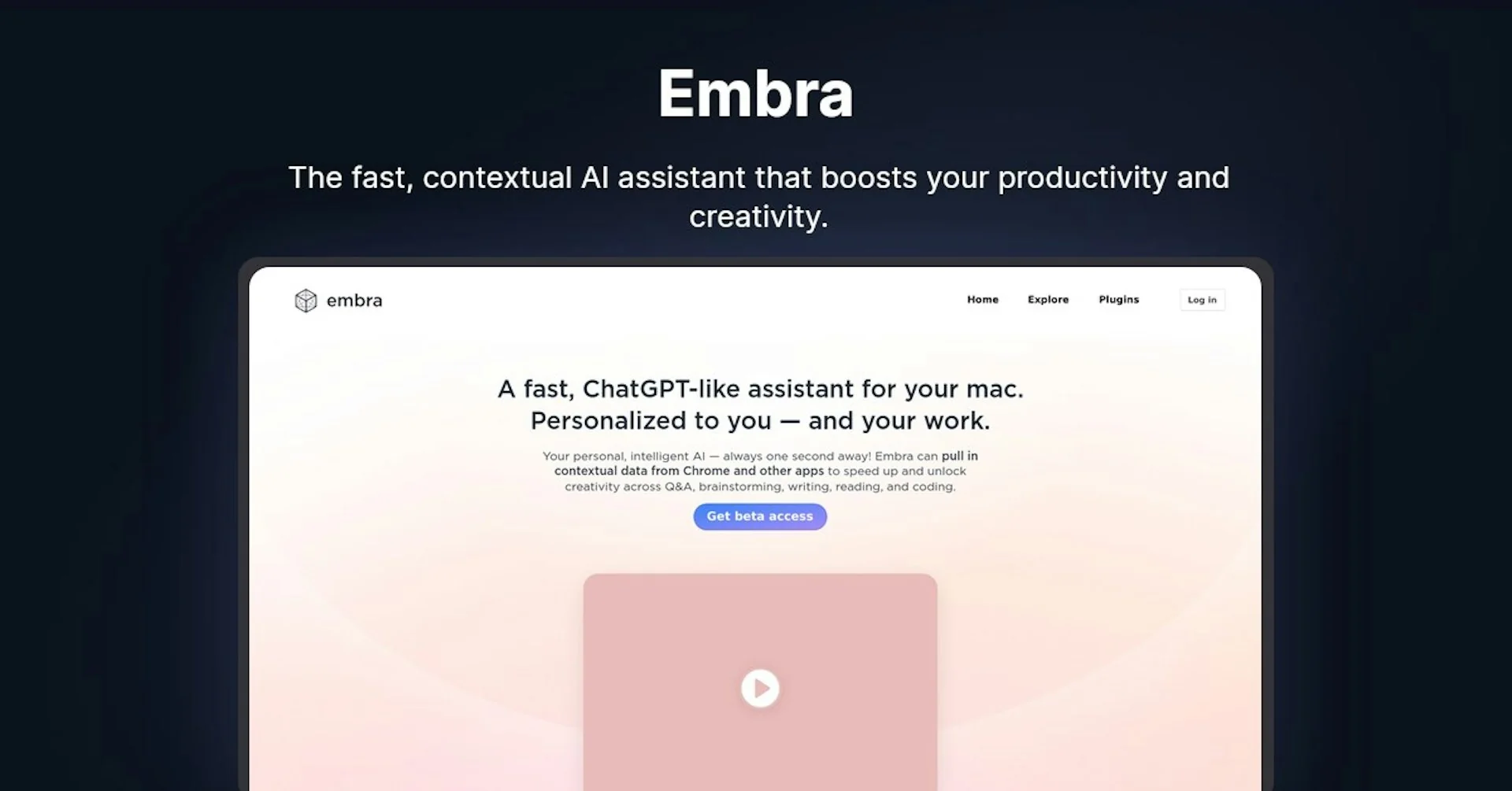
Description
🖼️ Tool Name:
Embra
🔖 Tool Category:
AI-powered notetaker and operating system; it falls under Productivity & Automation and Content Creation & Communication.
✏️ What does this tool offer?
Embra is an AI workspace and meeting assistant designed to centralize daily work. It automatically records meetings, generates structured notes, writes follow-up emails, updates CRMs, and remembers context across conversations — acting like a personalized “AI operating system” for professionals.
⭐ What does the tool actually deliver based on user experience?
• Automated meeting summaries — captures audio, transcribes discussions, and produces clear, actionable notes.
• Follow-up generation — drafts personalized follow-up messages and task summaries post-meeting.
• Context memory — Embra remembers key details from past meetings, emails, and projects to enhance relevance over time.
• CRM and email integration — updates records, schedules tasks, and automates documentation.
• Cross-app orchestration — connects with tools like Zoom, Slack, Gmail, and Notion for end-to-end workflow automation.
• Multi-device availability — accessible via web and desktop (Mac / Windows).
🤖 Does it include automation?
Yes — automation is at the core of Embra:
• Meeting capture, transcription, and note generation happen automatically.
• Follow-up messages are generated contextually without manual drafting.
• CRM updates, scheduling, and summarization run autonomously in the background.
💰 Pricing Model:
Subscription-based model. Embra doesn’t publicly list pricing on its website but operates via contact-based enterprise subscriptions for teams and businesses.
🆓 Free Plan Details:
• Offers free access to its Meeting Copilot feature for basic note-taking and transcription.
• Advanced features like long-term memory, CRM sync, and multi-agent workflows require a paid plan.
💳 Paid Plan Details:
• Custom or tiered subscriptions available for professional and enterprise users.
• Pricing depends on integrations, user seats, and automation volume.
🧭 Access Method:
• Web app — accessible via
• Desktop app — downloadable via(Mac & Windows)
• Integrations — works with Zoom, Gmail, Slack, and CRM tools.
🔗 Experience Link
https://embra.ai