Documind
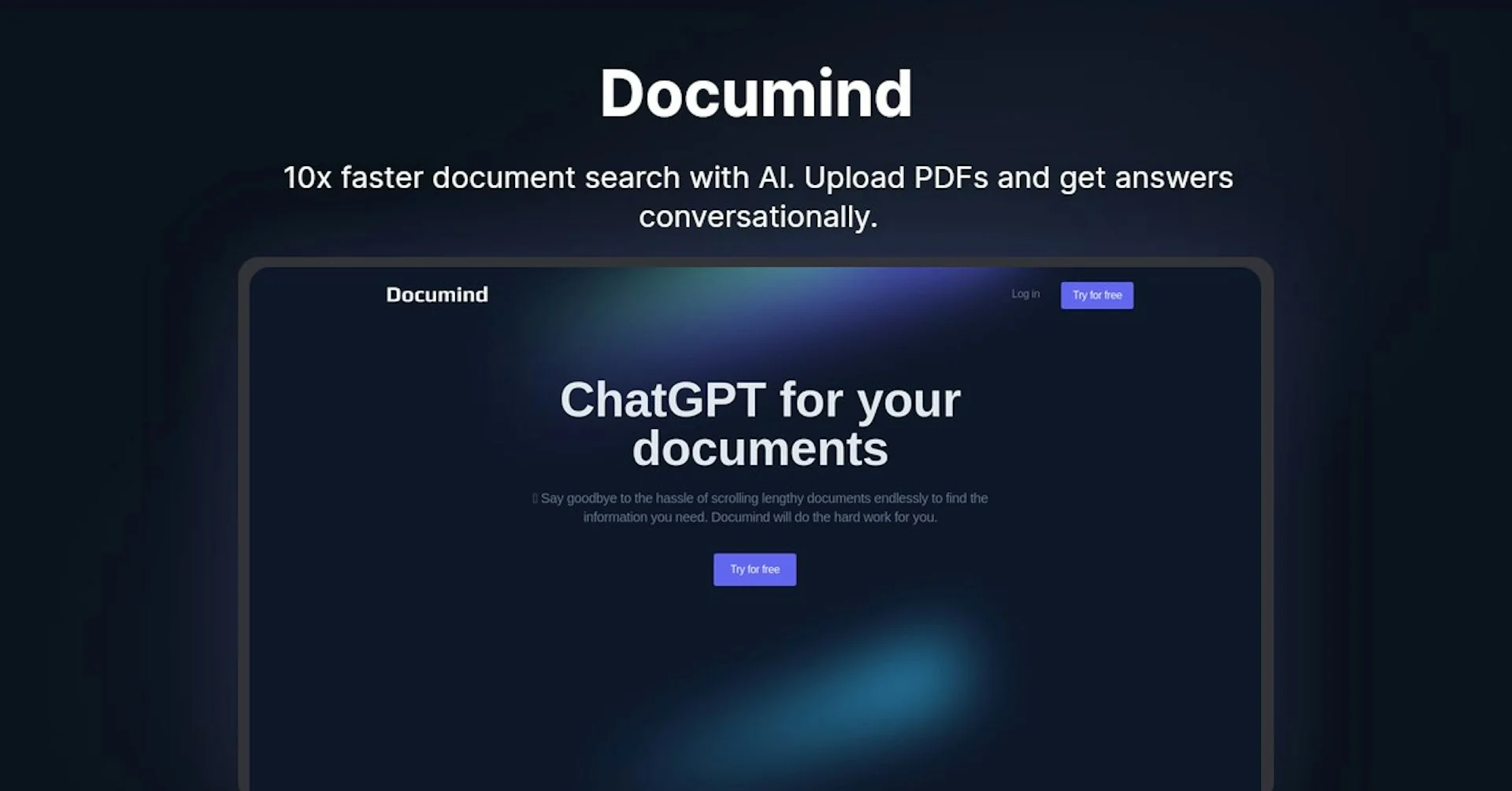
Description
🖼️ Tool Name:
Documind
🔖 Tool Category:
AI-powered document analysis & processing tool; it falls under Content Management and Productivity & Automation, with emphasis on Document Intelligence / Document Chat & Extraction.
✏️ What does this tool offer?
Documind allows users to upload PDF or image-based documents and then interact with them using natural language. It can extract structured data, answer questions about the document, summarize content, and build custom chatbots based on document contents.
⭐ What does the tool actually deliver based on user experience?
• Upload PDFs, images, or documents and chat with them directly
• Extract structured data and deliver it in JSON or other formats based on user-defined schemas
• Summaries, key points extraction, and Q&A over multi-page documents
• Ability to create chatbots trained on specific documents and embed or deploy them
• Cross-document querying, i.e. synthesizing information across multiple documents
🤖 Does it include automation?
Yes — Documind automates many steps in document interaction:
• Automatically parses document layout and text (OCR, extraction)
• Converts documents into indexed data and embeddings for fast search and retrieval
• Generates responses, summaries, and structured outputs without manual prompting beyond the initial question
• Supports schema-based extraction workflows to configure what fields to pull out
💰 Pricing Model:
Freemium / subscription model (exact tiers not fully clear)
🆓 Free Plan Details:
• Probably limited uploads and features (basic Q&A, summaries)
💳 Paid Plan Details:
• Advanced capabilities like custom chatbot training, cross-document context, embedding and structured data extraction likely in paid tiers
🧭 Access Method:
• Web app interface (upload and chat)
• Possible embedding / deployment of custom document chatbots
🔗 Experience Link:
https://www.documind.chat