Columns AI

Description
🖼️ Tool Name:
Columns AI
🔖 Tool Category:
AI-powered data visualization & storytelling platform; it falls under the category of Analytics & Dashboards (primary) and also Data Preparation & Cleaning / No-Code Workflows (secondary).
✏️ What does this tool offer?
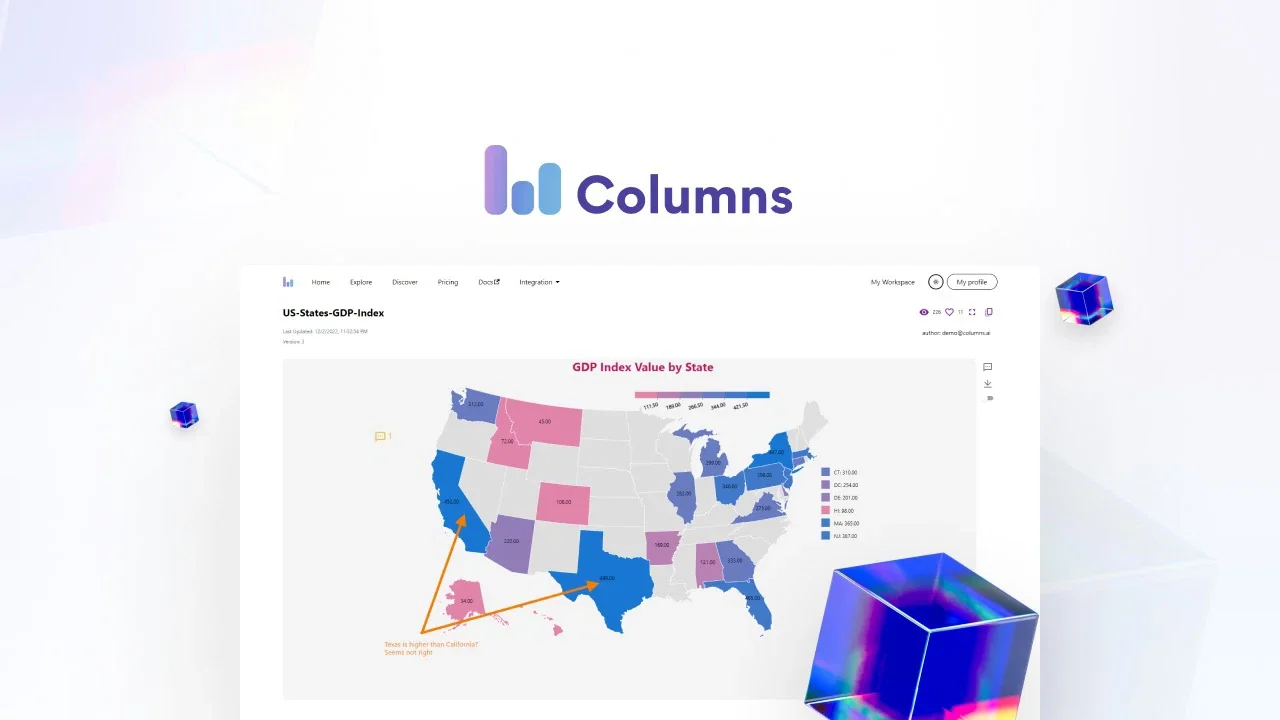
Columns AI allows users to import structured data (e.g., from Google Sheets, Airtable, CSVs, SQL databases), then automatically generate beautiful visual stories and dashboards from that data with the help of AI. It focuses on making data more accessible and presentable — helping non-technical users convert raw datasets into insights and narratives.
⭐ What does the tool actually deliver based on user experience?
• Auto-visual recommendations: When you load a dataset, Columns AI suggests suitable charts and layouts.
• Natural-language / AI chat interface to ask questions and build insights from data.
• Integration with multiple sources: Google Sheets, Airtable, SQL, etc.
• Sharing / embedding capability: Visualizations can be embedded in websites or shared with teams.
• Collaboration & storytelling: Enables teams to build dashboards and data-stories rather than just static graphs.
🤖 Does it include automation?
Yes — Columns AI automates several key parts of the workflow:
• Automatic ingestion and processing of data files from various formats and sources.
• AI-driven suggestion of charts, narratives and layout (reducing time from data → insight).
• Scheduled data refresh / live data-linking so dashboards stay up to date.
💰 Pricing Model:
Freemium with paid upgrades.
🆓 Free Plan Details:
• There is a free version allowing basic functionality: upload/import data, create visualizations, try features.
💳 Paid Plan Details:
• Paid tiers unlock more features – larger dataset volumes, more visual-stories, advanced integrations, refresh frequency; e.g., some plans mention ~$15/month entry.
🧭 Access Method:
• Via web: visit Columns AI’s website and sign up.
• Connect your data sources and build visual-stories within the platform.
🔗 Experience Link: