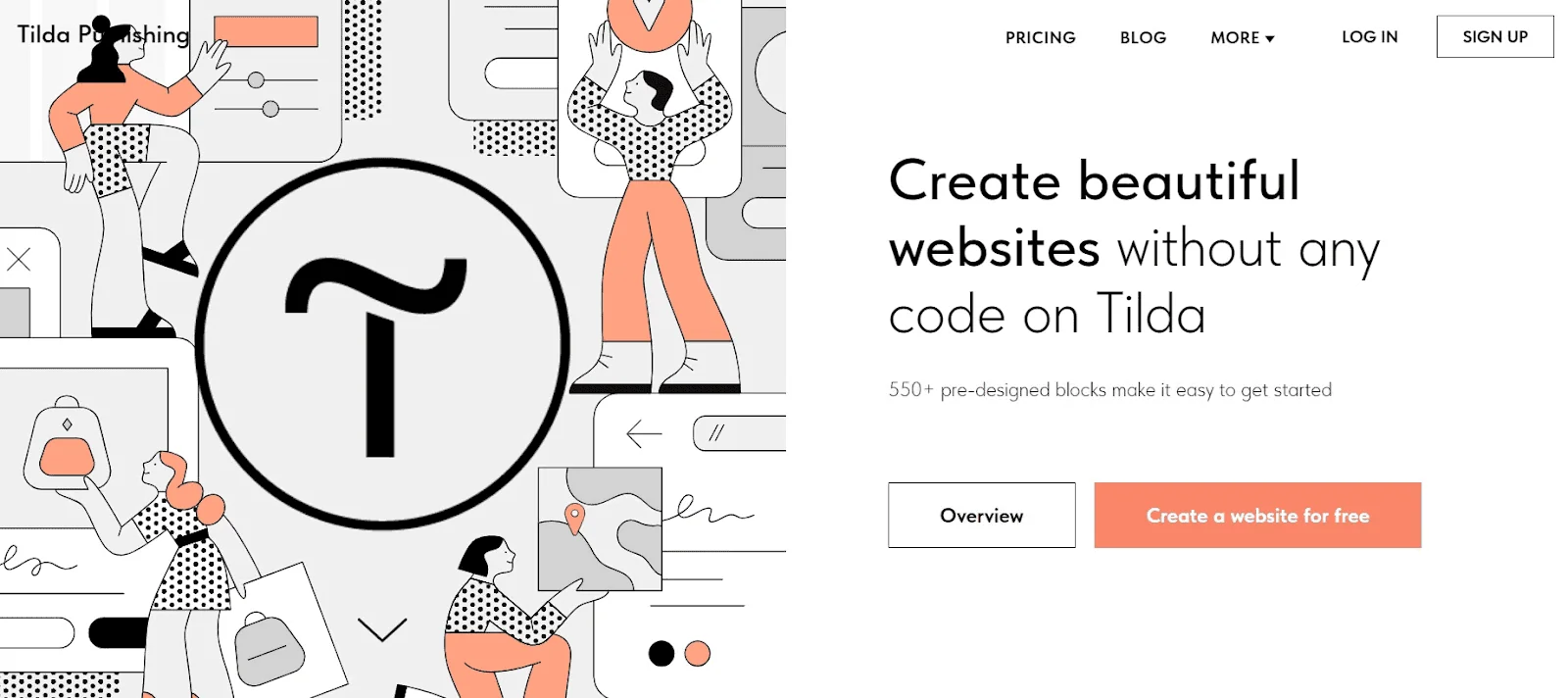
Description
🖼️ Tool Name:
Tilda
🔖 Tool Category:
No-Code Workflows — A block-based website builder that allows creation of websites, landing pages, blogs & online stores without coding.
✏️ What does this tool offer?
Tilda provides a visual platform with:
A library of 550+ pre-designed blocks for homepage covers, galleries, forms, texts, video backgrounds, etc.
Responsive design: pages adapt to mobile/tablet automatically.
Zero Block editor: for more advanced users to build custom blocks from scratch or fine-tune.
E-commerce support: build online stores, accept payments via card/PayPal/Stripe, manage orders.
SEO, analytics, integrations, CMS/blog features, membership areas.
AI-powered site creation (the latest version): describe your business and AI generates a ready-to-go page including copy & images.
⭐ What does the tool actually deliver based on user experience?
Users report that they can launch a website quickly and the visual editing is intuitive even for non-designers.
Because of the block-library and Zero Block, there's a good balance between ease-of-use and design freedom.
Some limitations: the free plan may have restrictions (domain, features), and very advanced custom-logic or large-scale enterprise store may require additional setup.
🤖 Does it include automation?
Yes — Tilda automates key parts of website creation:
AI website builder: generating site layout, copy and images from your description.
Blocks adapt to devices and include SEO settings out-of-the-box.
E-commerce setup and integrations reduce manual steps for store owners.
💰 Pricing Model:
Freemium with subscription tiers.
🆓 Free Plan Details:
Free plan available: you can build a website using the core features with limitations.
💳 Paid Plan Details:
Paid plans unlock custom domains, more websites, advanced features, AI tools, code export.
Example pricing (as of review): approx US $10/month for a personal website plan; US $20/month for more business features.
🧭 Access Method:
Fully web-based: visit to sign up and start building.
You can use the block editor immediately, select templates, or use AI assistant in newer versions.
🔗 Experience Link:
https://tilda.cc/lp/ai