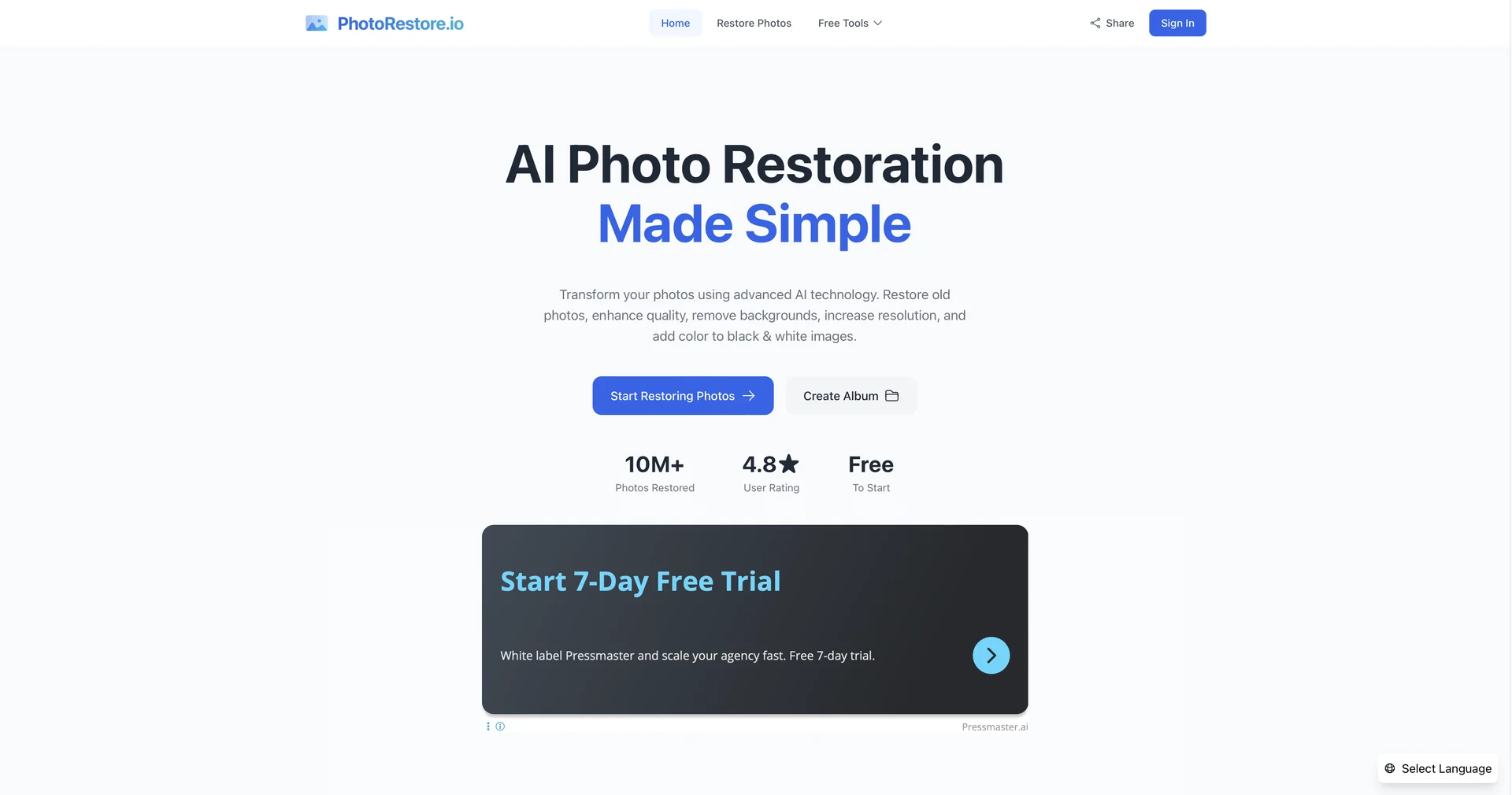
Features
- Fills cracks and creases using damage-specific models
- Reconstructs blurred faces while preserving likeness
- Colorizes black-and-white photos with realistic tones
- Batch mode for up to 50 photos with a unified preset
- Upscales low-res scans to 8K
- Encrypted session mode that deletes images after download
Pricing Details
💵 Pricing & Plans (February 2026 Status) PhotoRestore.ai offers a mix of free trials and premium passes: Plan Price (Estimated) Key Features Free Tier $0 Up to 5 free restorations; Standard resolution; Watermarked. Pro Monthly ~$6.99 Unlimited restorations; 4K upscaling; Colorization included; No ads. Heritage Pack ~$29.00 One-time payment for 500 high-res credits; Best for digitizing large family archives. Business / API Custom For professional archivists and museums; Batch processing; Custom API access. 🎁 How to Get Started: Visit photorestore.io or photorestore.ai. Drag and drop an old scan of a family portrait. Select "Full Restoration" + "Colorize," and within 10 seconds, you’ll see the transformed image.