Image Extender by Picsman
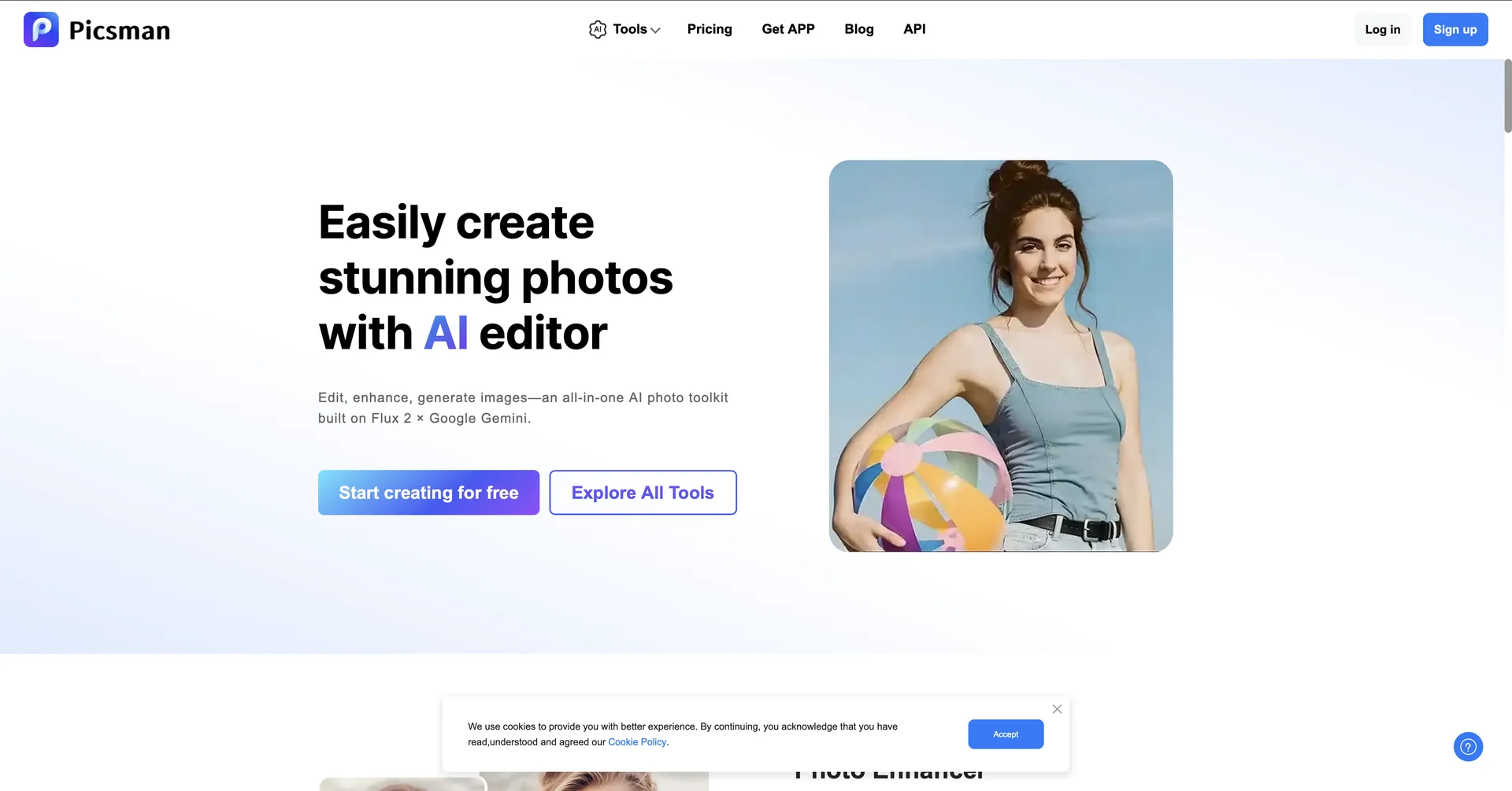
Features
- Extends images in any direction by generating matching pixels
- One-click aspect ratio presets for Instagram, YouTube, TikTok and cinematic formats
- Context-aware filling that continues scenes such as beaches or blurred backgrounds
- Fixes awkward framing and cut-off subjects
- Keeps the original subject untouched and undistorted
- Exports in JPG, PNG and HEIC
- Available on web, Windows and iOS/Android apps
Pricing Details
💵 Pricing & Plans (March 2026 Status): Picsman uses a Credit-based system combined with Pro subscriptions. Plan Price (Approx.) Key Features Free / Trial $0 3 free daily expansions; Standard resolution; Web-based access. Monthly PRO ~$9.99 / mo Unlimited AI tool access; 300 credits for advanced models; 4K downloads; No watermarks. Yearly PRO ~$4.99 / mo ($59.99 billed annually); All Pro features; 10GB cloud storage; Priority processing. Pay-As-You-Go Variable Buy credits that never expire; ideal for occasional high-res projects. 🎁 How to Get Started: Visit Upload your photo, select your desired extension size or aspect ratio, and click "Expand." The AI will generate the new background in seconds. Preview the result and download it as a PNG or JPG.