Premiere Assistant by Cutback
Features
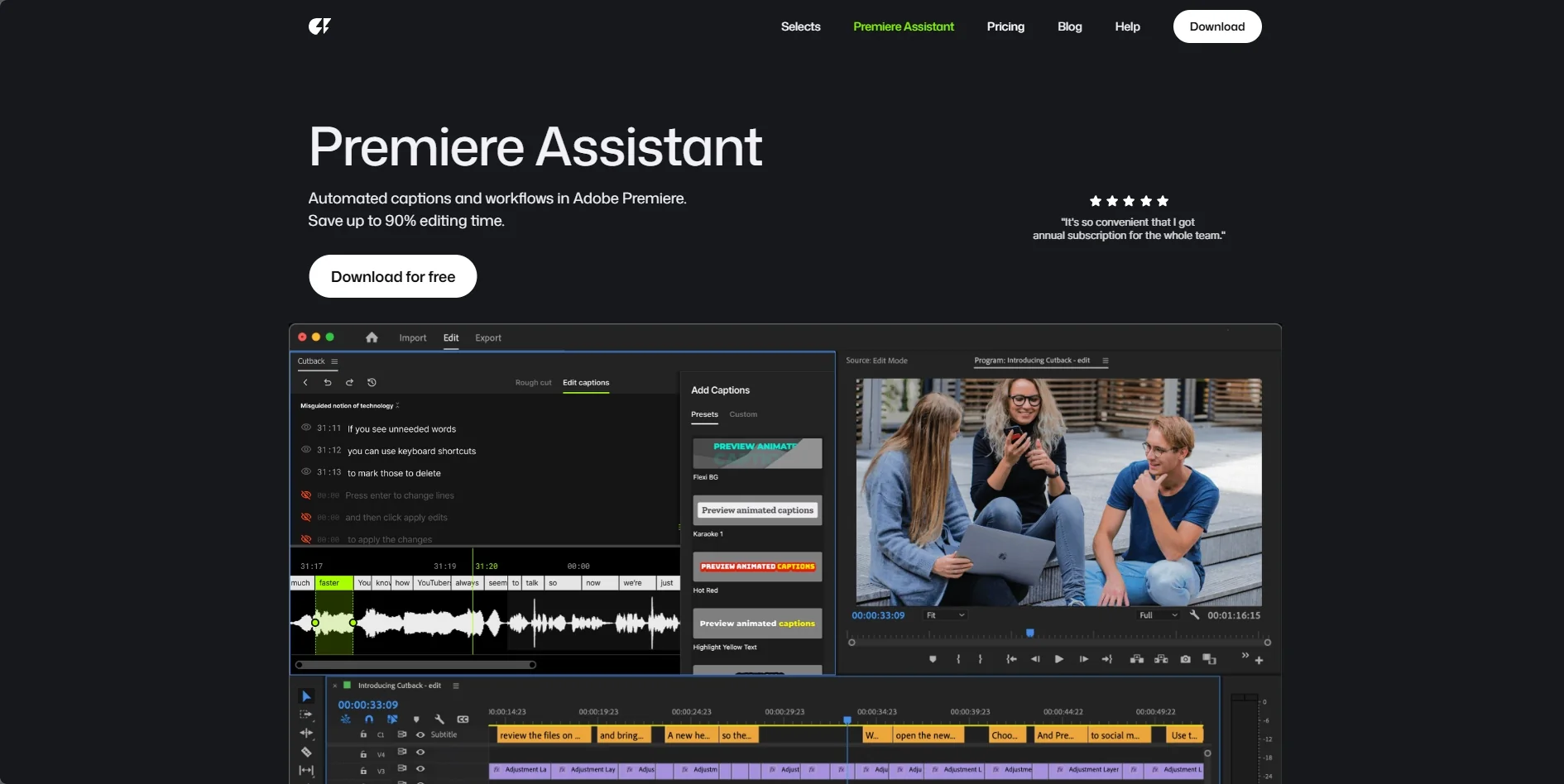
- Turns raw footage into a structured rough cut based on your script
- Edits video by deleting words in the transcript
- Switches multi-cam angles to the active speaker and mutes inactive tracks
- Generates animated karaoke-style captions in 2 clicks
- Searches copyright-free B-roll, stickers, GIFs and sound effects from the panel
- Translates subtitles and on-screen text into 30+ languages
- Includes one-click animations and zoom effects that track audio cues
- Removes silence automatically
- Runs as a native Premiere Pro extension
Pricing Details
💵 Pricing & Plans (March 2026 Status): Cutback offers a tiered model, often featuring a 50% "Early Bird" discount for new users. Plan Price (Approx.) Key Features Free Mode $0 Basic silence removal; limited transcription; access to search tools. Pro Access ~$10 - $20 / mo Unlimited "Auto Rough Cut"; full multi-cam switching; AI translation; Pro caption styles. Team / Enterprise ~$199 / yr Full team collaboration; priority AI processing; advanced background removal & VFX. 🎁 How to Get Started: Visit cutback.video and download the Premiere Pro extension. We recommend the "Silence Challenge": Import a 15-minute raw recording, click [Remove Silence], and watch the AI condense it into a tight, professional sequence in under 30 seconds.