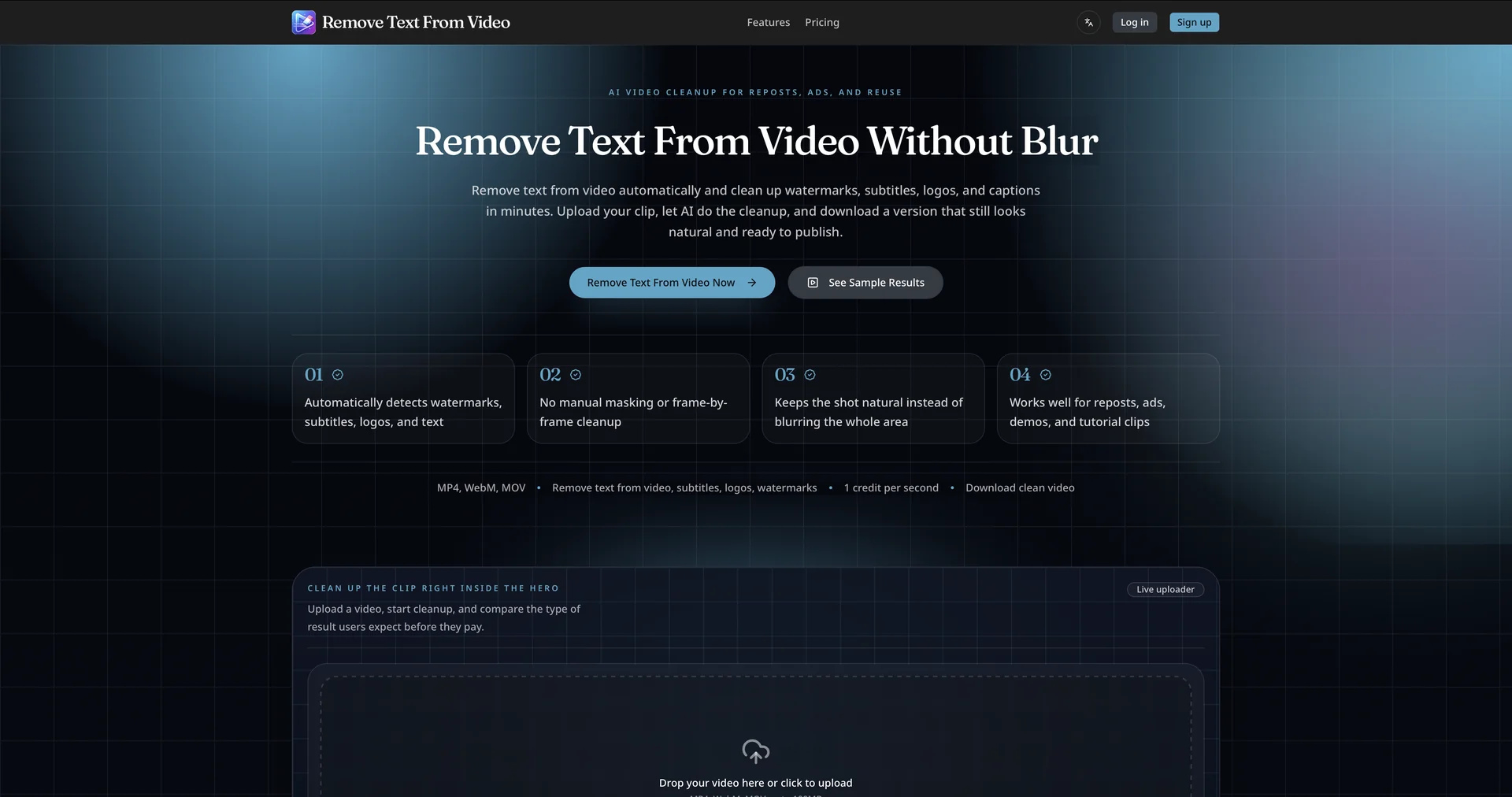
Description

🖼️ Tool Name:

Remove Text From Video

🔖 Assigned Classifications:

  • Object & Background Editing (Core focus: Inpainting and text erasure)

  • Social Templates & Auto-Editing (Removing TikTok/Instagram overlays for repurposing)

  • Editing, Enhancement & Upscaling (Maintaining HD/4K quality after removal)

  • Video Summaries & Clips (Cleaning up footage for highlight reels)

  • No-Code Workflows (Browser-based processing without software installation)

  • Governance & Compliance (Encryption and auto-deletion for privacy)

✏️ Overview & Key AI Features:

  • The "Clean Slate" Specialist: Remove-text-from-video.net is a dedicated AI-powered utility designed to strip away hardcoded subtitles, captions, watermarks, and logos from video files. It is primarily used by content creators to "re-master" footage for different languages or platforms.

  • Dual-Mode Processing:

    • Auto Mode: Uses a 2026-gen YOLO (You Only Look Once) detection model to automatically identify and mask common text overlays like TikTok usernames or timestamps.

    • Manual Mode: Provides a brush or rectangle tool to precisely define irregular or semi-transparent text areas that the AI might miss.

  • Context-Aware Inpainting: A standout feature for 2026, the tool uses advanced "neighbor-pixel synthesis." Instead of just blurring the text, it analyzes the surrounding frames to reconstruct the background behind the text, making the removal nearly invisible even in motion.

  • Multi-Format Versatility: Supports high-resolution imports and exports, including MP4, MOV, and AVI, maintaining quality up to 1080p (HD) on the free tier and 4K for premium users.

  • Privacy-First Workflow: To comply with modern data laws, the tool uses end-to-end encryption. All uploaded files are automatically purged from the server within 24 hours of processing.

  • "Zero-Trace" Logic: Unlike older blur-based tools, this AI specifically targets the edges and shadows of fonts to prevent the "ghosting" effect common in basic video editors.

⭐️ User Experience:

  • "Content Repurposing Gold": In April 2026, this tool is highly regarded (4.6/5) on developer forums. Users praise it for its "simplicity and speed," particularly for cleaning up viral clips that have distracting captions. It is frequently used by social media managers who need to "strip" a video of its original branding to apply a fresh "Creative Suite 2.0" aesthetic.

💵 Pricing & Plans (April 2026 Status):

The tool follows a "Freemium" model with a focus on quick, one-off utility.

PlanPrice (Approx.)Key Features
Free Tier$0No signup; 1080p export; Max 2-minute clips; Auto-detection.
Pro / Premium$9 - $15 / mo4K resolution; Batch processing; No file size limits; Priority rendering.

🎁 How to Get Started:

  • Visit remove-text-from-video.net, drag your video file into the browser, and select "Auto Mode." If the text is stylized (e.g., 3D or glowing), use the Manual Selection to draw a tight box around it. Preview the first few frames, then click "Remove" and download your clean file in minutes.

⚙️ Access or Source:

  • Official Website

  • Platform: Web-based (SaaS); No installation required.

🔗 Experience Link:

https://removetextfromvideo.net/

Pricing Details

💵 Pricing & Plans (April 2026 Status): The tool follows a "Freemium" model with a focus on quick, one-off utility. Plan Price (Approx.) Key Features Free Tier $0 No signup; 1080p export; Max 2-minute clips; Auto-detection. Pro / Premium $9 - $15 / mo 4K resolution; Batch processing; No file size limits; Priority rendering. 🎁 How to Get Started: Visit remove-text-from-video.net, drag your video file into the browser, and select "Auto Mode." If the text is stylized (e.g., 3D or glowing), use the Manual Selection to draw a tight box around it. Preview the first few frames, then click "Remove" and download your clean file in minutes.