Description

🖼 Tool Name:

Discova AI

🔖 Categories:

  • Summaries, Headlines & Ideas (Research Synthesis)

  • Social Templates & Auto-Editing (UI/UX Design Variations)

  • Analytics & Dashboards (Usability Analytics)

  • Business Docs Automation (Persona Creation)

  • Integrations & APIs

✏ What does this tool offer?

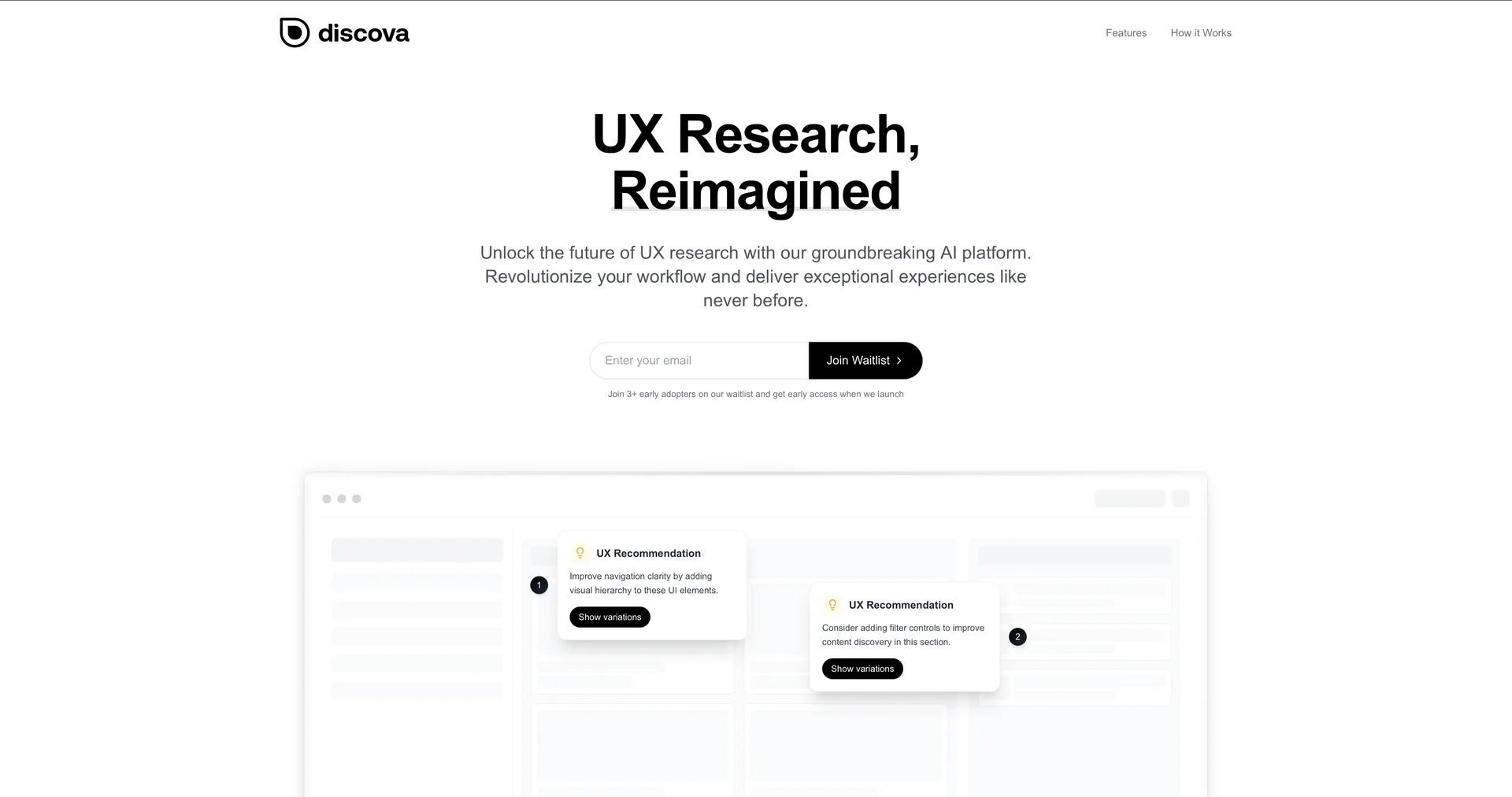
  • Discova AI is a specialized UX research and design intelligence platform that transforms raw user feedback and data into high-fidelity design insights.

  • It features Research Synthesis Automation: The engine processes qualitative data from user interviews, surveys, and usability tests, instantly extracting core "pain points" and behavioral patterns.

  • The platform offers AI-Enhanced Persona Creation: Instead of static templates, it generates dynamic, data-backed user personas that reflect real-world audience characteristics and behavioral triggers.

  • It includes Visual Usability Analytics: Beyond standard heatmaps, Discova provides intuitive visual reports that reveal hidden opportunities in the user journey by analyzing interactions across different design elements.

  • Rapid Design Iteration: It facilitates the creation of UI design variations based on UX principles, helping designers move from research results to updated prototypes at unmatched speeds.

⭐ What does it actually offer based on user experience?

  • Massive Research Efficiency: Teams report cutting the time spent on manual research synthesis by over 70%, allowing them to spend more time on actual problem-solving.

  • Objective Insight Extraction: Designers praise the tool for its ability to identify subtle user frustrations in long interview transcripts that human analysts might overlook.

  • Figma-Ready Workflows: Users find the transition from Discova’s insights to actual design files seamless, especially when using AI-generated creative solutions to spark new UI ideas.

  • Data-Driven Personas: Unlike traditional guesswork, Discova’s personas are valued for being "grounded" in actual data, making them more persuasive to stakeholders and product managers.

  • Reduced Friction: Reviewers highlight that the "Visual Analytics" feature is much more intuitive than traditional data sheets, making it easier to pinpoint exactly where users are getting stuck.

🤖 Does it include automation?

  • Yes, Discova AI focuses on automating the non-creative, high-friction aspects of the design process:

  • Automated Qualitative Analysis: Instantly summarizes hours of user feedback into concise, categorized insights.

  • Automated Design Optimization: Suggests layout changes based on predictive user behavior and usability standards.

  • Automated Persona Generation: Dynamically builds and updates user profiles as new research data is fed into the system.

  • Automated Feedback Synthesis: Aggregates feedback from multiple testing sources into a single, unified priority list.

💰 Pricing Model

  • Item Details: Tiered Subscription (SaaS).

  • General Concept: Pricing is usually based on the number of active projects and seats, with a focus on collaborative features for design teams.

🆓 Free Plan Details

  • Feature: Free Explorer / Details: Often includes the ability to process a single project or a limited number of interview transcripts to test the quality of synthesis.

  • Cost: Free Trial available.

💳 Paid Plans (2026 Estimates) 🔹 Pro Plan

  • Item: Price / Details: Approx. $25 - $40/month.

  • Item: Features / Details: Unlimited projects, full persona suite, advanced usability analytics, and design variation tools.

🔹 Enterprise Plan

  • Item: Price / Details: Custom Quote.

  • Item: Inclusions / Details: API access, dedicated support, team-wide collaboration features, and native integrations with tools like Figma and Jira.

🧭 How to access the tool:

  • Cloud-based platform accessible via.

🔗 Experience link or official website:

https://discova.ai

Pricing Details

💰 Pricing Model Item Details: Tiered Subscription (SaaS). General Concept: Pricing is usually based on the number of active projects and seats, with a focus on collaborative features for design teams. 🆓 Free Plan Details Feature: Free Explorer / Details: Often includes the ability to process a single project or a limited number of interview transcripts to test the quality of synthesis. Cost: Free Trial available. 💳 Paid Plans (2026 Estimates) 🔹 Pro Plan Item: Price / Details: Approx. $25 - $40/month. Item: Features / Details: Unlimited projects, full persona suite, advanced usability analytics, and design variation tools. 🔹 Enterprise Plan Item: Price / Details: Custom Quote. Item: Inclusions / Details: API access, dedicated support, team-wide collaboration features, and native integrations with tools like Figma and Jira.