WheelStage
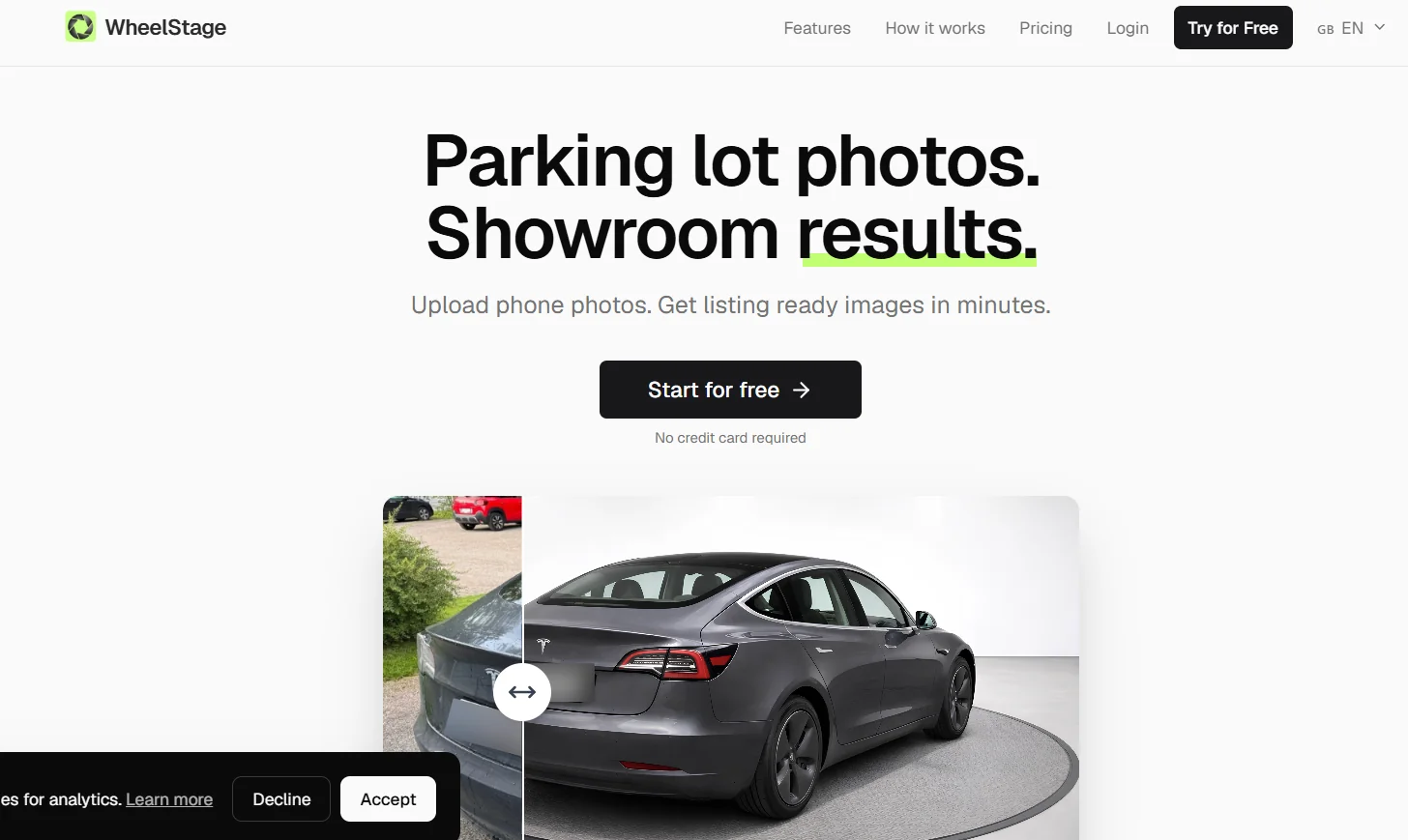
WheelStage is an AI-powered tool for editing car photos and preparing them for commercials and auto shows. It allows users to upload photos directly from their phones, replace backgrounds with professional scenes, enhance lighting, shadows, and reflections, and blur license plates or add showroom-specific plates. It also supports automatically adding the dealership’s logo, detecting interior and exterior photos, and batch processing images to quickly prepare them for publication on car-selling websites.
- Product Descriptions & Copy
- Image Design and Creation
- Editing, Enhancement & Upscaling
- Object & Background Editing
Last updated
Features
- Replacing Backgrounds: Provides 9 professional backgrounds, with the option to upload a custom background for the auto show.
- Improving Lighting and Shadows: Adjust the lighting, shadows, and reflections so that the car looks natural against the new background.
- Glare Reduction: Automatically removes external glare from the car's windows and body.
- Blur License Plates: Automatically hide license plate numbers to protect privacy.
- Adding Exhibition Signs: Upload a sign specific to the exhibition and add it to the car photos in a consistent manner.
- Add Exhibition Logo: Automatically apply the exhibition logo to processed images.
- Support for various image formats: Upload images in JPG, PNG, and HEIC formats, including photos taken with your phone.
- Image Type Detection: Automatically distinguish between exterior and interior images and process each type appropriately.
- 1. Fast batch processing: Process up to 50 images at a time, with the option to download images individually or in batches.
Pricing Details
WheelStage operates on a credit-based system with no monthly subscriptions or ongoing commitments; each credit is equivalent to one processed photo. Five paid plans are available: Starter for $19 for 50 credits, or $0.38 per photo; Growth for $66 for 200 credits, or $0.33 per image; Pro for $140 for 500 credits, or $0.28 per image; Studio for $460 for 2,000 credits, or $0.23 per image; and Agency for $950 for 5,000 credits, or $0.19 per image. The tool also offers 5 free credits to get started without needing a credit card.
Related Tips
- How to Use the Pokecut Tool to Easily Extract Images · Image Design and Creation, Editing, Enhancement & Upscaling…
- A professional prompt for turning a meal name into a full recipe infographic · Image Design and Creation, Text to Image Generation…
- Bosala Brand Studio Explains: How to Create a Complete Visual Identity from a Logo in Minutes? · Image Design and Creation, Text to Image Generation…
- An Explanation of GeminiGen AI for Creating Videos and Images for Children · Video Generation & Editing, Text and Images to Video…
- A Comparison of VisualGPT and NoteGPT for Creating Free Images and Designs on GPT Image 2 · Image Design and Creation, Text to Image Generation