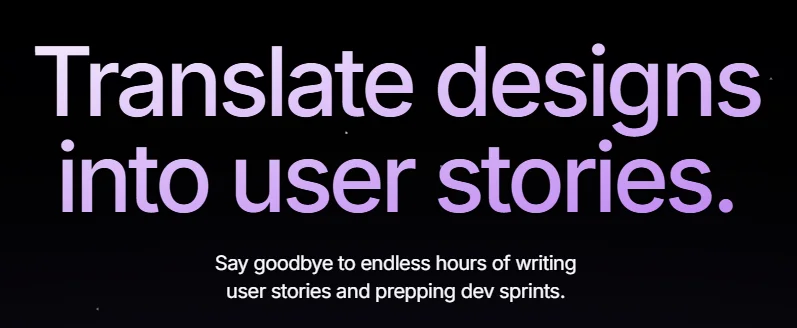
Figflow enables design and development teams to convert Figma designs directly into organized, testable user stories without having to write requirements manually. The tool analyzes designs with a single click, automatically estimates Story Points, saves information in Infobase, links real Personas to designs, adds context and insights, and provides an AI assistant to support story writing, with direct integration with Figma to facilitate collaboration between teams.
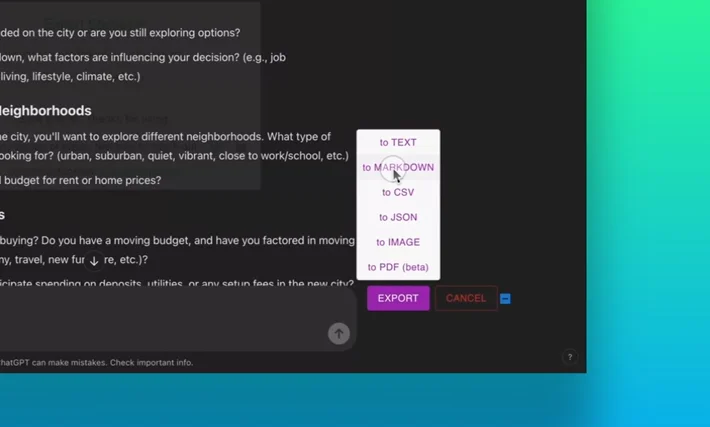
ChatGPT Exporter is a browser extension that enables users to easily extract and save ChatGPT conversations in multiple formats such as PDF, Markdown, Text, CSV, JSON, and images. It can be used for archiving, studying, and work, with a simple interface and one-click export.
Polyhive is a platform that helps game developers and 3D designers create and render visual assets super fast using AI. The tool allows users to generate textures for 3D models based solely on textual descriptions, so that users can enter a description of what they want and have ready-to-use textures generated automatically. The platform also provides tools for organizing digital assets, previewing them within the browser, and automatically generating thumbnails, as well as direct integration capabilities with game engines such as Unity and Unreal Engine via custom development packages.
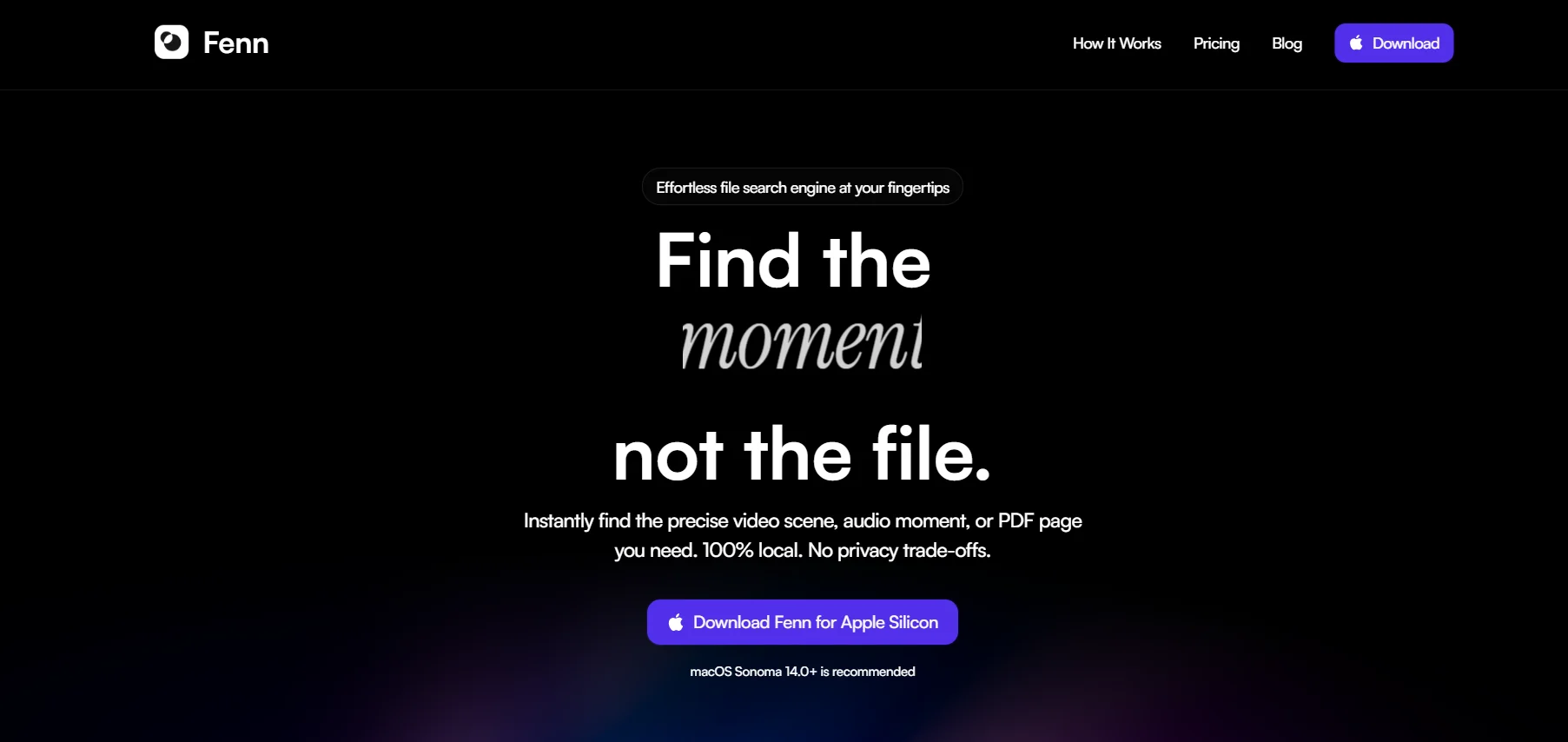
Fenn is a special AI tool that helps users find any content they need on their Mac, without sending data to AI providers. The tool works with local processing, provides keyword-based and semantic search, and supports interactive search via conversation and smart search agent, with continuous updates to ensure accurate results.
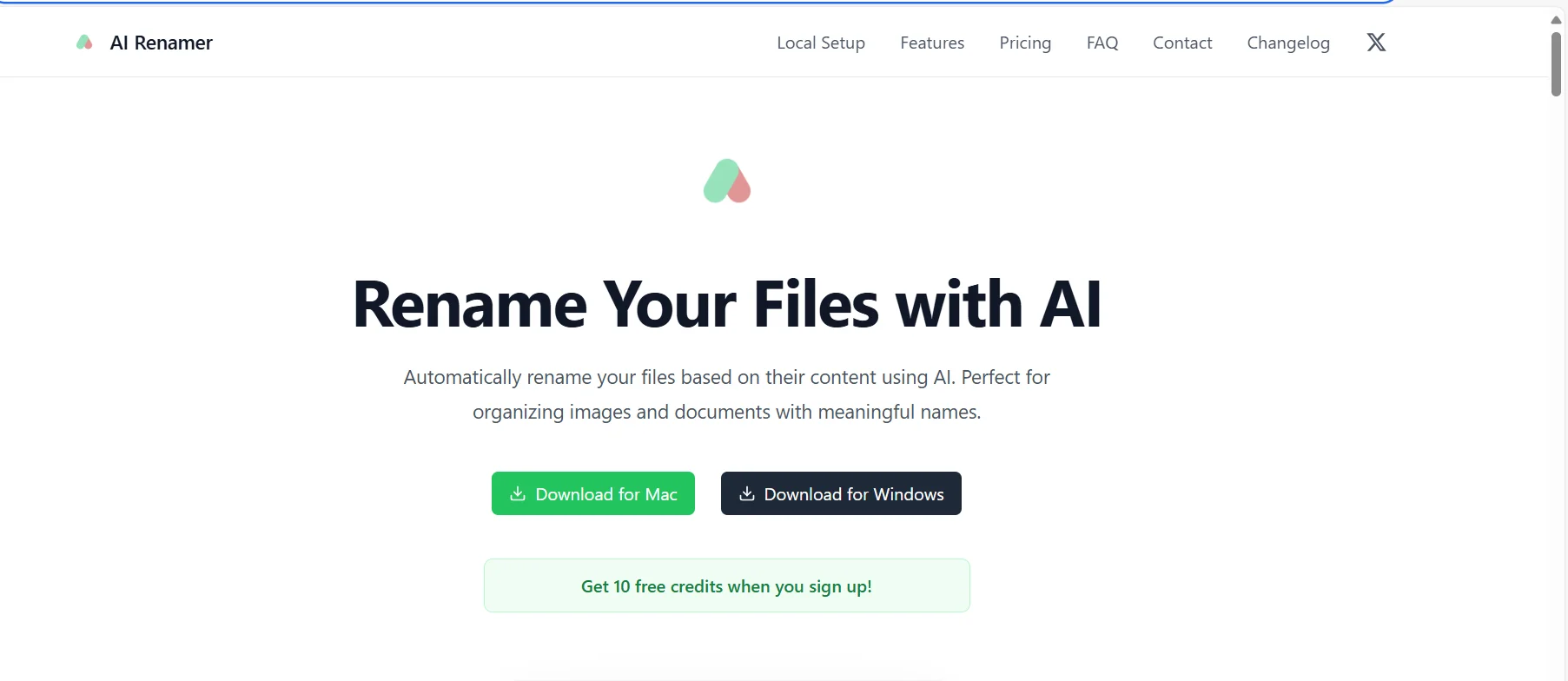
AI Renamer enables users to automatically rename files based on their content using artificial intelligence, making it easier and clearer to organize photos and documents. The tool supports all file types and works on Mac and Windows devices, with the option of using local or cloud models to meet different privacy and workload needs.
GitHub is a software development and collaboration platform that allows developers and teams to manage source code, track changes, collaborate via pull requests, manage projects and issues, and set up automated CI/CD environments. The platform includes advanced AI tools such as GitHub Copilot, GitHub Models, and GitHub Advanced Security, as well as the integrated development environment GitHub Codespaces. GitHub supports all project sizes, from individual repositories to large enterprises with multi-organization management and advanced security.
Backflip AI is an AI-powered engineering platform that specializes in converting physical data into manufacturable digital assets. It allows engineers and designers to convert 3D Scans and Point Clouds into clean parametric CAD files (such as STEP) that can be edited within programs such as SOLIDWORKS
Jumper is a smart tool designed to speed up the video and audio editing process by enabling the user to search directly within the audiovisual content.
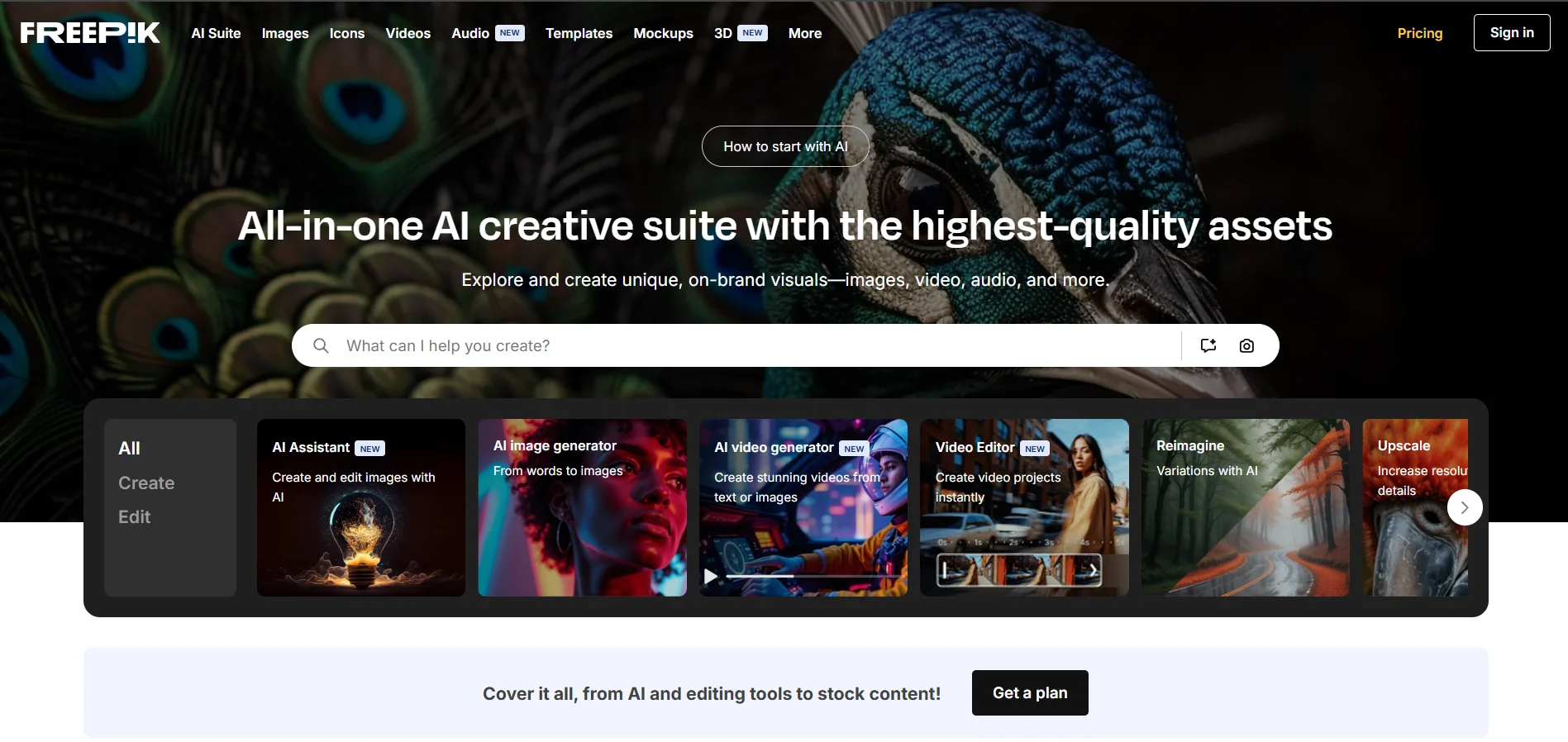
Freepik is a visual design platform that provides graphical resources - a library of images, graphics, templates, icons, fonts - and AI tools to generate customizable images and designs.
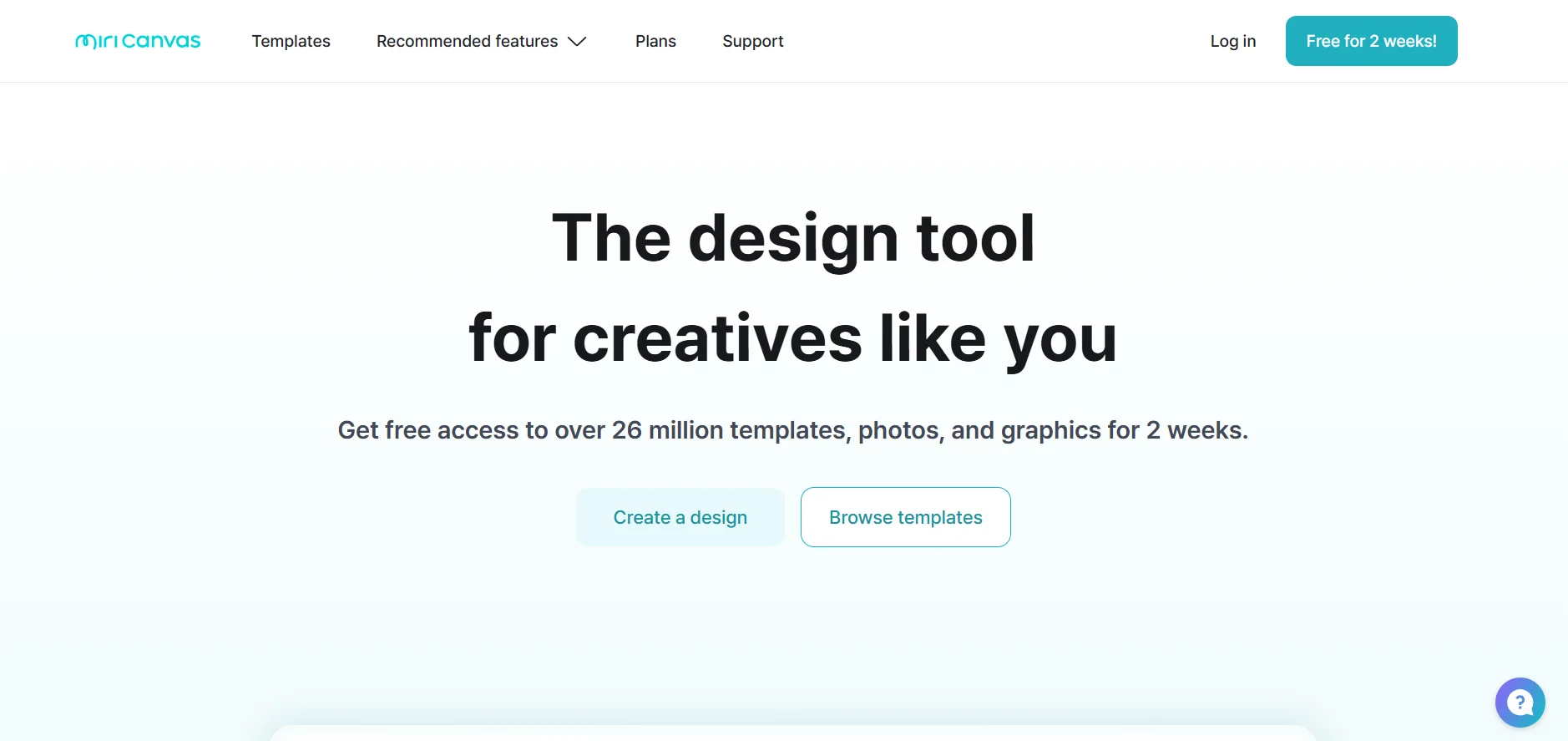
MiriCanvas is an integrated cross-browser graphic design platform that enables users to easily create professional visual content using thousands of ready-made templates. Its capabilities include:
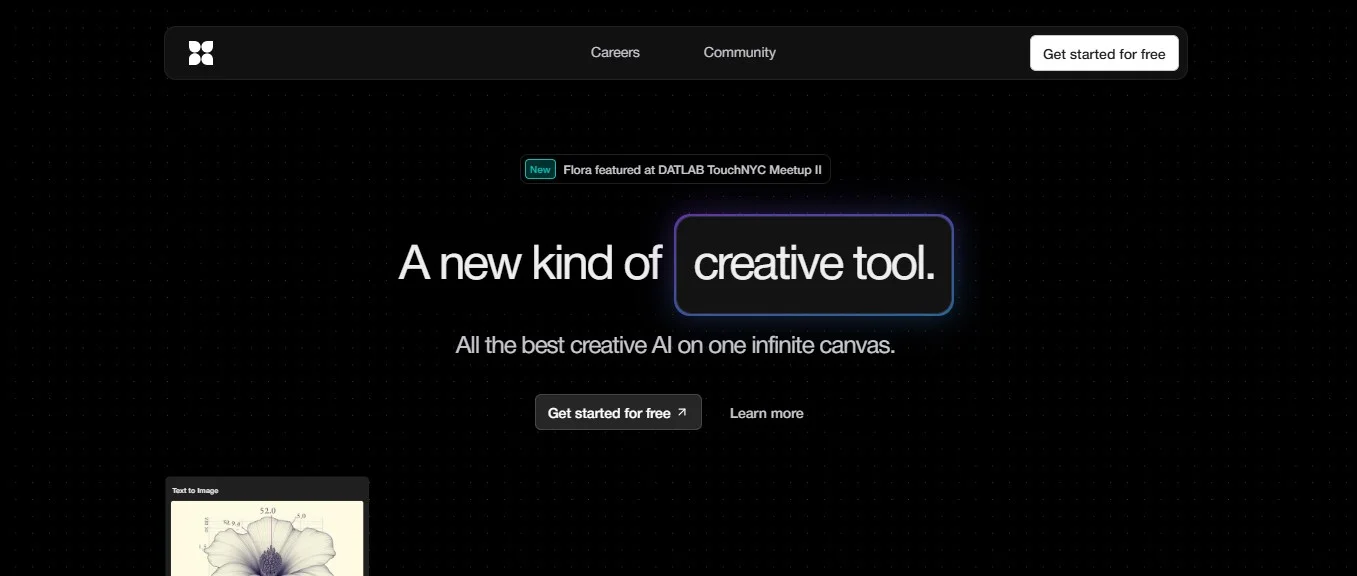
FLORA is an advanced creative platform that aggregates all creative AI tools into one visually and logically connected environment, enabling the user to create images, control styles, generate outputs, and adjust results within a single interactive space. It enables the transition from a simple sketch to a high-quality photorealistic image, while maintaining visual and stylistic consistency, making it suitable for artists, designers, creative teams, and agencies.
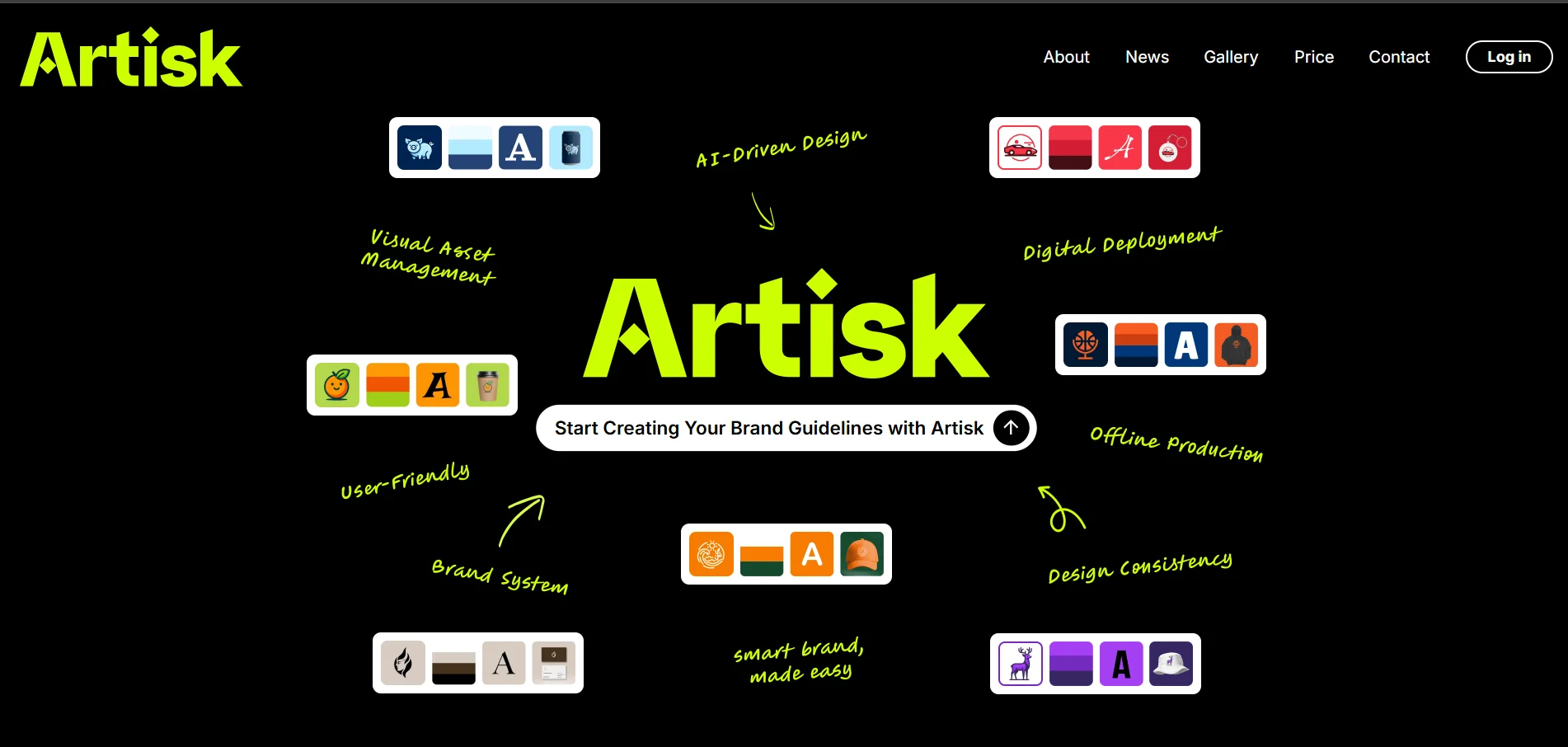
Artisk is an AI-driven platform for creating and managing visual identity and branding integrally and quickly. It allows users to generate logos, colors, fonts, visual styles, and various brand assets from a single starting point, while ensuring visual consistency across all digital and print applications such as products, packaging, apparel, and mugs. The tool is designed for entrepreneurs, designers, and business owners who want to create a professional brand without having to jump between multiple tools or design teams.
Sonix is an advanced AI platform for converting audio and video into accurate text, with support for translation, content analysis, and text organization. It allows uploading audio or video files, automatically converting them into editable text directly from the browser, with the ability to debug, add notes, and export content in multiple formats. It also offers features such as:
AdAgency AI is an AI platform that specializes in automatically creating and managing digital advertising campaigns, generating ad copy, engaging designs, A/B testing, and optimizing performance through intelligent data analysis to increase engagement and reduce CPA.
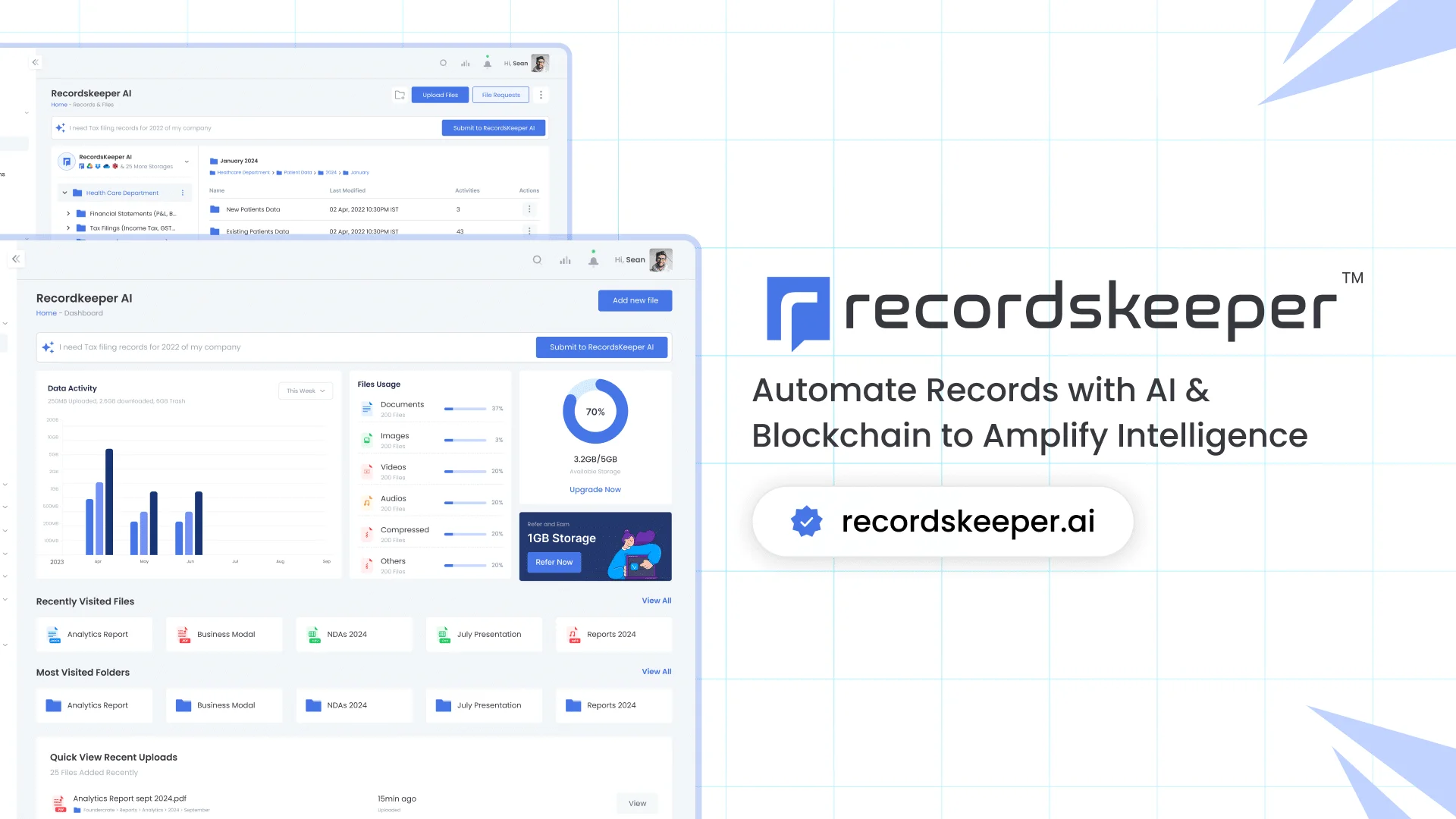
RecordsKeeper.AI is an AI platform for records and document management, providing intelligent classification, advanced search, high security, digital signature, compliance automation and analytics to support various industries and job roles.