Description
️ 🖼Tool name:
MiriCanvas
🔖 Tool Category:
Image Design and Creation
Generate images from text
Edit/optimize/upscale images
Remove and replace elements and backgrounds
Social templates and montage automation
Brand collateral templates
Digital Asset Management
️ ✏What does this tool offer?
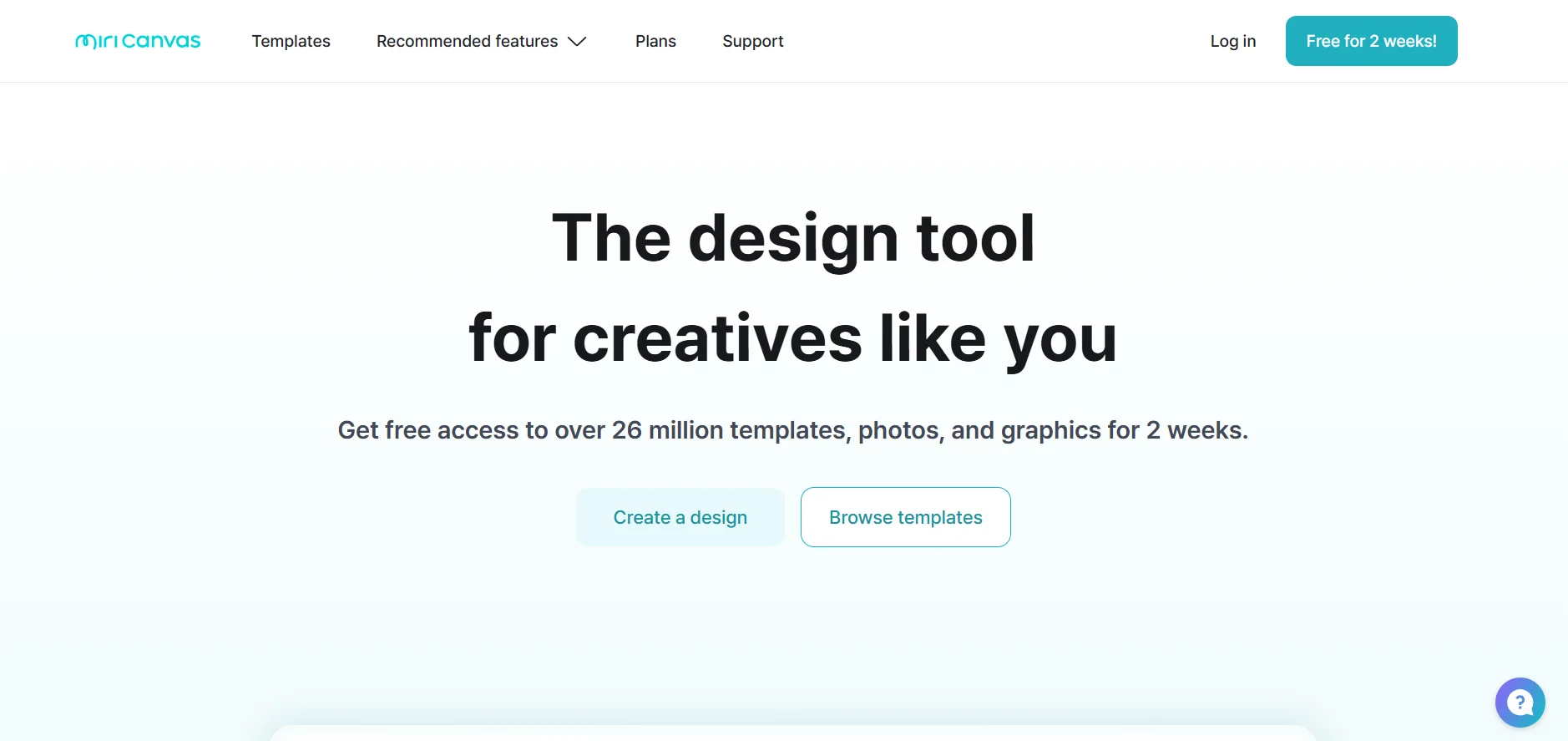
MiriCanvas is an integrated cross-browser graphic design platform that enables users to easily create professional visual content using thousands of ready-made templates. Its capabilities include:
Design presentations, social media posts, logos, and posters.
Integrate artificial intelligence to generate images from text, transform images, and remove elements or backgrounds at the push of a button.
Provide a seamless design experience thanks to the drag-and-drop interface and rich element library.
⭐ Real user experience:
Quick and visually consistent design of marketing content.
AI presentation generation to save time in setting up the visual structure.
Full compatibility with various devices (PC, tablets, phones), enabling flexibility in use.
🤖 Automation features:
Automatically generate draft presentations (AI Presentation).
Generate images from text using artificial intelligence.
Automatic image processing such as zooming in resolution and removing unwanted objects without manual intervention.
💰 Pricing model:
Freemium: Basic free plan with paid options for advanced features.
🆓 F ree plan:
Free forever.
Access to 50,000+ templates.
A library of 350,000+ images and basic graphic elements.
1GB personal cloud storage.
Download designs in JPG, PNG, and PDF formats.
💳 Paid plan:
Pro:
Unlimited access to all premium templates and elements.
10GB storage space.
Advanced AI tools.
Unlimited background removal.
Restore Version History up to 7 days.
Enterprise:
For large teams and organizations.
Advanced collaboration tools.
Team brand asset management.
Complex workflows and customized technical support.
🧭 Access:
Works directly from the browser on any device with an internet connection.
Compatible with phones and tablets.
🔗 Trial link or official website:
https://www.miricanvas.com