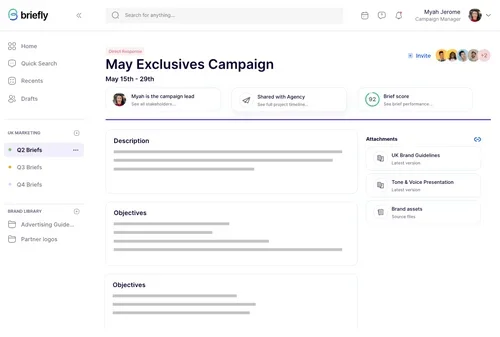
Briefly
Writing assistant to help write better briefs
218 results
Open the Meeting Notes & Summaries category page
Writing assistant to help write better briefs

Runday AI is a smart scheduling assistant that handles all your bookings automatically—just like a virtual secretary. It offers a free plan for basic use and powerful paid plans for businesses that need advanced automation, lead management, and integrated marketing. Ideal for professionals who want to save time and streamline their meeting processes.
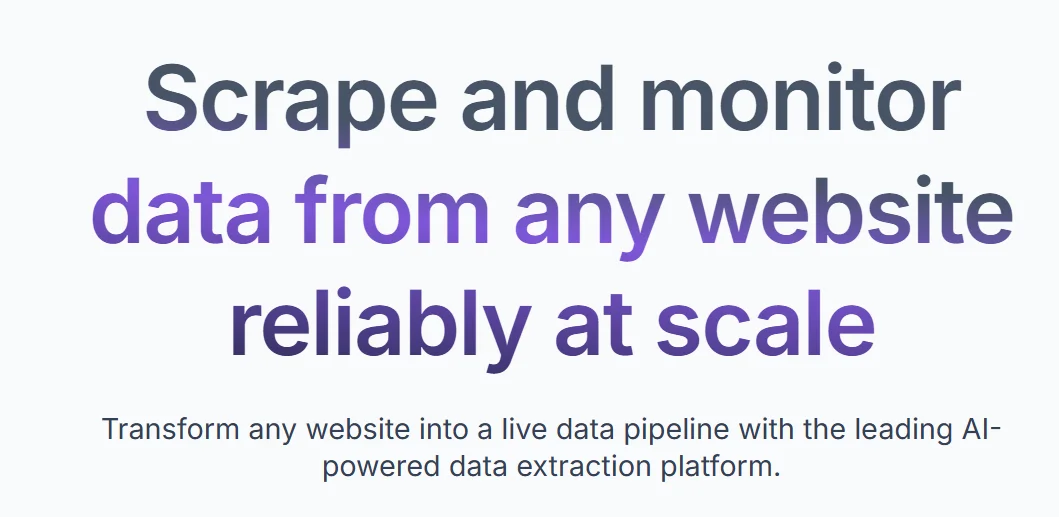
Browse AI is a smart no-code tool to automate web data collection easily without programming knowledge. You can monitor websites, automatically gather data, and integrate it with other systems. It offers a free plan for trials and paid plans for bigger needs. Perfect for anyone who needs continuous web data monitoring without hassle.
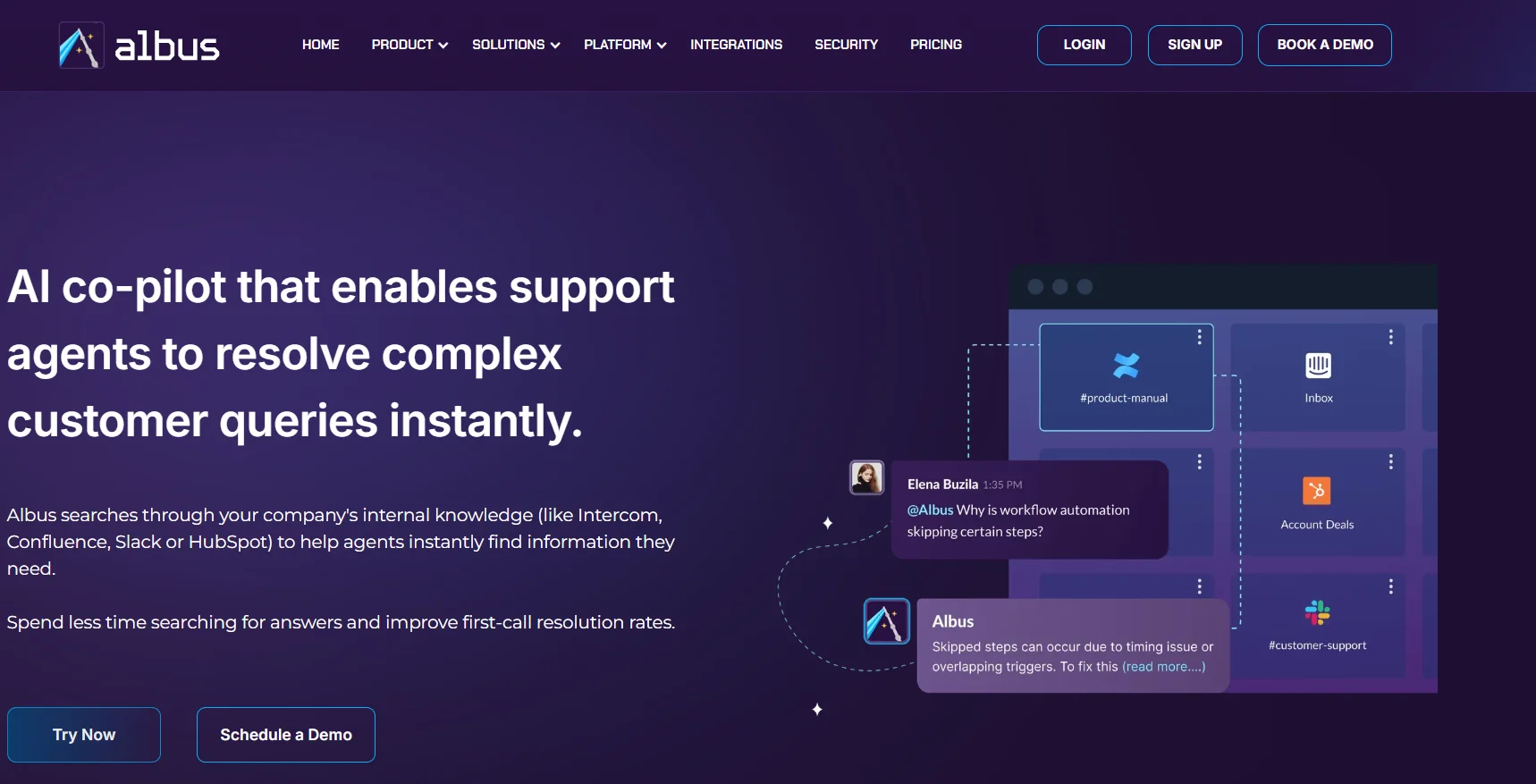
Albus is a perfect tool for companies using multiple apps who want to save time searching for info. Employees just ask questions naturally, and Albus quickly delivers precise answers from all company knowledge. It supports team collaboration and works smoothly within Slack and Teams without hassle. Great for anyone tired of jumping between dozens of tools and needing instant info.
AI-powered survey tool to collect feedback and insights
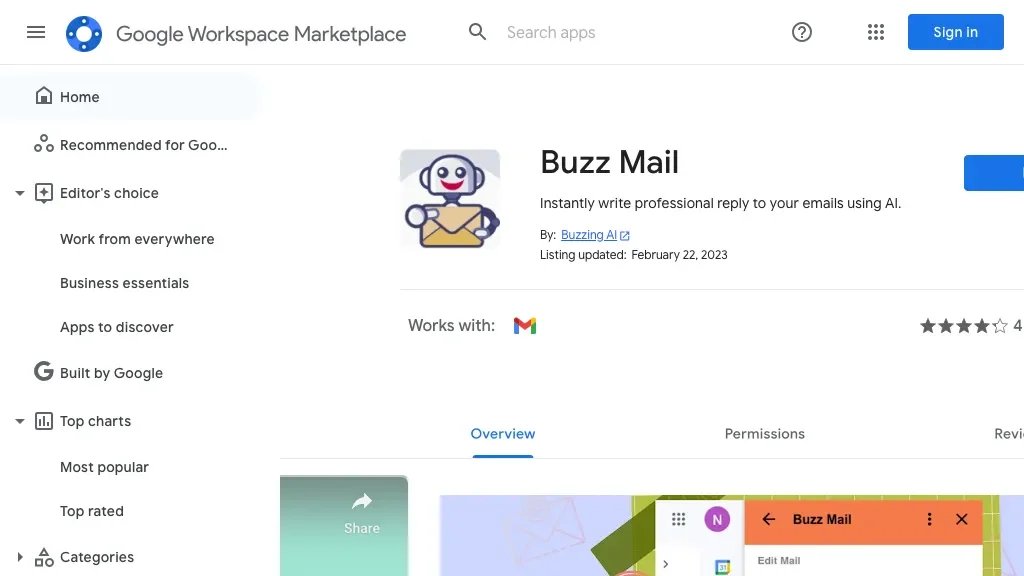
AI email assistant

A discord bot to create, manage communities on Discord.

Boomerang helps you manage email smartly — schedule, remind, follow-up, even group meetings without hassle. Free plan is great for trying or light use. Personal and Pro give unlimited messages and stronger features. Premium is for advanced users or companies needing priority support and tools. Team plans fit organizations wanting centralized management.
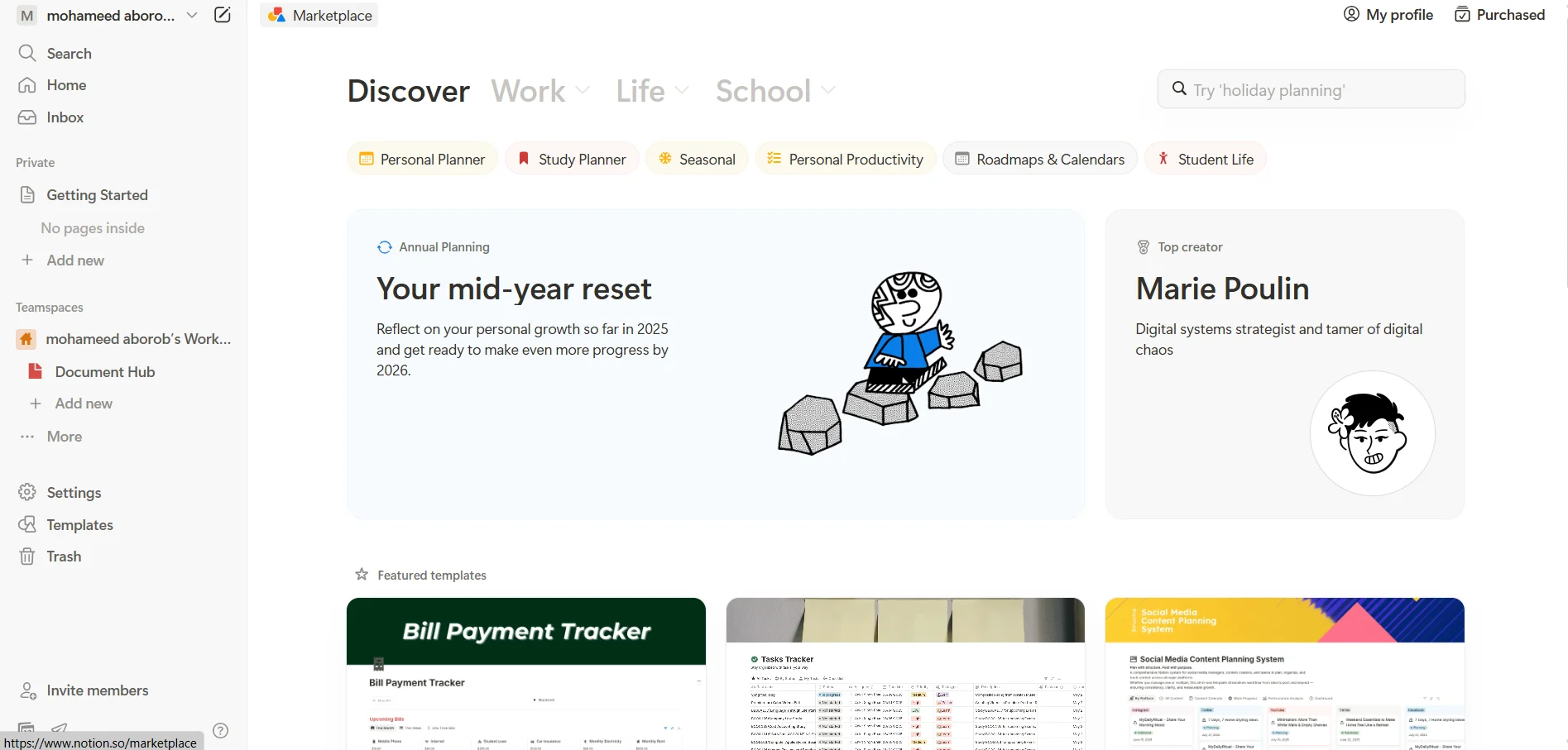
Notion is like a magic notebook where you can organize everything. Whether you’re a student, employee, or team leader — you’ll find it super helpful. The free plan is great to start with, but if you need more file space or team features, you can upgrade. There’s also an AI add-on that takes your workflow to the next level.
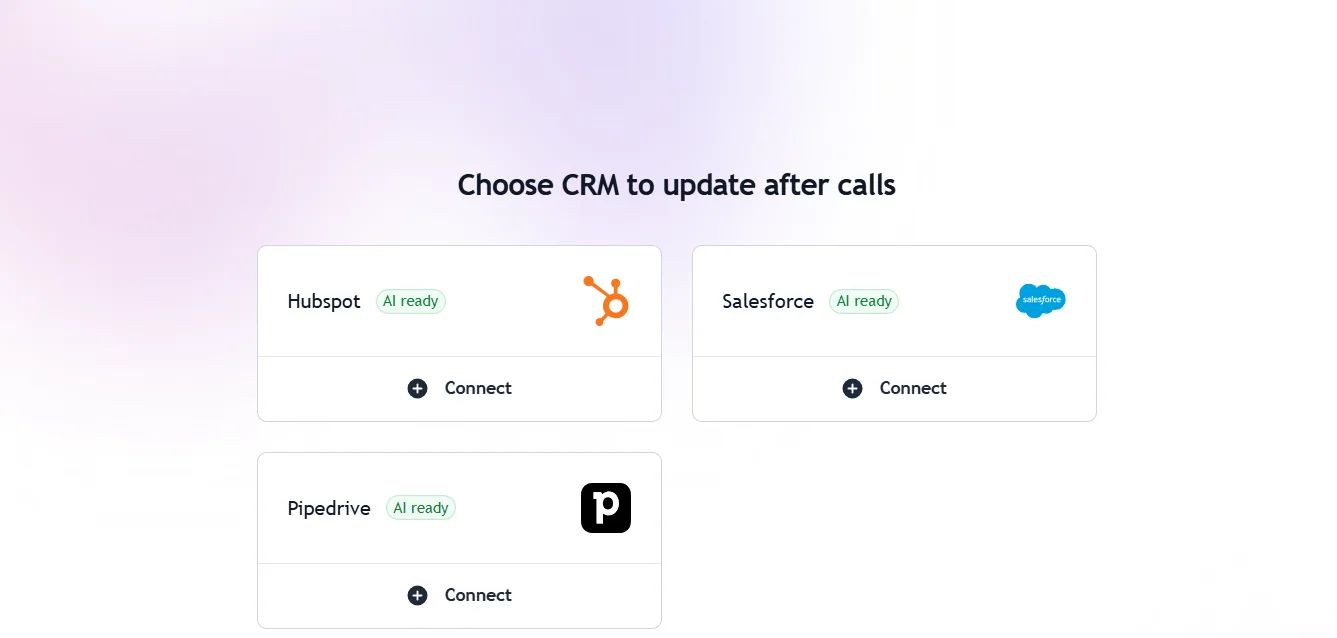
Hints.ai is a smart tool that saves you the hassle of manually fixing code by automating the resolution of GitHub and Jira issues. It understands the problem in plain language, analyzes the code, and returns a ready Pull Request. The free plan lets you handle 10 issues monthly, and if your workload grows, you can pay based on usage. It’s suitable for all developers and companies wanting to speed up their work and reduce wasted time on repetitive tasks.
A free macOS tool to access chatgpt anywhere.
A Google Chrome Extension to send ChatGPT conversations to email.

A Google Chrome Extension for writing assistant and task automation.

If you want to work faster and with higher focus on your email, Superhuman is a great choice, but it’s paid-only with no free plan. Pricing starts at $30 per user per month, with advanced plans for teams and enterprises. It’s ideal for those seeking high productivity in email management.

Tagbox is a super handy tool for organizing all your images and videos using AI. You can search inside images—even if you didn’t add any tags—because it reads what’s visually inside. It recognizes faces, classifies media by content, and even supports custom AI tags made just for your business. The free plan works for up to 3 users and 1,000 files. If you’ve got bigger needs, the Studio or Company plans give you more space and control. And for serious teams, the Enterprise plan has everything: SSO, APIs, detailed permissions, and elite support. Great fit for any business or creative team needing smart media management.
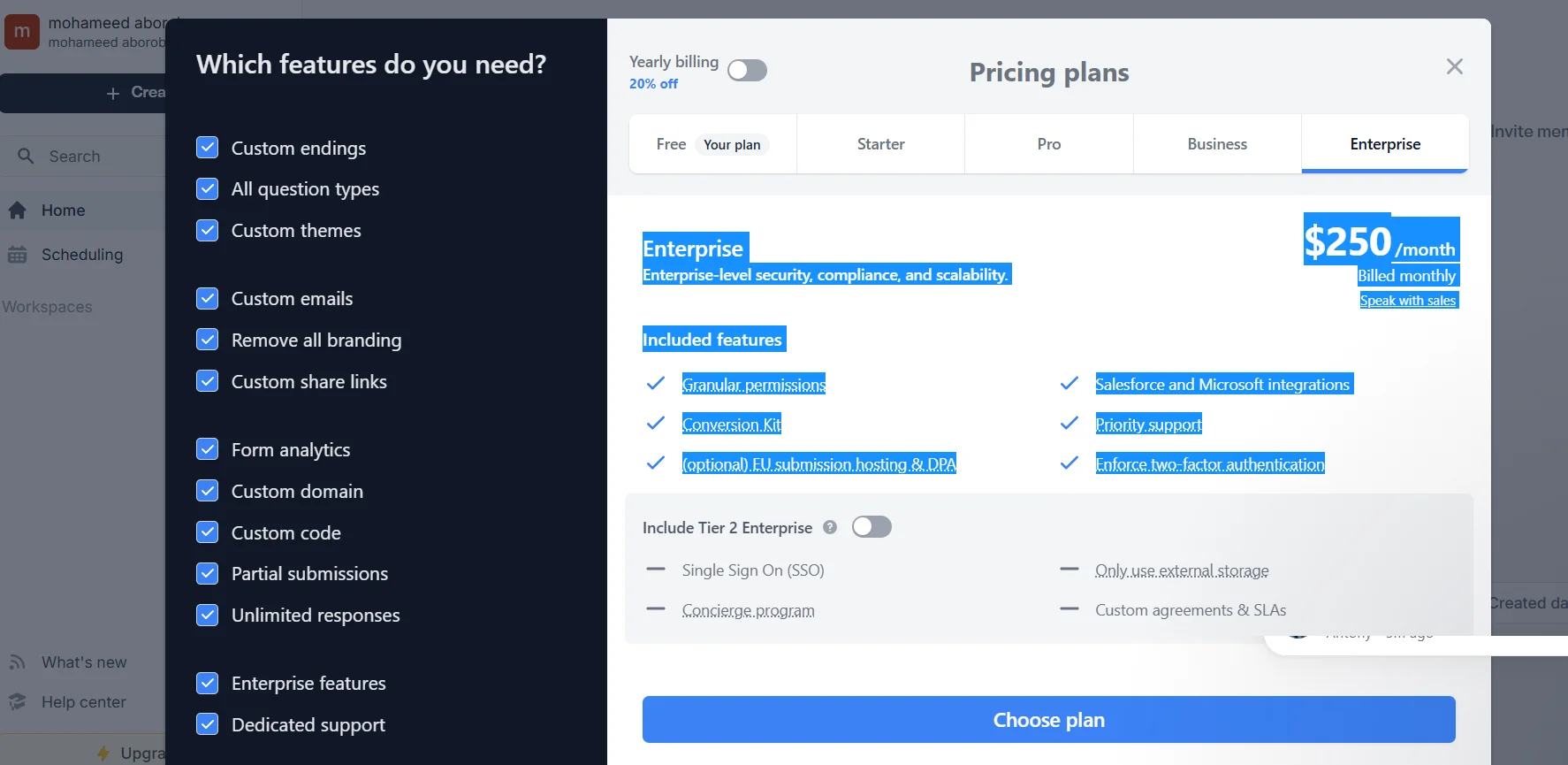
Fillout is a killer tool for making pro-level forms—whether it's surveys, job apps, or workshop signups. The free plan gives you a lot, and the paid ones take things to another level with full custom branding, special email flows, and integrations like Salesforce. You can start with something simple and build it into something that feels like an actual app. Perfect for small teams, startups, or anyone collecting data the smart way .

A Google Chrome Extension to find relevant information from emails and documents.
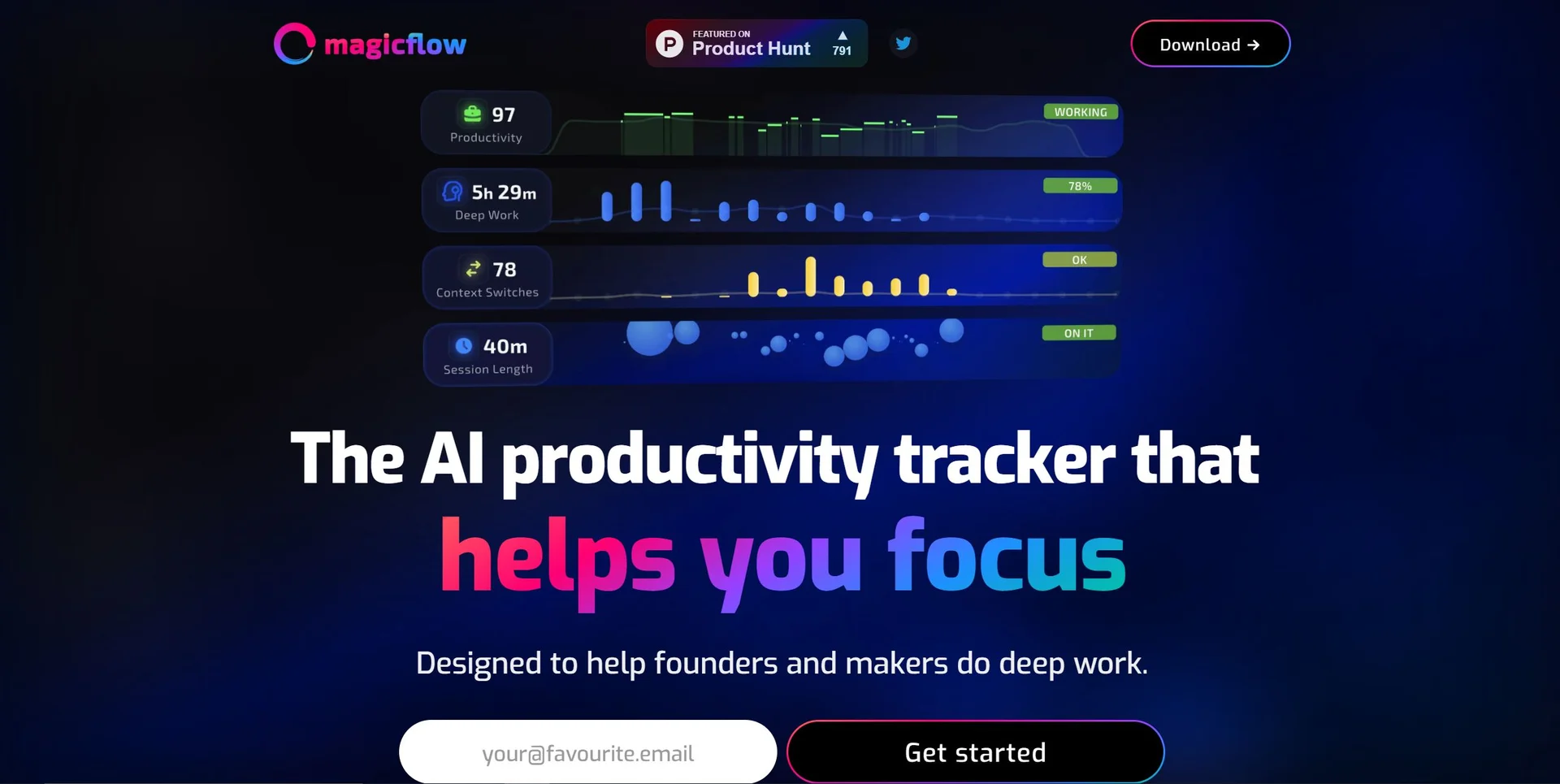
A tool to generate and evaluate AI-generated images at scale.

A tool that sends automatic chat replies to popular messengers.

A tool to aggregate, and summarizing notifications across tools.
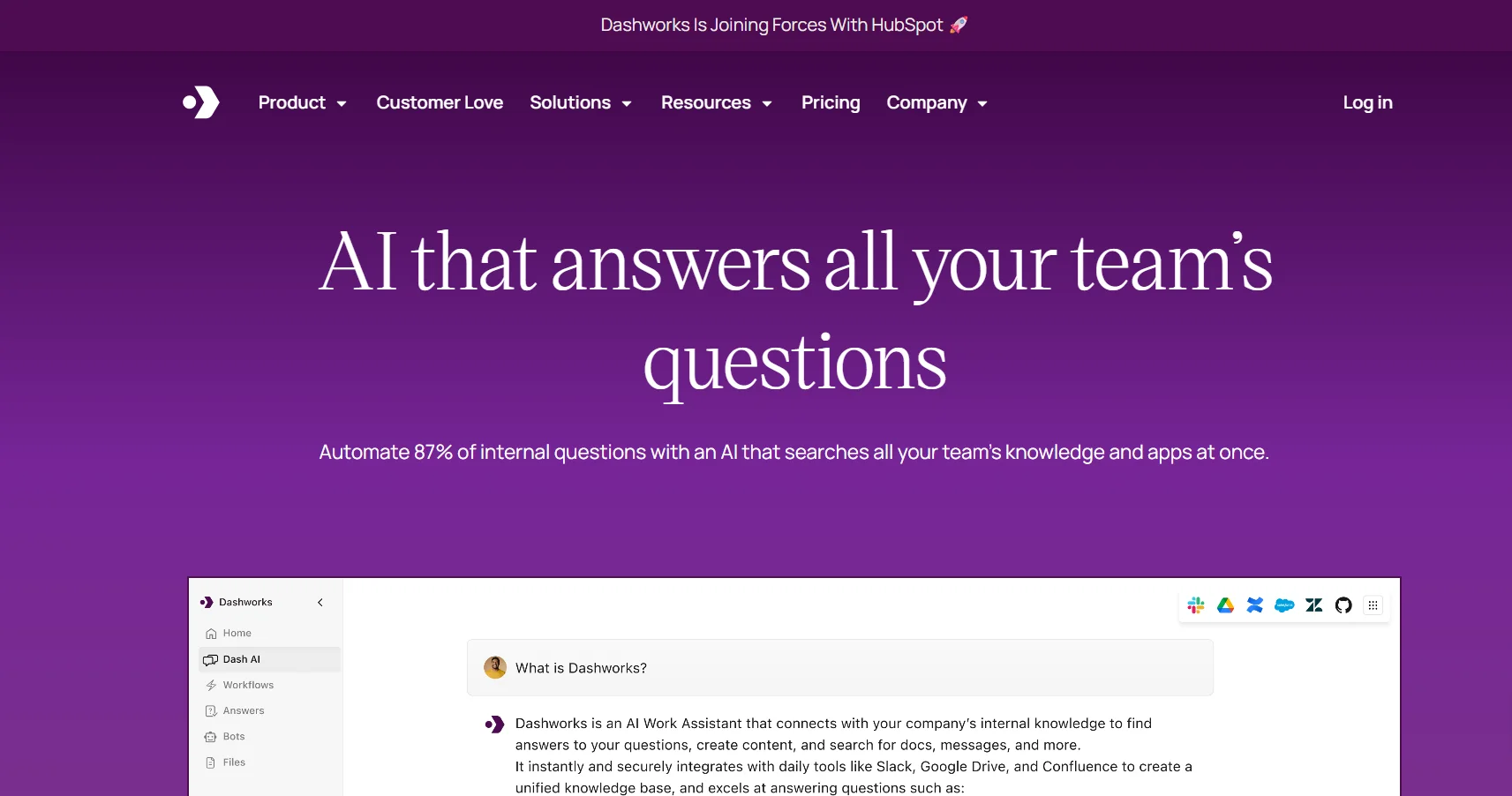
Dashworks.ai is a smart AI-driven work management and organization tool that helps teams organize files, manage tasks, and communicate effortlessly. It offers a 14-day free trial with strong features, then paid plans suitable for teams of all sizes—from small to large enterprises—with custom AI bots, broad integrations, and professional support. Simple to use, it focuses on boosting productivity and collaboration.
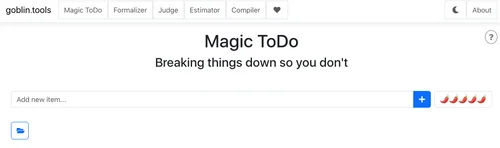
A tool to break down complex tasks into manageable steps.

A spreadsheet editor with formula assistance.
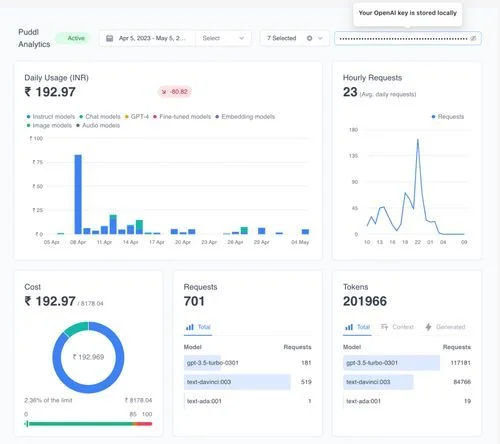
A free tool to track your OpenAI costs.