AI Bosala

العربية

AI Tools in Object & Background Editing

354 results

Open the Object & Background Editing category page

  1. Kaiber

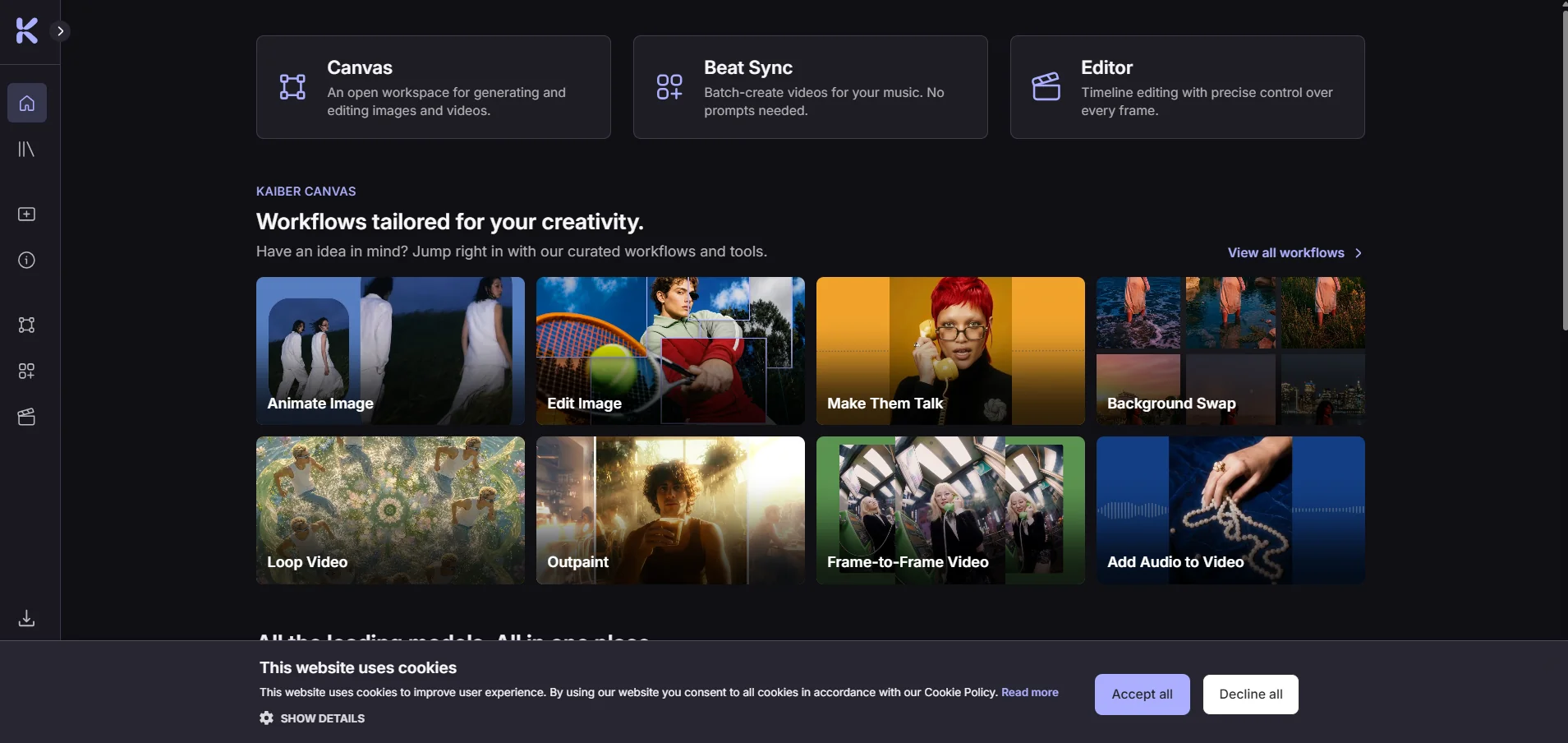
    Kaiber is a creative platform that uses artificial intelligence to generate videos, images, and audio; sync visual content with music; and edit videos—all within a single workspace. The platform consists of three interconnected tools—Canvas, Beat Sync, and Editor—all of which are accessible from the control panel, along with a media library that stores files that are created or uploaded.

  2. Remodel AI

    Remodel AI is an AI-powered tool for designing and renovating spaces that transforms a photo of a room, house, or outdoor area into a new visual design in about 10 seconds. It offers a choice of more than 30 interior design styles, as well as styles for exterior facades and gardens, and features eight specialized tools, including interior redesign, exterior facade design, garden design, virtual furnishing, floor replacement, wall color testing, removal of unwanted elements, and furniture replacement. Designs can also be saved, shared, and downloaded, and the platform supports the use of designs on the web, iOS, and Android devices. The platform reports that more than two million designs have been created through the service.

  3. PxBee Background Remover

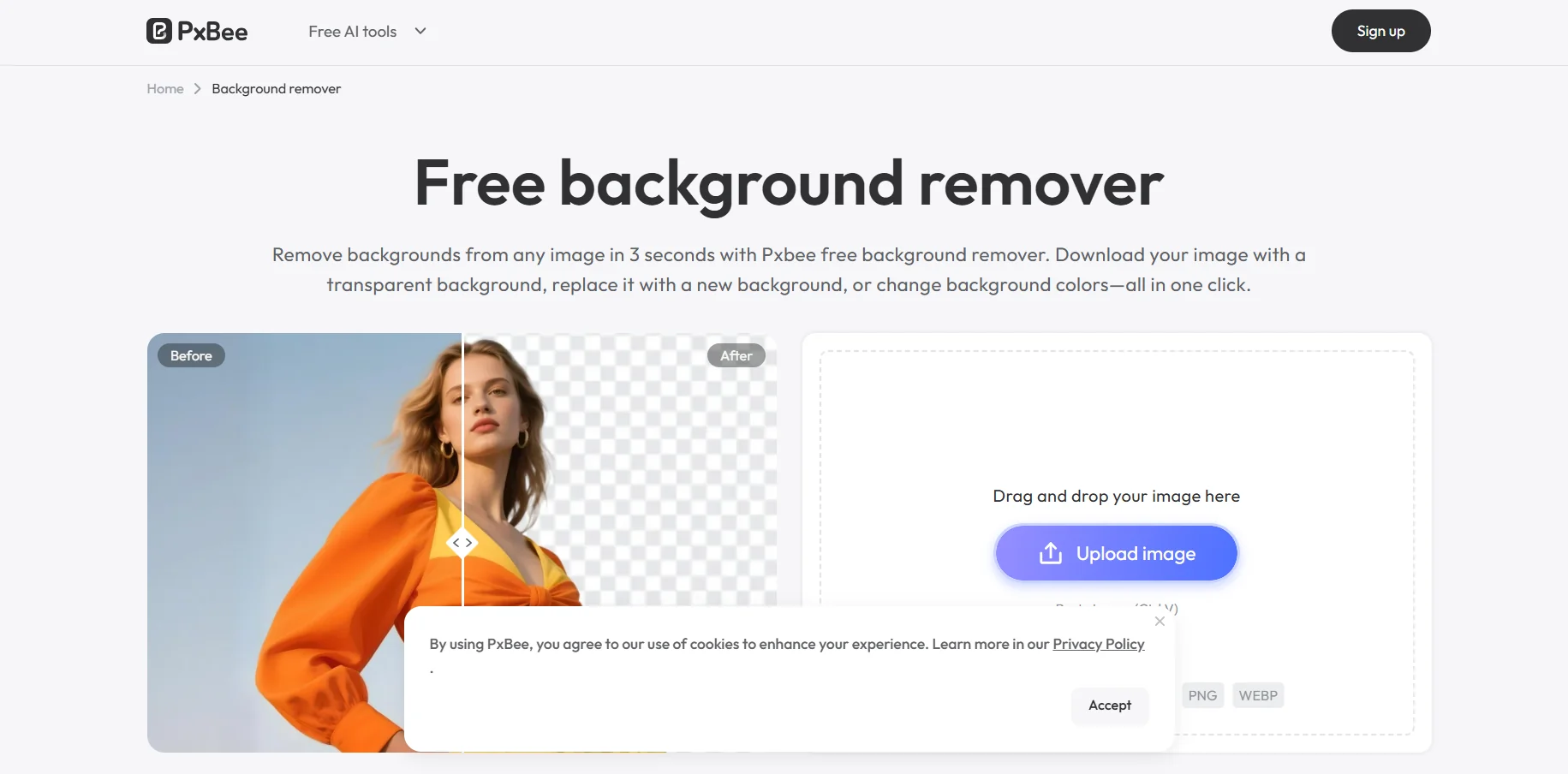
    PxBee Background Remover is a free tool that uses artificial intelligence to remove image backgrounds. It allows you to remove the background in about 3 seconds without having to log in, and then download the image with a transparent background in high-quality PNG format without a watermark. It also lets you replace the background with a custom one, change its color, use AI-generated backgrounds, or apply a blur effect. The tool handles complex images and preserves details and edges, including photos of people, animals, products, jewelry, accessories, furniture, clothing, and food.

  4. Mirror Mirror

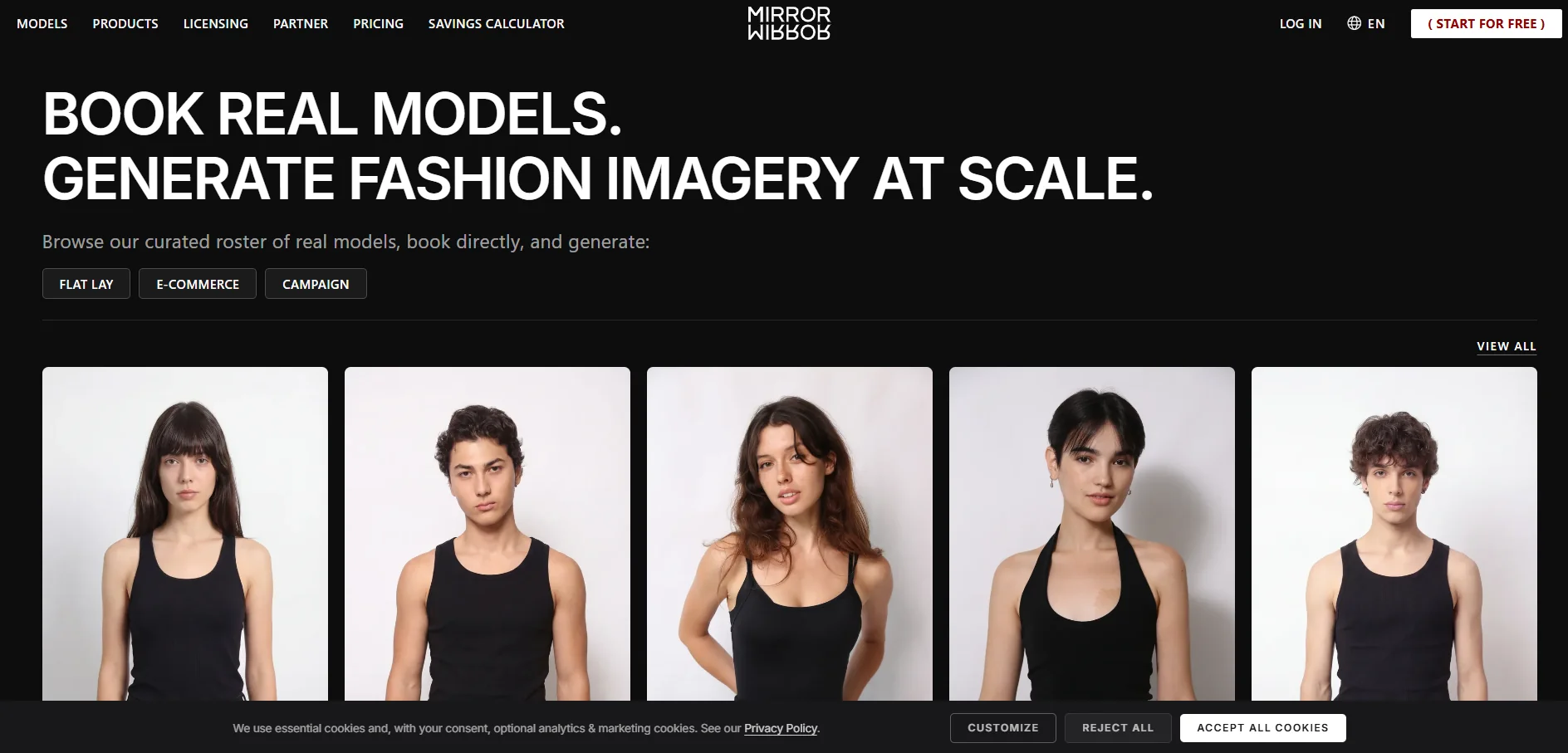
    Mirror Mirror AI is a platform specializing in AI-powered fashion that functions as a marketplace connecting brands and fashion agencies with real models, allowing brands to browse a roster of licensed real models and book them directly, and then create AI-generated fashion images at scale, including flat lay images, e-commerce images, and images for advertising campaigns. The platform relies on real models who have agreed to license their likeness for use in AI-generated content, and they receive compensation every time an image featuring their likeness is licensed; no model’s likeness is used except under the agreed-upon terms of use. The process begins with the model licensing their likeness, followed by the brand selecting and booking the model, creating the images, and then licensing the images the brand chooses to use in accordance with the agreed-upon terms of use; after that, the model receives compensation for each licensed image. The platform also allows brands to transition from traditional product images to advertising campaign images without the need for an actual photo shoot, with the ability to book real models and obtain specific, clear, and pre-agreed usage rights—without having to book a studio, plan a photo shoot, or wait for a third party.

  5. AI Watercolor Generator

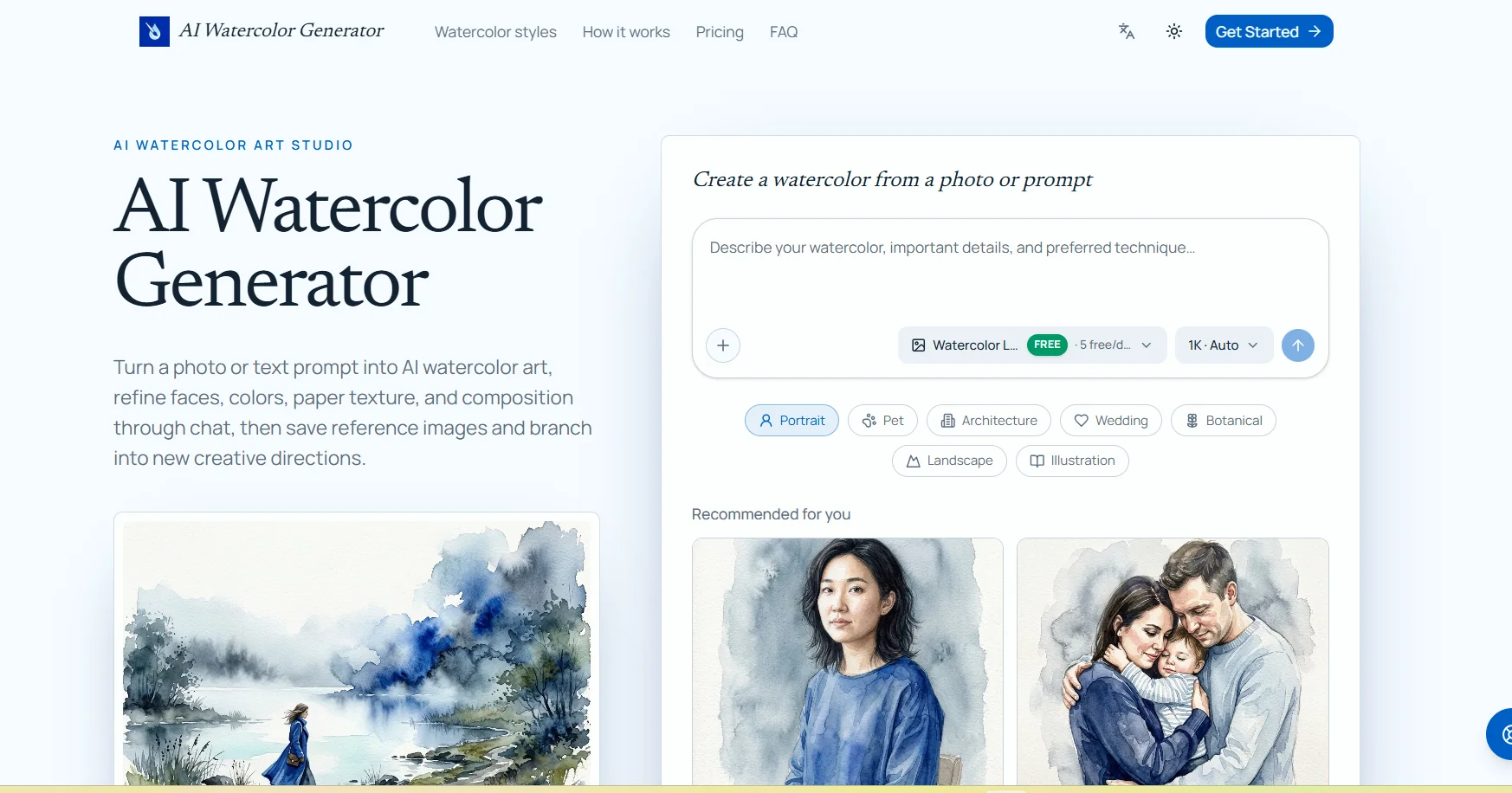
    The AI Watercolor Generator allows you to convert images or text descriptions into watercolor-style artwork using artificial intelligence. It can be used to convert photos of people, animals, houses, wedding venues, landscapes, botanical images, and drawings into watercolor paintings, with the ability to specify which details should be preserved, such as facial features, animal markings, or architectural details. The tool lets you choose the AI model, the image aspect ratio, and the output resolution (1K, 2K, or 4K). You can also edit the resulting image via text chat by selecting a specific area within the image and requesting adjustments without losing previous versions. It also provides a library for saving and reusing reference images, as well as the ability to create a new branch from a previous conversation or result to explore different colors, compositions, or styles. Stated use cases include photos of people and families, pet photos, house paintings, wedding venues, botanical art, and clip art collections.
  6. Purgebg

    Purgebg is a free AI-powered image background removal tool that works directly within the user’s browser, allowing the main subject to be separated from the background with a single click—without the need to create an account or deal with watermarks. Images are processed locally on the user’s device; they are not sent to Purgebg’s servers for processing. The tool supports PNG, JPG, and WebP images, and allows users to upload images or paste them directly from the clipboard.

  7. Frameway

    Frameway is an AI-powered video editing platform designed to transform raw footage into editable videos that align with a brand’s identity. Users can upload videos, footage, photos, and music, then describe the desired story or outcome once, and the tool automatically generates a first draft, while keeping the video editable using professional editing tools. The platform supports natural language-based editing, allowing users to describe what they want instead of manually manipulating the timeline, and then make adjustments via chat or advanced editing tools.

  8. FineCam

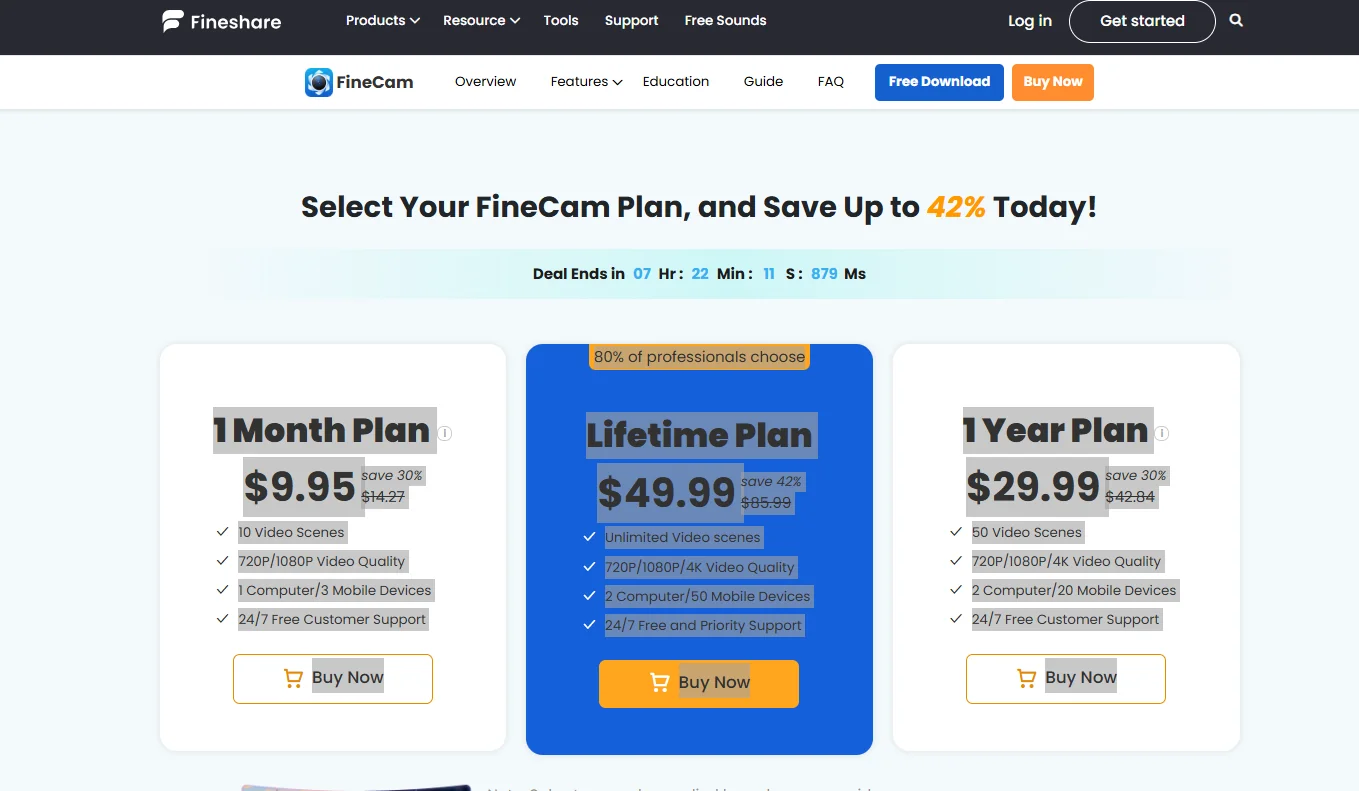
    FineCam is an AI-powered virtual camera tool that lets you enhance your appearance in videos during video calls, meetings, and live streams, with the ability to remove the background and replace it with another one, enhance camera image quality, and add effects and virtual backgrounds. It also allows you to use the virtual camera within meeting and streaming apps that support camera sources.

  9. hedra.m

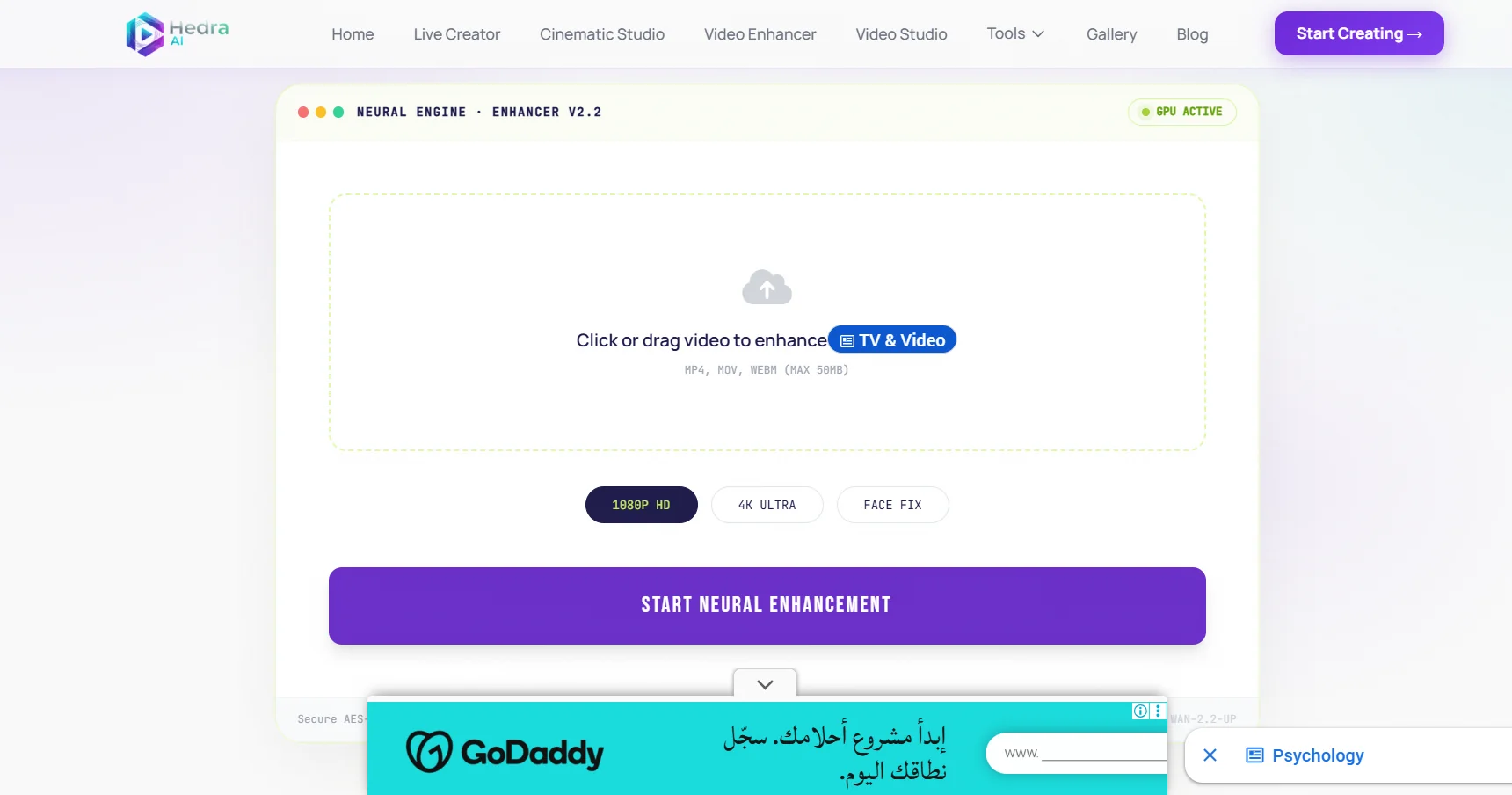
    Hedra AI is an advanced AI-powered video creation platform that allows users to turn ideas and text descriptions into high-quality cinematic videos without the need for cameras, filming equipment, or production teams.

  10. VistaCreate

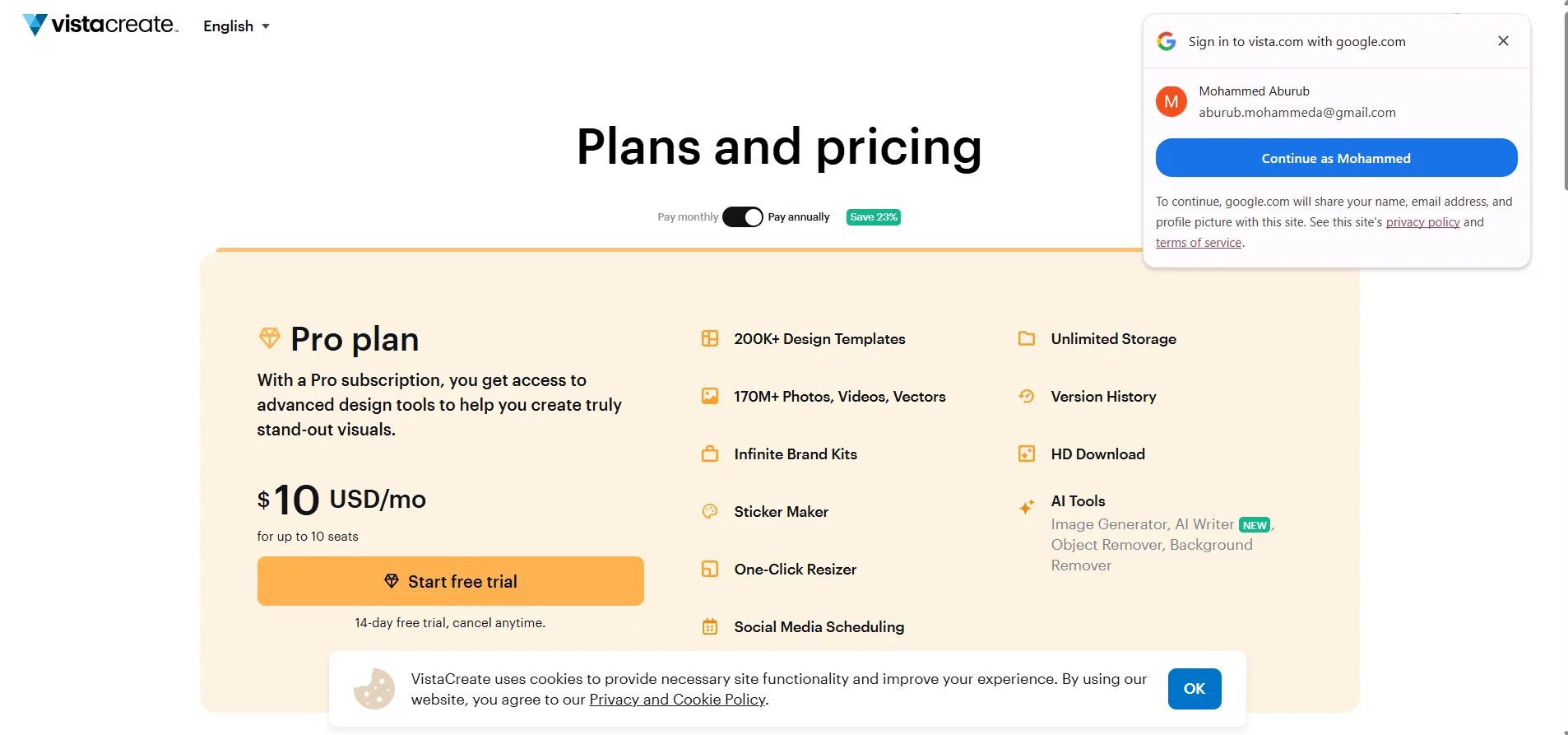
    VistaCreate is a graphic design tool that helps users easily create professional designs using a vast library of ready-made templates and built-in AI tools. The platform allows users to turn their ideas into complete visual content by selecting a suitable template, then customizing it by adding visual elements, editing text, and refining the design before publishing or printing it.