PxBee Background Remover
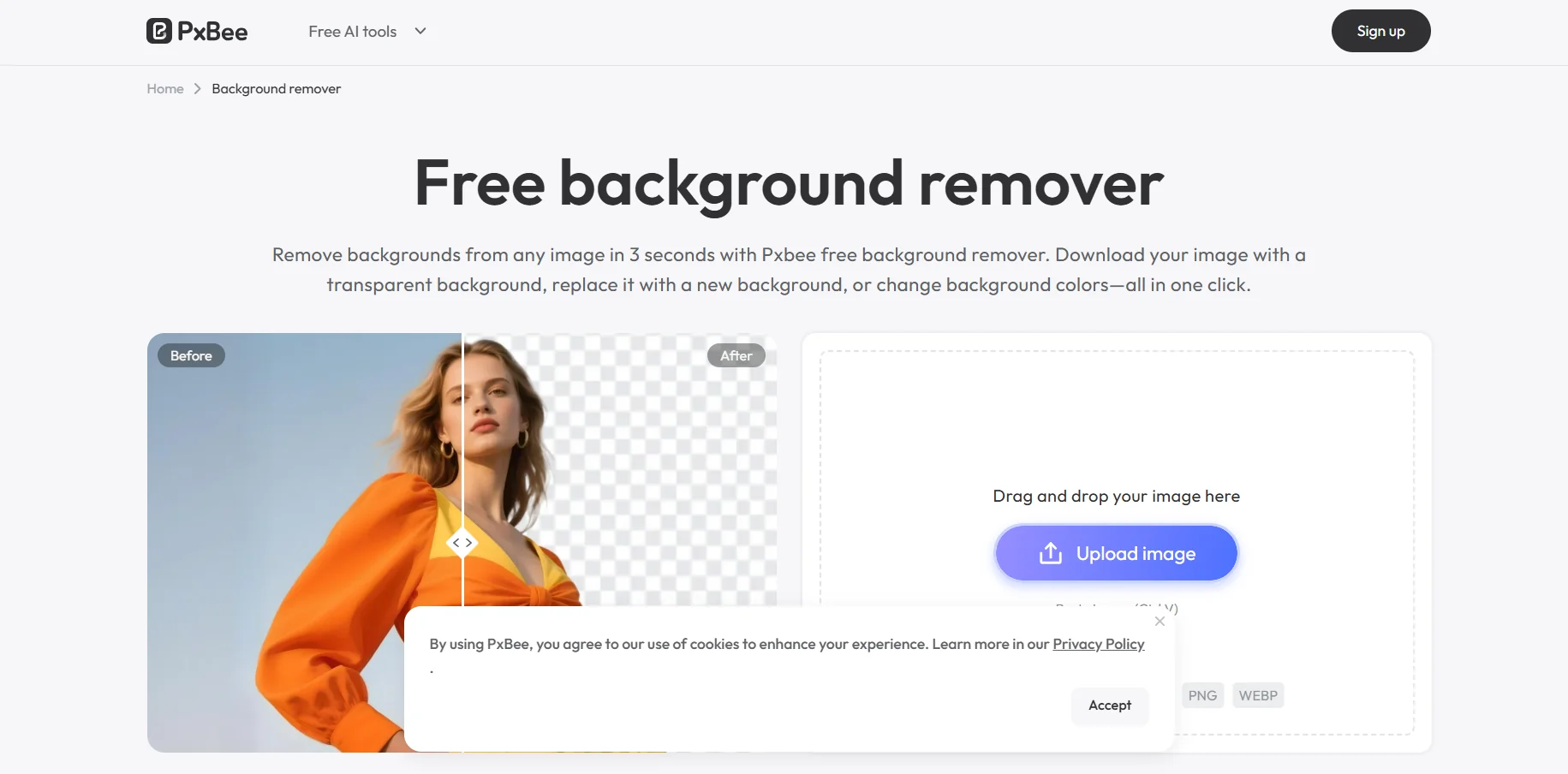
PxBee Background Remover is a free tool that uses artificial intelligence to remove image backgrounds. It allows you to remove the background in about 3 seconds without having to log in, and then download the image with a transparent background in high-quality PNG format without a watermark. It also lets you replace the background with a custom one, change its color, use AI-generated backgrounds, or apply a blur effect. The tool handles complex images and preserves details and edges, including photos of people, animals, products, jewelry, accessories, furniture, clothing, and food.
Last updated
Features
- Removes image backgrounds automatically in about 3 seconds
- No login required
- Downloads high-quality transparent PNG without watermark
- Replaces background with a custom image, solid color, AI-generated background or blur
- Handles complex images and preserves fine edges
- Works on people, animals, products, jewelry, furniture, clothing and food
- Prepares product images for e-commerce platforms such as Amazon, eBay and Etsy
Pricing Details
According to the information published on the PxBee page, the pricing model is based on the tool being 100% free; it does not require a login and does not add a watermark to the resulting images. The free plan is 100% free, requires no sign-in, and allows you to remove backgrounds in 3 seconds with up to 98% accuracy, without a watermark, and with high-quality PNG output. It also offers options such as Transparent Background, Custom Background, Background Color Change, AI Background, and Blur Background, and supports complex images and pixel-level edge processing, while images are processed using encryption to maintain privacy. As for paid plans, there are no paid plans listed for the PxBee Background Remover tool, as the tool is described as 100% free.
Related Tips
- How to Use the Pokecut Tool to Easily Extract Images · Image Design and Creation, Editing, Enhancement & Upscaling…
- A professional prompt for turning a meal name into a full recipe infographic · Image Design and Creation, Text to Image Generation…
- Bosala Brand Studio Explains: How to Create a Complete Visual Identity from a Logo in Minutes? · Image Design and Creation, Text to Image Generation…
- An Explanation of GeminiGen AI for Creating Videos and Images for Children · Video Generation & Editing, Text and Images to Video…
- A Comparison of VisualGPT and NoteGPT for Creating Free Images and Designs on GPT Image 2 · Image Design and Creation, Text to Image Generation