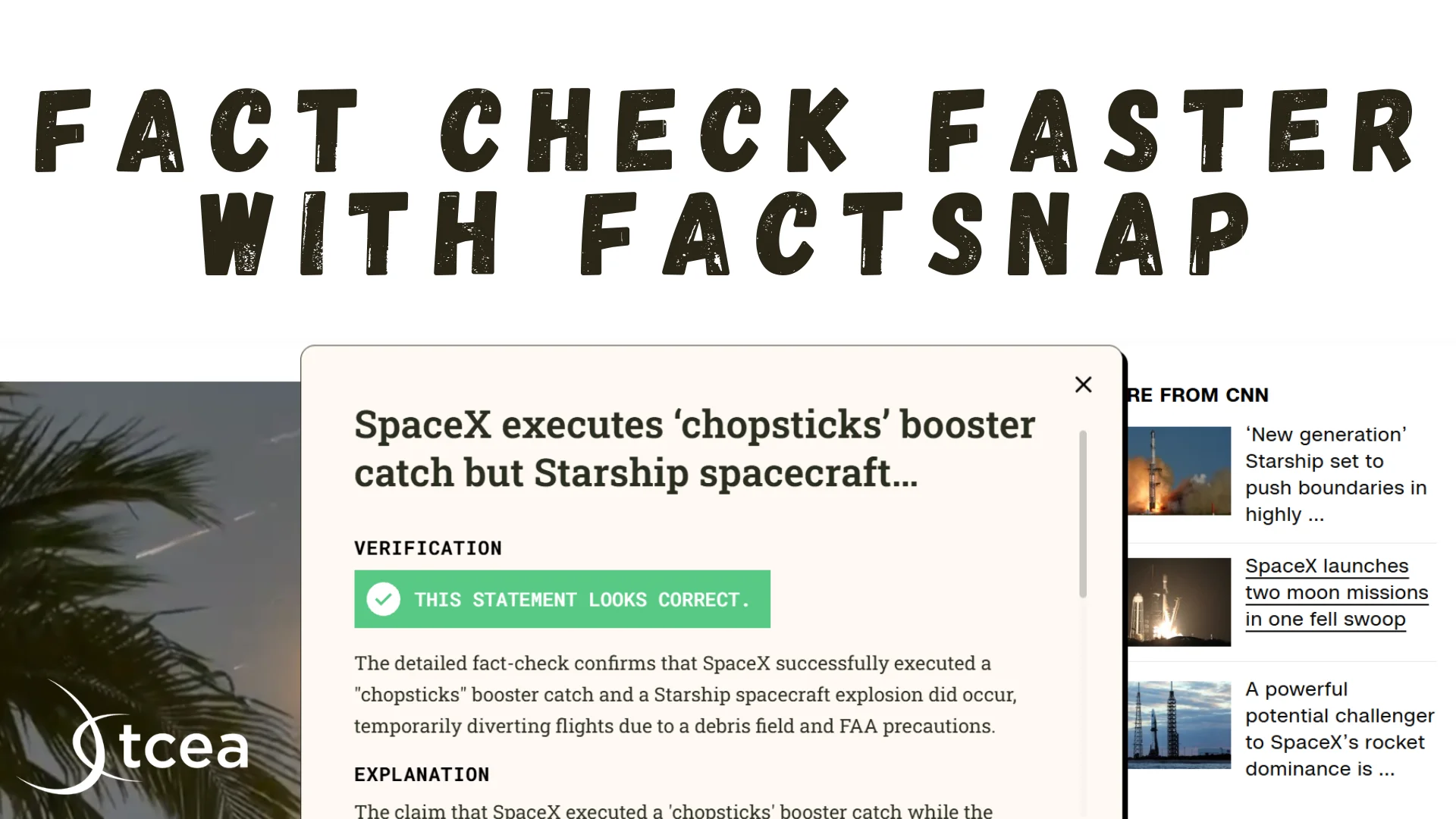
Description
🖼️ Tool Name:
FactSnap
🔖 Tool Category:
Smart Assistant; also fits under Productivity & Automation, Research & Education
✏️ What does this tool offer?
FactSnap is a browser extension (Google Chrome) that serves as your AI-powered fact‑checking companion. It helps you instantly evaluate claims you encounter online—highlight text and get AI‑assisted verification from trusted sources, within seconds.
⭐ What does the tool actually deliver based on user experience?
• Highlight any statement on a webpage and click the FactSnap icon to receive feedback on whether it’s accurate, suspicious, or false
• Offers transparent source citations and deeper context so you can investigate further
• Promotes critical thinking by providing resources—not telling you what to believe—and encourages informed judgment
• Designed with strong privacy: no login required, minimal user data collected, processing done locally within browser
🤖 Does it include automation?
Yes —
• Uses AI models (including GPT‑4o) to scan the web for relevant sources and automatically evaluate highlighted text
• Classifies claims as accurate/suspicious/incorrect and surfaces supporting evidence — all within your browsing context
💰 Pricing Model:
Free
🆓 Free Plan Details:
• Fully free to use as a Chrome extension
• No account or payment required
• Includes unlimited fact-checks and access to core features
💳 Paid Plan Details:
• No paid or premium plan announced as of mid‑2025; premium features not yet available
🧭 Access Method:
• Install via the Chrome Web Store; available only for Chrome or Chromium‑based browsers
• Use by highlighting text and clicking the FactSnap icon—no registration required
🔗 Experience Link: