Description

🖼️Tool Name:

UGCraft AI

✏️ Overview & AI Features (2026 Edition):

  • Text-to-Accessory (3D Generation): (Core Feature) Enter a prompt like "A holographic sci-fi backpack with rotating fans" and receive a fully modeled 3D asset in under 60 seconds.

  • Automatic Polycount Optimization: (2026 Update) Ensures all generated models stay under the strict technical limits (e.g., 4,000 triangles) required by the Roblox Marketplace, preventing moderation rejections.

  • AI Texture Synthesis: Generates "Smart Materials" that react to in-game lighting. Whether it’s metallic shine, glowing neon, or soft fabric, the AI handles the UV mapping automatically.

  • Image-to-Wearable: Upload a photo of real-world fashion, and UGCraft AI converts it into Layered Clothing (3D) that fits any Roblox avatar body type.

  • One-Click Roblox Export: Simplifies the workflow by allowing users to bypass complex software like Blender. It provides a direct pipeline to Roblox Studio for immediate testing and publishing.

  • Rapid Prototyping: Allows creators to generate 10+ variations of a single concept instantly, helping them find the "winning design" that is most likely to go viral.

⭐️ User Experience (2026):

  • "The Tech-Barrier Breaker": Rated 4.5/5 by the Roblox creator community. It is praised for making digital entrepreneurship accessible to younger creators who may not have the years of experience required for manual 3D modeling.

💵 Pricing & Plans (February 2026 Status):

UGCraft AI typically operates on a credit-based subscription model:

PlanPrice (Approx.)Key Features
Hobbyist (Free)$03-5 free generations per month; Standard texture resolution.
Creator Pro~$15/moUnlimited 3D generations; High-res textures; Priority cloud rendering.
Studio / Enterprise~$49/moMulti-account management; Bulk export tools; Commercial licensing for external games.

🎁 How to Get Started:

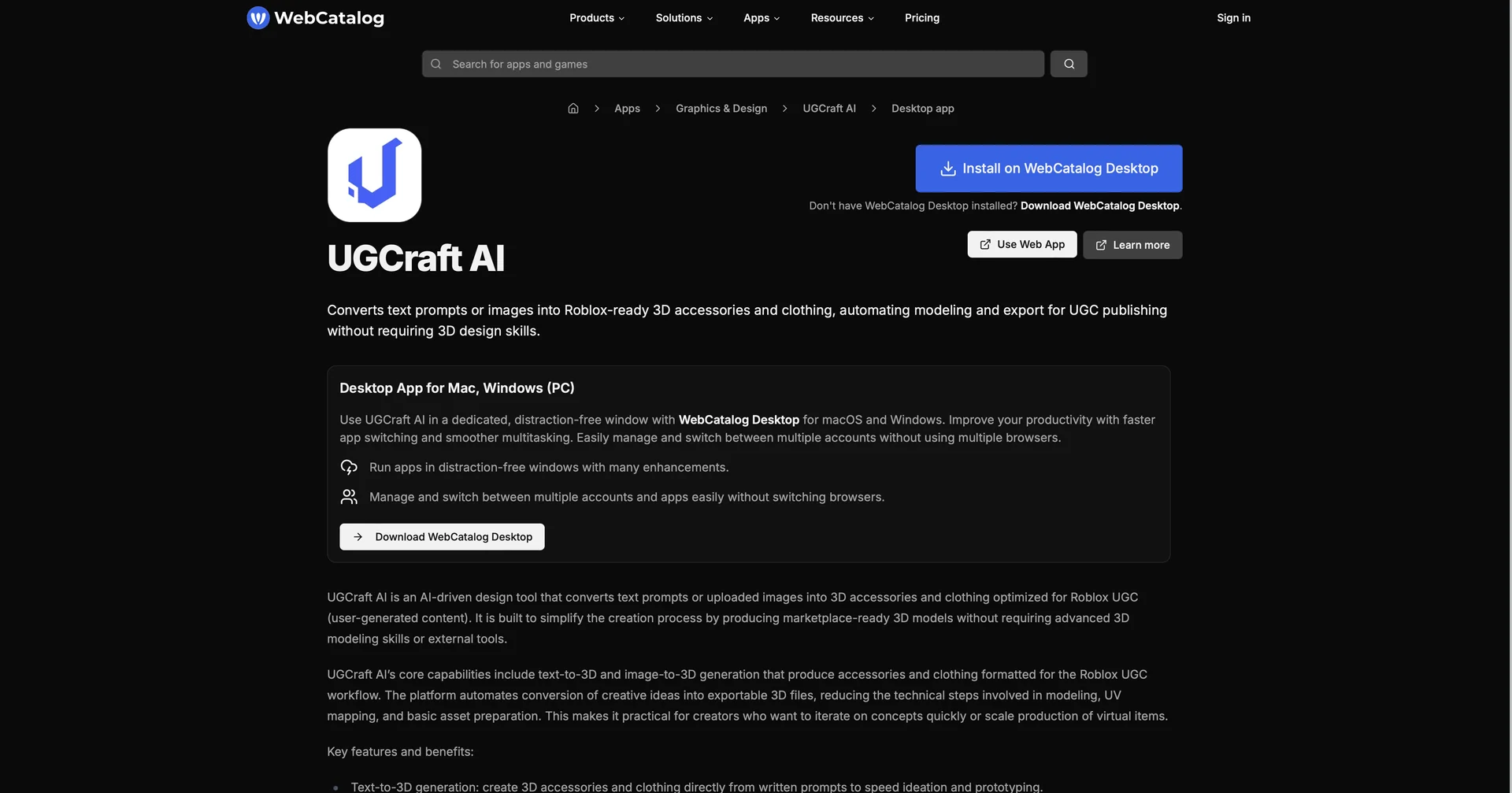
You can find UGCraft AI as a desktop app on WebCatalog or via its web portal. Start by describing your first item, refine the 3D preview, download the file, and import it into Roblox Studio to start earning Robux from your sales.

⚙️ Access or Source:

  • App Access

  • Category: 3D AI Generation, Roblox Development, Digital Fashion.

  • Primary Use Case: Creating and selling virtual accessories, world-building for developers, and rapid digital fashion design.

🔗 Experience Link: 

https://webcatalog.io/en/apps/ugcraft-ai

Pricing Details

💵 Pricing & Plans (February 2026 Status): UGCraft AI typically operates on a credit-based subscription model: Plan Price (Approx.) Key Features Hobbyist (Free) $0 3-5 free generations per month; Standard texture resolution. Creator Pro ~$15/mo Unlimited 3D generations; High-res textures; Priority cloud rendering. Studio / Enterprise ~$49/mo Multi-account management; Bulk export tools; Commercial licensing for external games. 🎁 How to Get Started: You can find UGCraft AI as a desktop app on WebCatalog or via its web portal. Start by describing your first item, refine the 3D preview, download the file, and import it into Roblox Studio to start earning Robux from your sales.