FliFlik AI Multimedia Suite
Description
🖼️Tool Name:
FliFlik AI Multimedia Suite
✏️ Overview of the Key Tools (2026 Edition):
1. FliFlik KlearMax (AI Photo Enhancer)
Intelligent Upscaling: Uses deep learning to enlarge images without losing quality. It’s particularly effective for fixing "grainy" photos or old family memories.
Specialized AI Models: Includes specific modes like the Face Model (for sharpening portraits), Denoise Model(for cleaning low-light shots), and General Model (for landscapes).
Batch Processing: Allows users to enhance hundreds of photos simultaneously, applying different AI models to each image in the queue.
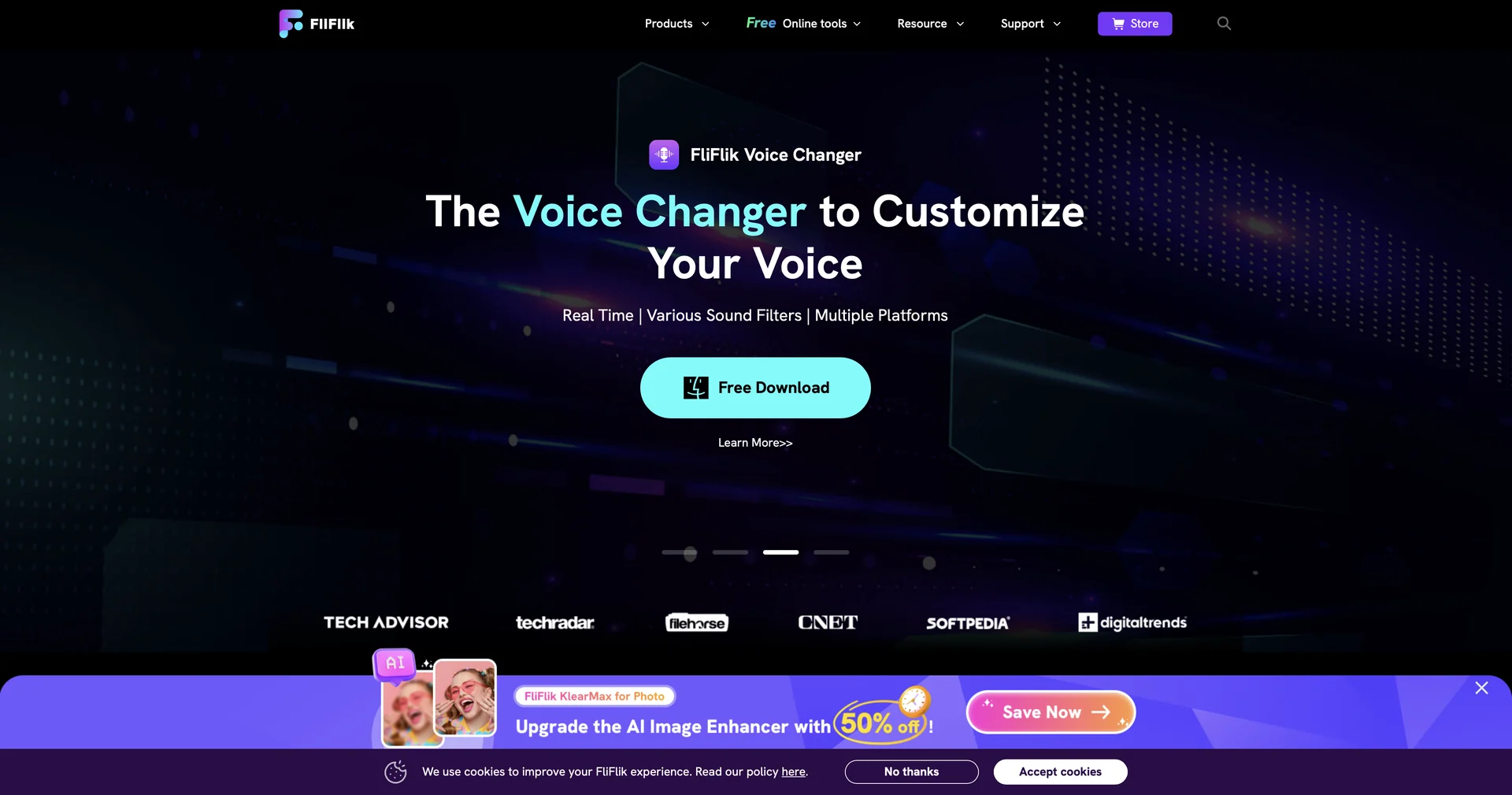
2. FliFlik Voice Changer (AI Real-Time Voice)
100+ Live Filters: Instantly transform your voice into celebrities, anime characters (like Miku), or fantasy creatures (Goblins, Robots) while speaking.
Massive Soundboard: Features over 150+ sound effects (memes, movie quotes, ambient sounds) to trigger during live broadcasts.
Vocal Customization: Advanced users can manually adjust pitch, reverberation, and formant to create a unique vocal identity.
3. FliFlik Watermark Remover (KleanOut)
Seamless In-painting: Unlike traditional blur tools, it uses AI to "predict" what was behind a watermark, filling in textures and edges so the removal is invisible.
Background Magic: Includes a one-click background remover that can swap out cluttered scenes for clean, professional studio backdrops.
4. FliFlik UltConv (Media Converter)
Lightning Conversion: Converts video and audio between thousands of formats (MP4, MKV, MP3, etc.) at speeds optimized for high-end hardware.
Media Downloader: Features a built-in tool to save high-resolution (up to 8K) videos from over 10,000 websites.
⭐️ User Experience (2026):
"Pro Results, Zero Learning Curve": Rated 4.4/5. It is highly recommended for hobbyists and content creators who need professional-grade results but don't want to spend hours learning Photoshop or complex audio engineering.
💵 Pricing & Plans (February 2026 Status):
Each tool is available individually, typically offering a free trial followed by flexible tiers:
🎁 How to Get Started:
Visit fliflik.com. Download the specific installer for Windows or macOS. Most tools offer a "Free Preview" mode where you can test the AI's results on your own files before purchasing a license.
⚙️ Access or Source:
Official Website
Platform Support: Windows 11/10/8/7 (64-bit) and macOS 10.15+.
Category: AI Image Enhancement, Real-time Audio, Utility Software.
Primary Use Case: Restoring old photos, changing voices for streaming, and cleaning up commercial images for marketing.
🔗 Experience Link:
https://fliflik.com