Gitpod
Description
️ Tool Name: 🖼
ONA
Tool Category: 🔖
• DevOps, CI/CD, and Monitoring
• Automation and Smart Agents
• Business and Operations Management
️ What does this tool offer? ✏
ONA provides an advanced AI platform for developers and software teams, enabling full automation of software tasks via smart agents. The tool can link user projects and analyze code, detect bugs, update dependencies, generate documentation, and prepare ready-to-go PRs, as well as automatically generate release summaries and optimize development environments. It also supports integrations with external tools such as Linear, Notion, Figma, and Sentry to create multi-step automations that include code analysis, modification, testing, and deployment.
What does it actually offer based on user experience? ⭐
ONA enables users to accelerate the development process, reduce human error, and manage projects more efficiently. Users appreciate the platform’s ability to automatically execute a series of complex software operations, while supporting team collaboration through project sharing, adding team members, and syncing various tools.
Does it include automation? 🤖
Yes, the tool relies entirely on artificial intelligence to automate programming tasks, including:
- Code and commit analysis
- Error detection and suggested fixes
- Updating dependencies and tests
- Generating ready-to-submit PRs
- Generating weekly summaries and technical requests from Linear and Notion
- Execute full-stack development tasks following the 10x engineer playbook
Pricing model: 💰
- Free – The perfect start: $0 per month
- Up to 3 parallel Ona environments
- 4 cores, 16 GB RAM, 80 GB storage per environment
- Access to Ona Cloud Agents
- Work from any device, including your phone
- Core – Ideal for individuals and teams: $20 per month for 80 Operational Compute Units (OCUs)
- All the benefits of the Free plan
- Up to 100 team members
- Unlimited parallel environments, up to 32 cores, 128 GB RAM, 200 GB storage
- GPU support
- Project sharing and collaboration
- $100 free credit when upgrading for the first time
- Enterprise – Maximum security, compliance, and control: Custom pricing upon agreement
- All Core features
- Deployment in a private VPC
- Granular roles, permissions, and policies; audit logs
- Service Level Agreements (SLAs)
- Dedicated support and advanced reporting
How to access the tool: 🧭
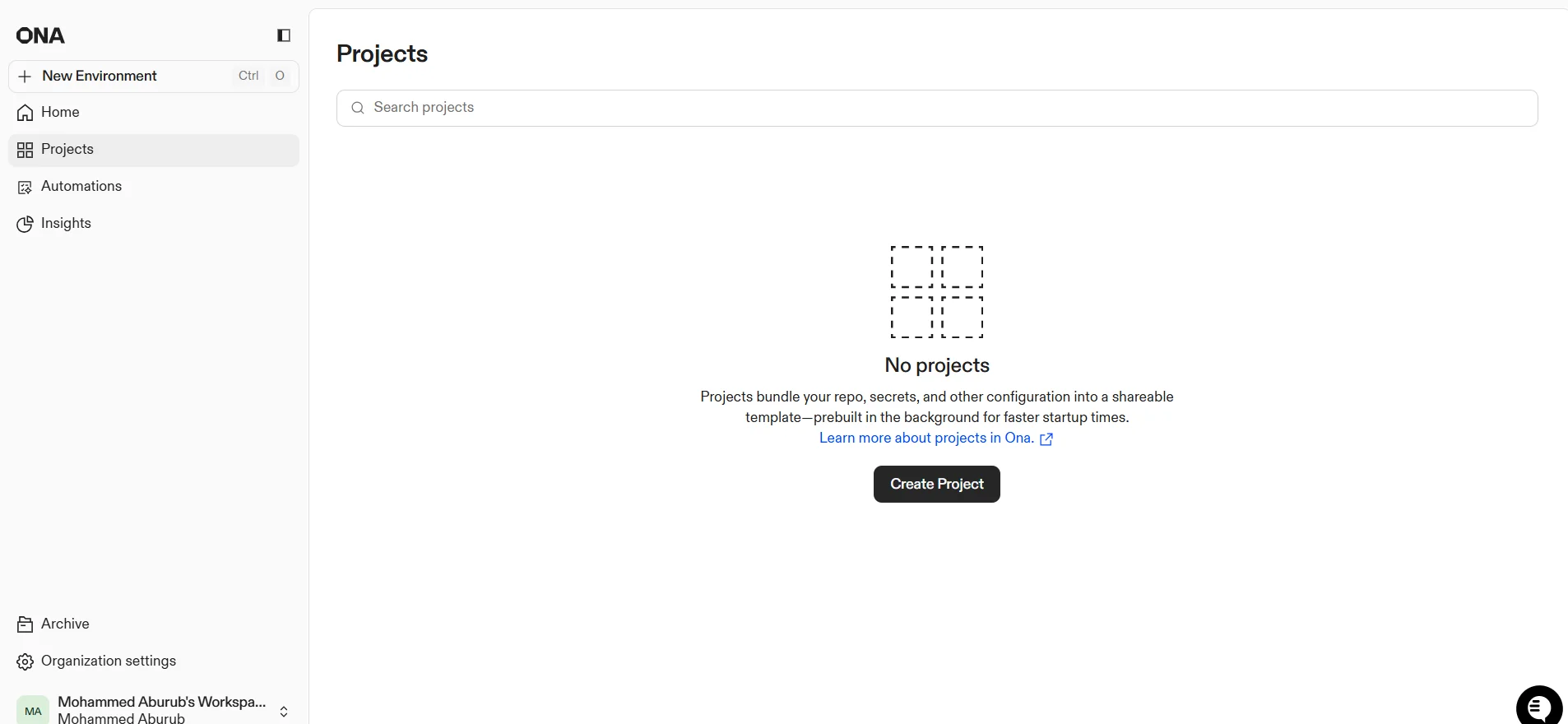
ONA can be accessed via a web browser; create a new account by signing up or log in to access various workspaces, projects, and automations.
Demo link or official website: 🔗