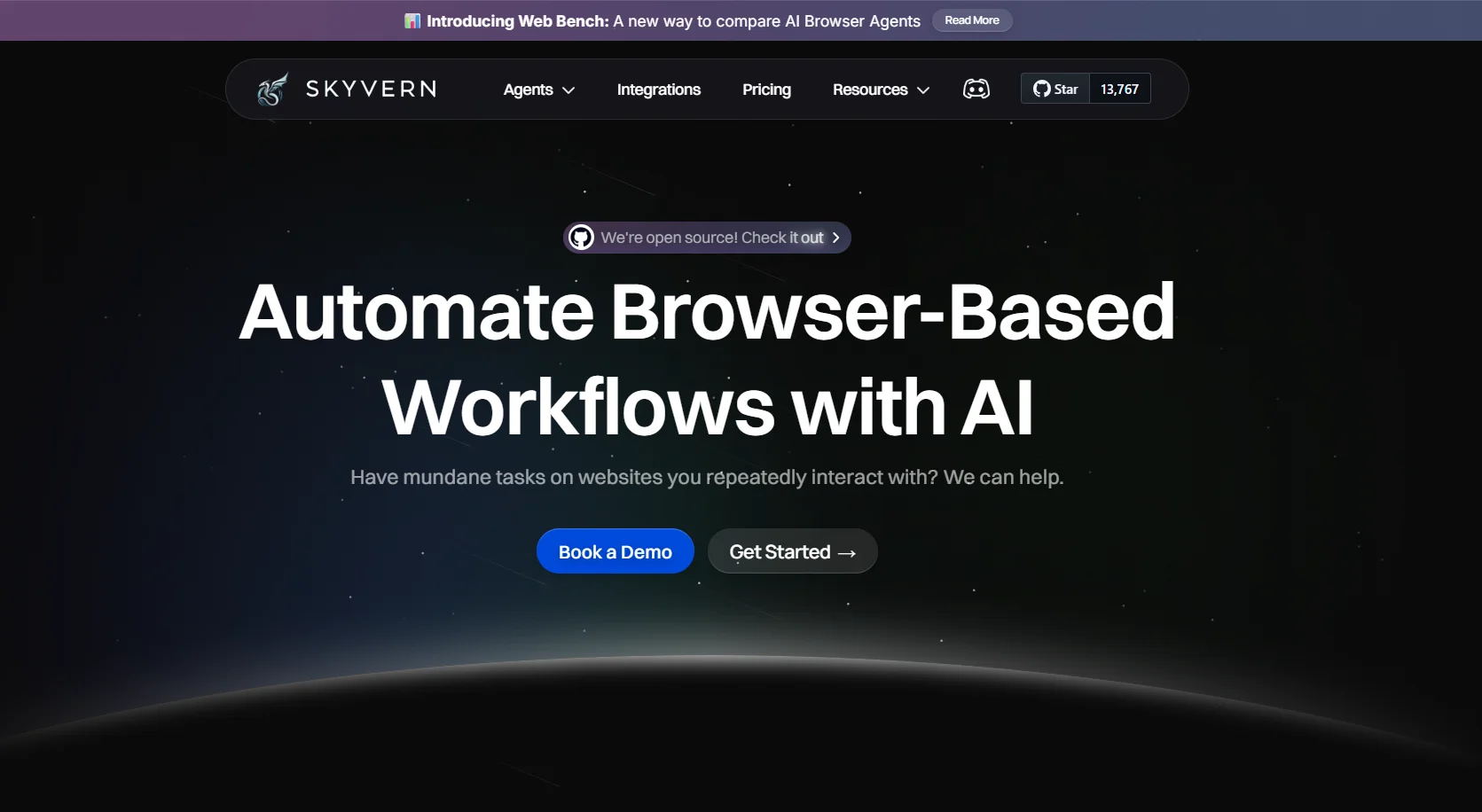
Description
🖼️ Tool Name:
Skyvern
🔖 Tool Category:
An intelligent automation platform based on text commands to execute sequential tasks, either on the cloud or locally. It’s designed for businesses and users seeking powerful and flexible automation solutions.
✏️ What Does This Tool Offer?
You can design complex automation using text-based prompts, execute multi-step tasks, handle advanced anti-bot solutions like CAPTCHA solving, and use geographic targeting through proxy networks. It also provides full API support.
⭐ What Does the Tool Actually Deliver Based on User Experience?
Automation based on easy-to-configure, repeatable text scripts.
A clear interface showing previous command executions.
Ability to use it locally with self-hosting or on the cloud.
Advanced solutions against bots and CAPTCHA bypass.
Excellent community support.
Dedicated support and advanced solutions for large enterprises.
🤖 Does It Include Automation?
Yes, the entire tool is built around automating multi-step tasks using sequential text commands and smart systems.
💰 Pricing Model:
The pricing is divided into:
A free, open-source plan.
A cloud plan charging $0.10 per step.
An enterprise plan with custom pricing.
🆓 Free Plan Details:
Completely free.
Text prompt-based automation.
Multi-prompt workflows for sequential tasks.
Visual display of previous executions.
Available on GitHub for self-hosting and personal use.
💳 Paid Plan Details:
Cloud Plan: $0.10 per step with a $5 free credit upon signup. Includes bot protection, proxy support, CAPTCHA solving, and API access.
Enterprise Plan: Custom pricing based on client needs. Includes full automation, professional support, complex tasks, secure data management, custom models, local hosting, and full customization.
🧭 How To Access:
You can use the free open-source version by downloading it from GitHub and hosting it yourself, subscribe to the cloud plan, or contact the company for the enterprise plan.
🔗 Experience Link:
https://www.skyvern.com/?ref=