Microsoft Copilot
Description
🖼️ Tool Name:
Microsoft Copilot
🔖 Tool Category:
Productivity & Automation / Programming & Development; it falls under the category of AI-powered workplace assistants integrated into Microsoft 365 and developer tools.
✏️ What does this tool offer?
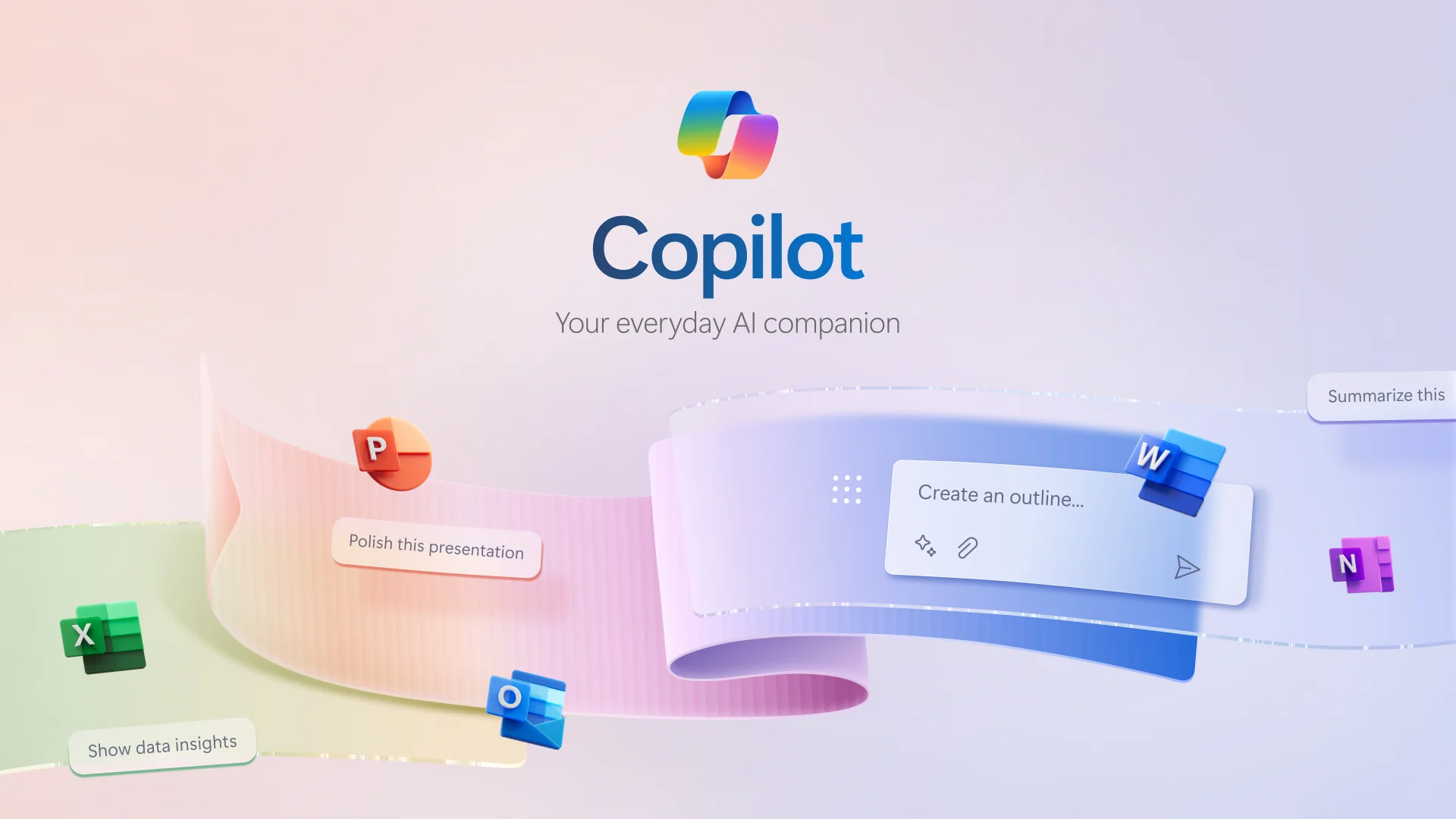
Microsoft Copilot is an AI assistant integrated into Microsoft 365 apps (Word, Excel, Outlook, PowerPoint, Teams, etc.) and developer environments (e.g., GitHub Copilot). It enhances productivity by enabling users to generate content, analyze data, automate tasks, and receive contextual suggestions using natural language.
⭐ What does the tool actually deliver based on user experience?
• Writes documents, emails, and summaries inside Microsoft Word and Outlook
• Generates PowerPoint slides from text prompts
• Analyzes and visualizes data in Excel using natural language
• Automates workflows and task suggestions inside Teams and Microsoft Planner
• Integrated GitHub Copilot for code generation and suggestions in VS Code
• Supports reasoning, summarization, rewriting, and contextual Q&A
• Secure and enterprise-ready with Microsoft data governance
🤖 Does it include automation?
Yes — Microsoft Copilot includes automation via:
• Natural language commands that generate or transform content
• Intelligent document, spreadsheet, and slide creation
• Automatic meeting notes, email drafting, and task generation
• AI-powered code completion and bug suggestions for developers
💰 Pricing Model:
Subscription-based
🆓 Free Plan Details:
• Basic access to some features (e.g., in Bing or Edge with Copilot branding)
• Microsoft account required
• No full Copilot functionality for Microsoft 365 without subscription
💳 Paid Plan Details:
• Microsoft 365 Copilot available for business and enterprise plans
• Pricing example: $30/month per user (Microsoft 365 E3/E5 required)
• GitHub Copilot starts at ~$10/month for individuals
• Enterprise plans offer compliance, security, and admin controls
🧭 Access Method:
• Integrated into Microsoft 365 apps
• Web
• GitHub Copilot via
🔗 Experience Link: