Description
🖼️ Tool Name:
AiTerm
🔖 Tool Category:
Programming & Development / Productivity & Automation; it falls under the category of AI-assisted command-line terminals for developers.
✏️ What does this tool offer?
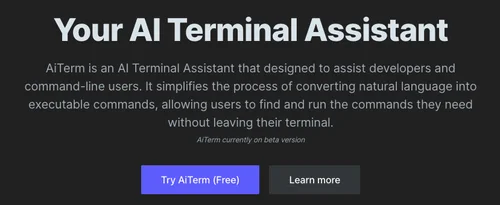
AiTerm is an AI-powered terminal assistant designed to help developers interact with the command line using natural language. It translates plain English instructions into safe, accurate shell commands, explains terminal output, and helps users learn CLI operations faster — all from a secure local environment.
⭐ What does the tool actually deliver based on user experience?
• Converts plain English into shell commands in real time
• Offers explanations for complex commands or CLI errors
• Learns user preferences and adapts command suggestions
• Helps beginners safely explore terminal workflows
• Supports zsh, bash, and other common shells
• Runs locally — no cloud required
• Designed to prevent dangerous commands (e.g., rm -rf /)
• Available on macOS and Linux
🤖 Does it include automation?
Yes — AiTerm includes automation via:
• Natural language to command translation
• Automatic CLI suggestion based on user queries
• Background execution of safe terminal commands
• Learning-based personalization of command behavior
💰 Pricing Model:
Freemium
🆓 Free Plan Details:
• Core features like command generation and explanations
• Local use with limited smart suggestions
• Ideal for individuals and students
💳 Paid Plan Details:
• Pro features include:
Enhanced AI context
Custom workflows
Enterprise-grade support
• Subscription available for teams and professionals
🧭 Access Method:
• Installable on macOS and Linux
• CLI interface + AI overlay
• Visit:
🔗 Experience Link: