Description
🖼️ Tool Name:
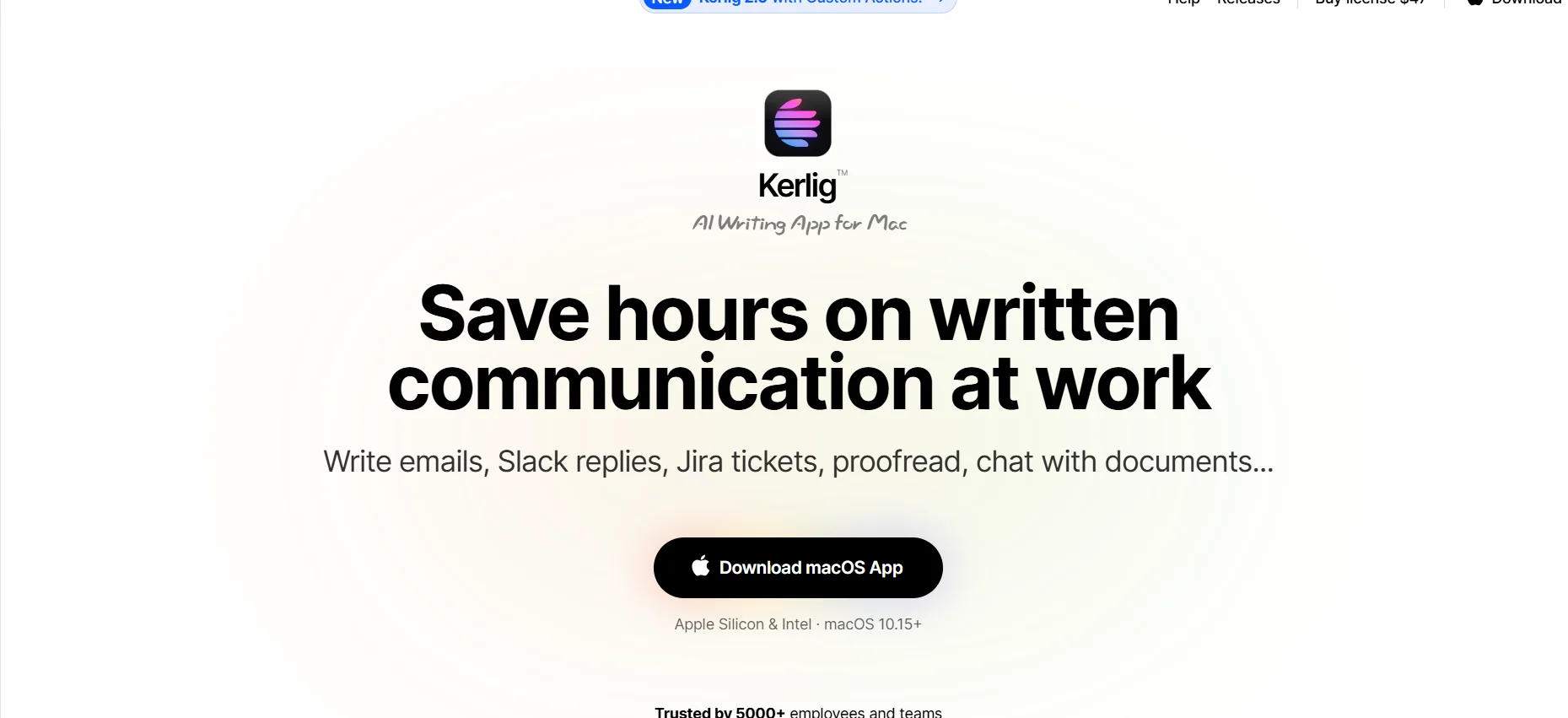
Kerlig
🔖 Tool Category:
A macOS AI desktop assistant that works across all apps and supports a huge variety of AI models—including local ones.
✏️ What does this tool offer?
Kerlig lets you use AI models like OpenAI, Claude, Gemini directly from your Mac, inside any app!
You can write, summarize, translate, chat with PDFs, Word files, websites… all without leaving the program you’re working in.
⭐ What does the tool actually deliver based on user experience?
Lightweight, fast tool running on macOS.
Edit any text in any app using AI.
Create custom commands (presets) based on the tone or style you want.
Works offline if you use local models.
Users praise its strong privacy because all data stays on your device and never goes to the cloud.
🤖 Does it include automation?
Absolutely! It has powerful automation like:
Pre-made custom commands.
Automatic integration with texts and files.
Auto-analysis of files like PDFs and web pages without manual input.
Runs automatically inside the apps you use daily.
💰 Pricing Model:
One-time license purchase + token consumption based on your use of cloud AI models.
🆓 Free Plan Details:
Full free trial with no credit card required.
Try all basic features before buying.
💳 Paid Plan Details:
Basic: $47 – license for 1 device
Pro: $67 – license for 2 devices
Team: $297 – license for 10 devices
Custom licenses: available for enterprises
🔄 All licenses include:
Free updates for 1 year
14-day money-back guarantee if you’re not satisfied
🧭 Access Method:
Download Kerlig directly from the official site, activate your license, and start using it on your Mac.
🔗 Experience Link:
Kerlig™ AI Writing App for Mac. Save hours on written comms.