Hemingway Editor
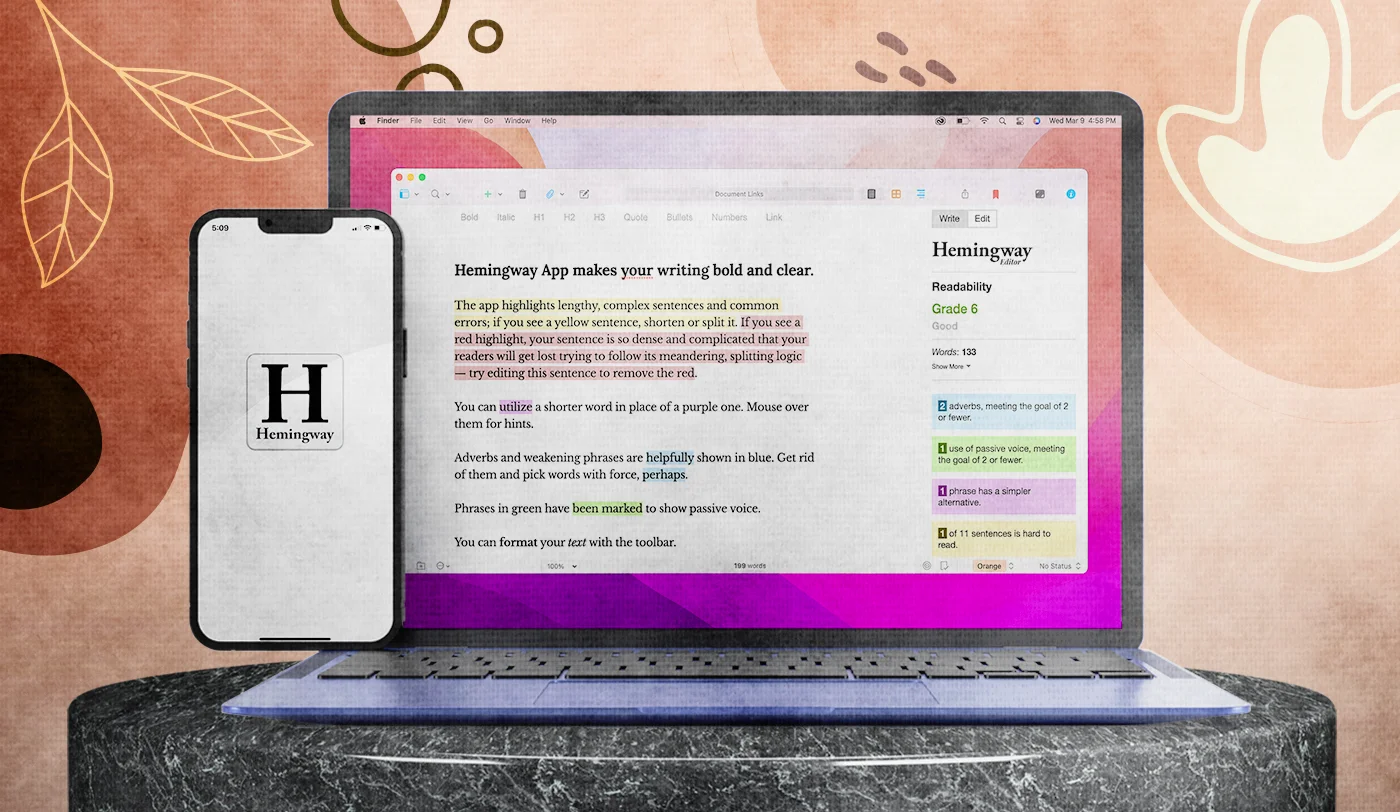
Description
🖼️ Tool Name:
Hemingway Editor
✏️ What does this tool offer?
Color-Coded Readability: The classic system remains:
🟦 Blue: Adverbs (to be removed).
🟩 Green: Passive voice.
🟪 Purple: Overly complex words (recommends simpler alternatives).
🟨 Yellow: Sentences that are hard to read.
🟥 Red: Sentences that are very hard to read.
AI One-Click Fixes (Plus Feature): You can now click on a highlighted sentence and have the AI instantly rewrite it for clarity while maintaining your original meaning.
Tone & Style Adjustments: Select a paragraph and use the AI to change the tone (e.g., "Professional," "Friendly," or "Concise").
Distraction-Free "Write" Mode: A clean interface that hides all the highlights so you can focus on your first draft.
Direct Publishing: Export or publish your work directly to WordPress or Medium with a single click.
Offline Desktop App: A standalone version for Mac and PC that allows you to work without an internet connection.
⭐️ What does the tool actually offer? (User Experiences)
"The Anti-Fluff Machine": Users love it for forcing them to be "bold and clear," much like the writing style of Ernest Hemingway himself.
Educational Impact: Many students and non-native speakers use it as a learning tool to understand where their sentence structures are failing.
Marketing Optimization: Marketers use it to ensure their copy stays at an 8th-grade reading level or lower, which is the gold standard for high-converting content.
🤖 Does it have automation features?
Yes, primarily through Hemingway Editor Plus:
Autonomous Rephrasing: Instantly solves structural issues (red/yellow highlights) using AI.
Batch Editing: The ability to "Fix All" in a selected section to speed up the polishing phase.
💵 Pricing (2026 Status)
Hemingway offers three ways to use the service:
🎁 Is the free version a trial or completely free?
The web version is completely free for life. You can paste your text into the browser and get a full readability analysis. However, you cannot save your work on their server or export it to Word/PDF without the Desktop App ($20), and you don't get AI "one-click fixes" without the Plus subscription.
⚙️ Access or Source:
Official Website
Platforms: Web browser, macOS, and Windows.
🔗 Experience Link: