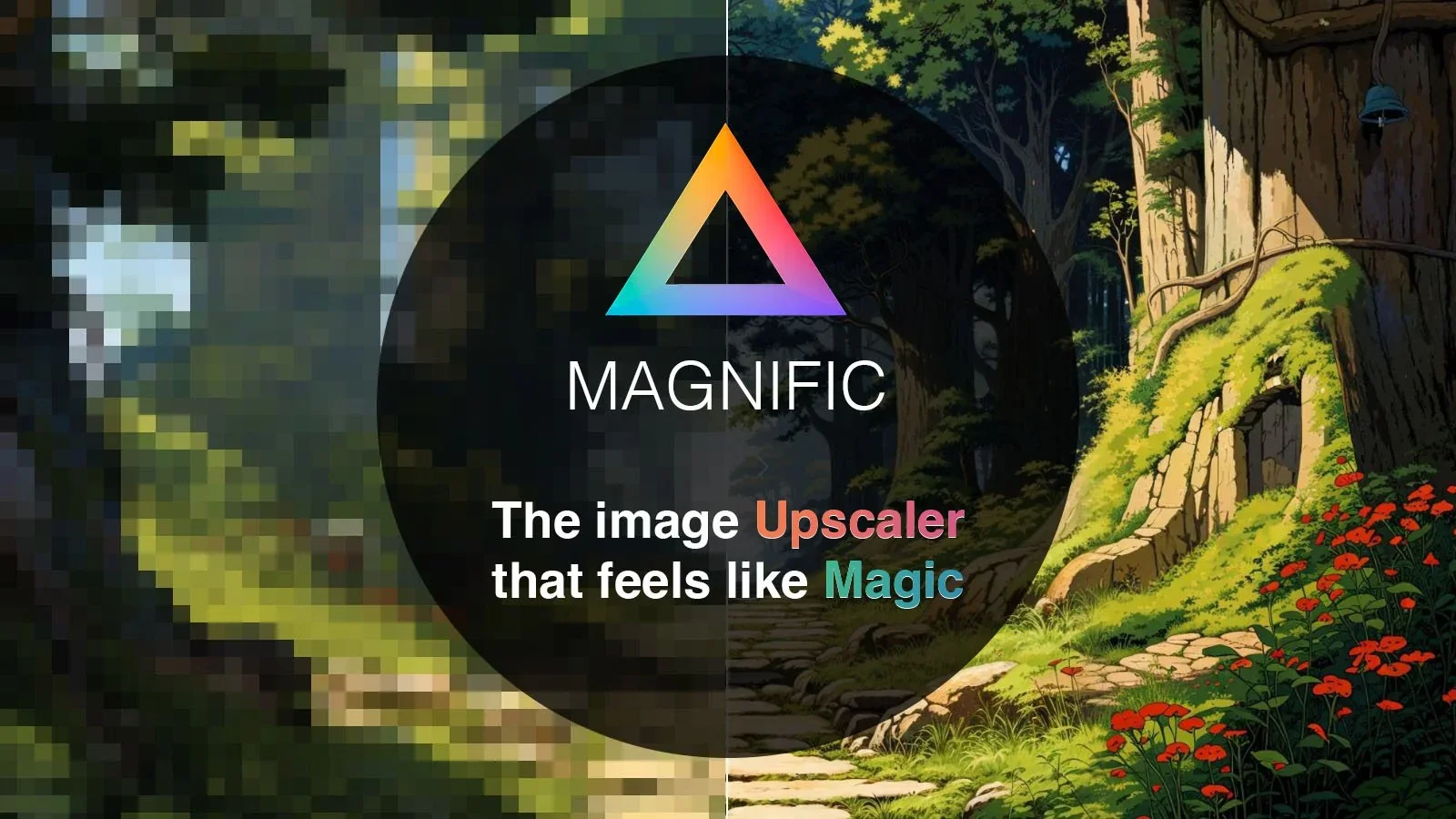
Description
🖼️ Tool Name: Magnific AI (Magnific.ai)
🔖 Selected Classifications (from your list):
Editing, Enhancement & Upscaling (Core: The world's most famous generative upscaler).
Text and Images to Video (Utility: Now supports advanced image-to-video upscaling and animation).
Object & Background Editing (Feature: Includes "Magnific Relight" and "Transfer" for scene modifications).
Motion, Titles & Subtitles (Feature: Enhances video frames to provide 4K/8K motion clarity).
Style Transfer & Batch (Capability: Allows batch upscaling with consistent creative style transfer).
Article & Social Generation (Utility: High-res visual production for marketing and social campaigns).
✏️ What does this tool offer in 2026?
Generative Upscaling (Up to 10k+): Can upscale images up to 16x magnification, reaching resolutions over 10,000 pixels with hyper-realistic detail.
Creativity & Resemblance Sliders: The hallmark feature. Adjust the "Creativity" slider to let the AI reimagine details or "Resemblance" to keep it strictly faithful to the original.
Magnific Relight: (New for 2026) Allows you to completely change the lighting of an image (e.g., from midday sun to "cyberpunk neon") while upscaling.
Prompt-Guided Upscaling: You can add text prompts to tell the AI what to add (e.g., "add more freckles" or "make the metal look rusty").
Specialized Modes: Dedicated presets for Photography, Film, Anime, 3D Render, and Art, each tuned to generate appropriate textures.
Precision Mode: A dedicated mode for human faces that prevents the "creepy" distortion often found in older generative models.
Video Upscaling: (New for 2026) High-fidelity video enhancement that applies generative detail to video frames without flickering (temporal consistency).
Batch Processing: Power users can now process hundreds of images at once using saved presets.
⭐️ What does it offer? (User Experience)
"Pure Magic": Rated 4.9/5 for results that feel impossible. Users often describe it as "increasing the production value" of any image by 10x.
Professional Pricing: It is widely considered an investment for professionals (concept artists, architectural visualizers, and photographers) rather than a casual filter app.
🤖 Automation:
Generative Hallucination: Automatically infers and creates high-fidelity details that did not exist in the source file.
💵 Pricing (January 2026 Status)
Magnific uses a credit/token-based system. Each upscale costs a certain amount of credits based on the resolution and creativity used.
🎁 Is the free version a trial or completely free?
It is Paid-Only. Magnific does not offer a free trial or free version due to the extreme GPU costs of its generative process. However, you can use the Freepik Upscaler for limited free access to a lighter version of the Magnific engine.
⚙️ Access or Source:
Official Website
Platform: Web-based (Browser).
🔗 Experience Link: