Description

🖼️Tool Name:  

AddLovedOnToPhoto AI
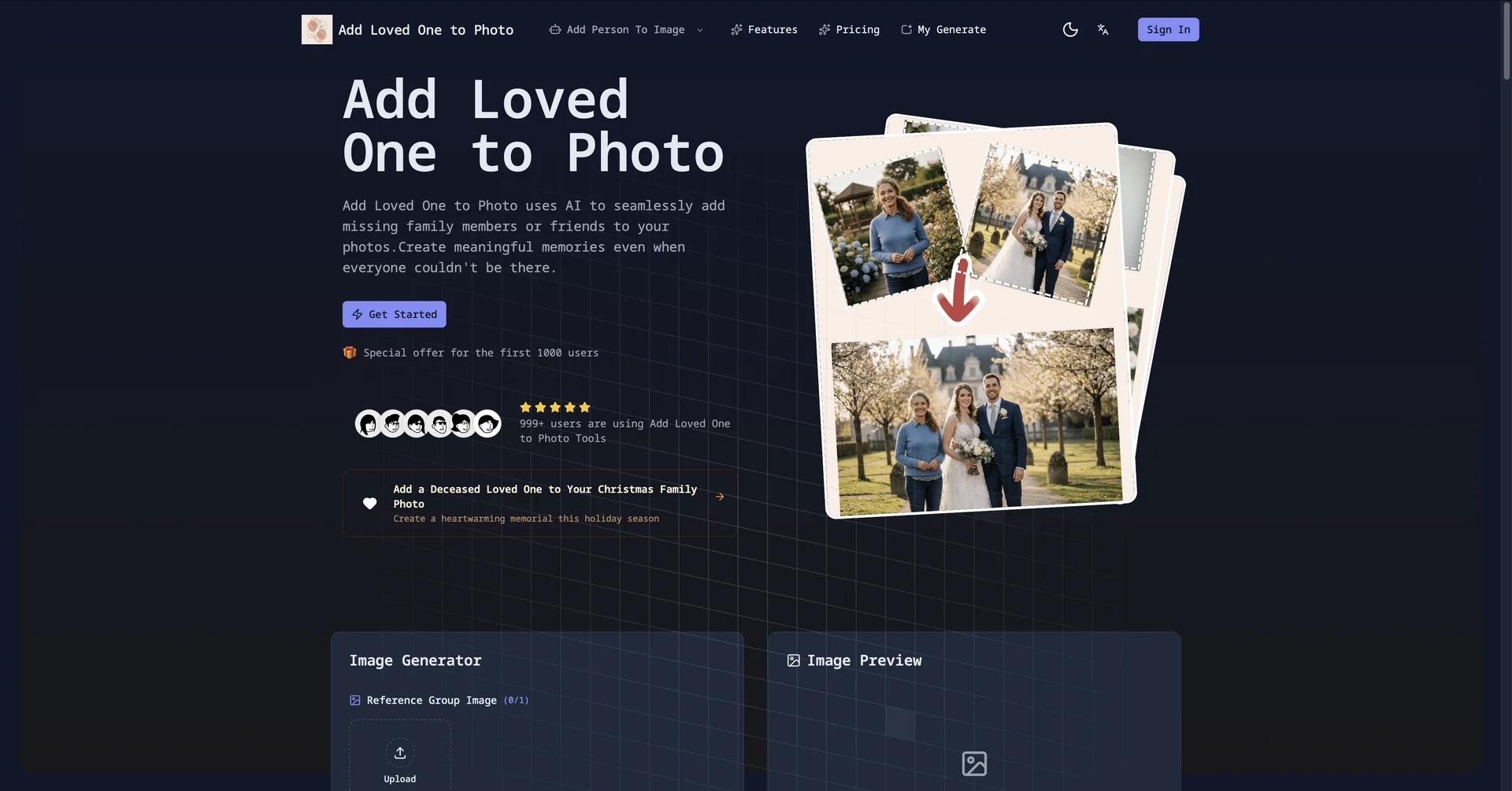
✏️ Overview & AI Features (2026 Edition):

  • Nano Banana Pro Integration: (2026 Feature) Utilizes the latest rendering engine to ensure that lighting, skin texture, and color grading of the added person perfectly match the original group photo.

  • Automatic Shadow Projection: The AI agent doesn't just "paste" the person; it calculates the 3D depth of the scene and casts realistic shadows on the ground and nearby people.

  • Expression & Gaze Alignment: (Update 2026) Some advanced models can subtly adjust the head tilt or eye gaze of the added person so they appear to be "interacting" with the rest of the group.

  • Face Restoration & Upscaling: If the only available photo of a deceased relative is old or blurry, the tool automatically uses Remini-style restoration to bring the face to 4K HD quality before merging.

  • Clothing Harmonization: Offers an "AI Wardrobe" feature that can change the added person's outfit (e.g., from a casual shirt to a tuxedo) to match the formal attire of a wedding or graduation photo.

  • Multigenerational Stitching: Allows users to add multiple people from different eras into one single "Generations" photo, maintaining consistent artistic style across all subjects.

⭐️ User Experience (2026):

  • "The Bridge Between Eras": Rated 4.8/5. It is highly valued for its high emotional impact, ease of use, and the "print-ready" quality of the final results.

💵 Pricing & Plans (February 2026 Status)

Most of these tools offer a mix of free credits and premium packages for high-resolution needs:

PlanPrice (Estimated)Key Features
Basic Trial$01 free low-res generation; Standard blending; Includes watermark.
Pro Monthly~$9.99Unlimited 4K downloads; Face consistency tools; No watermarks.
Memorial Package~$29.00Professional manual retouching by AI-assisted artists; Lifetime cloud storage.

🎁 How to Get Started:

Visit https://www.google.com/search?q=AddLovedOnToPhoto.com or open the Reminiapp. Upload your base group photo first, then upload a clear photo of the person you wish to add. Click "Generate Reunion" and let the AI balance the lighting and positioning in under 45 seconds.

⚙️ Access or Source:

  • Official Websites

  • Category: Photo Restoration, AI Image Editing, Memorial Technology.

  • Primary Use Case: Adding deceased relatives to wedding or graduation photos, creating multigenerational portraits, and repairing missing moments.

🔗 Experience Link:

https://addlovedonetophoto.com

Pricing Details

💵 Pricing & Plans (February 2026 Status) Most of these tools offer a mix of free credits and premium packages for high-resolution needs: Plan Price (Estimated) Key Features Basic Trial $0 1 free low-res generation; Standard blending; Includes watermark. Pro Monthly ~$9.99 Unlimited 4K downloads; Face consistency tools; No watermarks. Memorial Package ~$29.00 Professional manual retouching by AI-assisted artists; Lifetime cloud storage. 🎁 How to Get Started: Visit https://www.google.com/search?q=AddLovedOnToPhoto.com or open the Reminiapp. Upload your base group photo first, then upload a clear photo of the person you wish to add. Click "Generate Reunion" and let the AI balance the lighting and positioning in under 45 seconds.